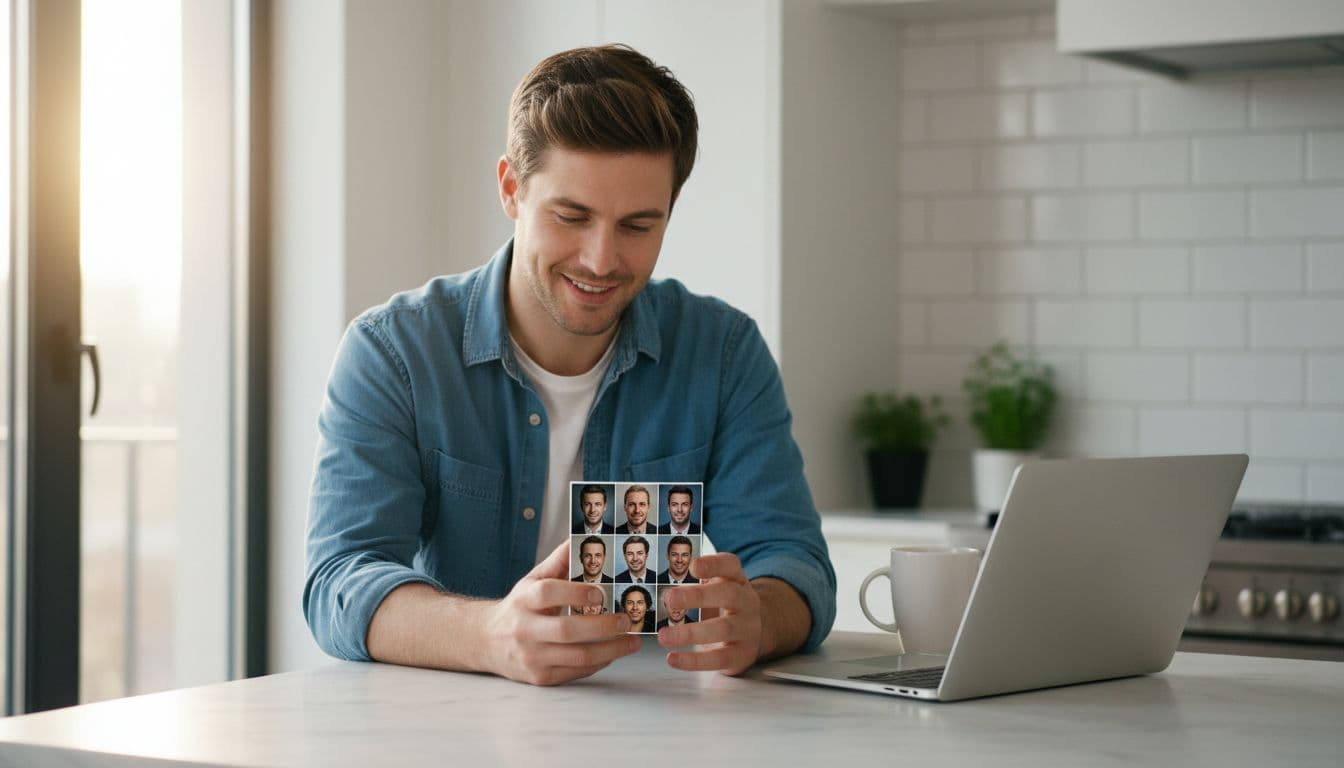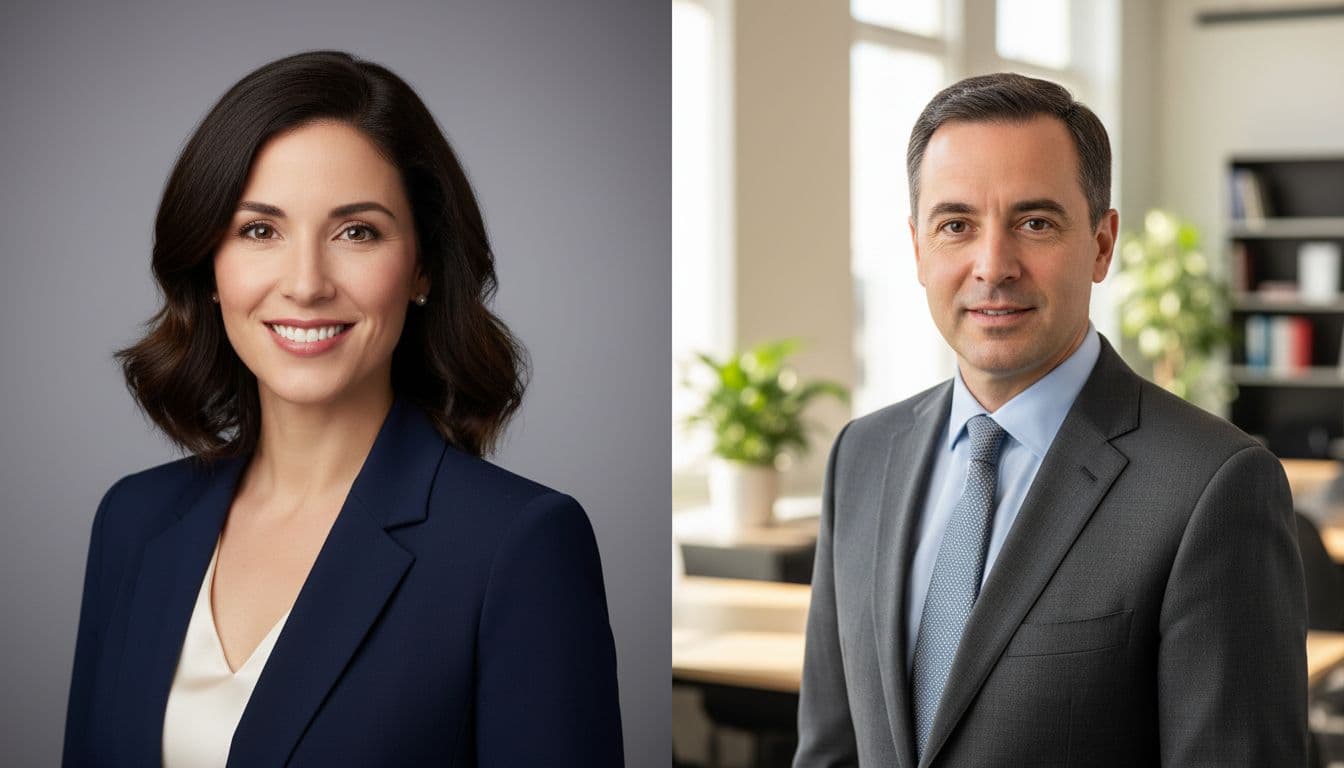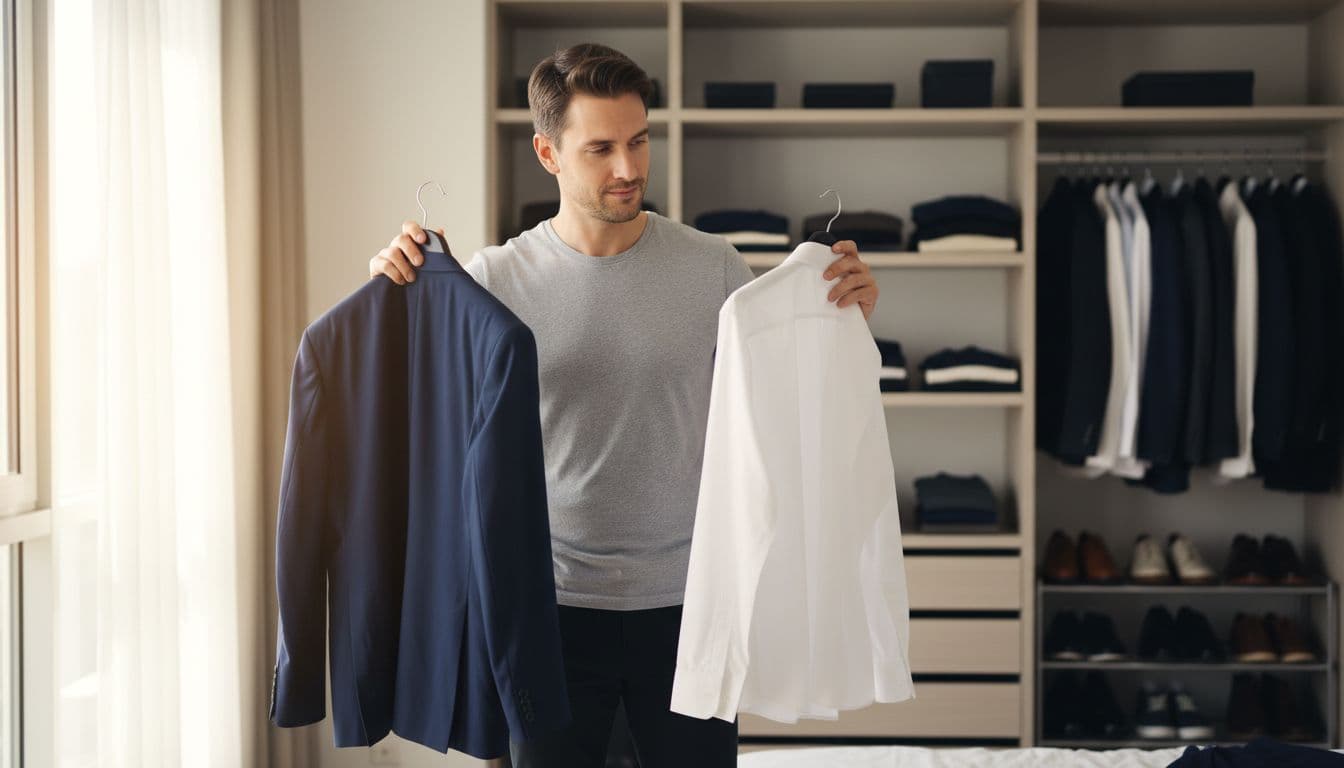
What should you wear for a headshot? Choose a solid, mid-to-dark neutral or muted color that suits your skin tone, avoid busy patterns and logos, keep jewelry simple, and pick a top with a clean neckline that photographs well from the chest up. What to wear for a headshot changes a little by industry, since a lawyer and a photographer will not dress the same way, but the core rules holding a good headshot together stay the same.
SelfAI is an AI photo studio and AI photo editor that turns your selfies into professional headshots, portraits and creative photos in minutes, on iOS and in your web browser, including changing the outfit and background after the shoot, so a wardrobe mistake is never the end of a good photo.
- Neutral, mid-to-dark solid colors like navy, charcoal, burgundy or forest green photograph best and keep attention on your face.
- Avoid busy patterns, big logos, pure white and all black, which can wash out skin tone or lose detail in bright light.
- Keep jewelry and accessories simple — a small pendant or stud earrings, nothing that competes with your expression.
- Match the outfit to the platform: a blazer for LinkedIn and corporate bios, smart-casual for a founder or creator profile, plain basics for an acting headshot.
- SelfAI can restyle the wardrobe in an existing selfie into several outfit options on iOS and web, so the shirt in your closet is not the final word.
What to wear for a headshot: the short answer
The fastest way to get this right is to dress the way you would for the meeting the photo is standing in for. A solid, well-fitted top in a color that flatters your skin tone beats anything trendy, and a plain or lightly textured fabric will always read better on camera than a busy print. If you are unsure, a mid-tone blazer or blouse over a simple top is a safe, professional-looking default for almost any industry.
Beyond the outfit itself, three things matter more than most people expect: fit, color, and how much attention the clothing pulls away from your face. Get those three right and the rest, hairstyle, expression, background, has room to do its job.
The best colors to wear for a headshot
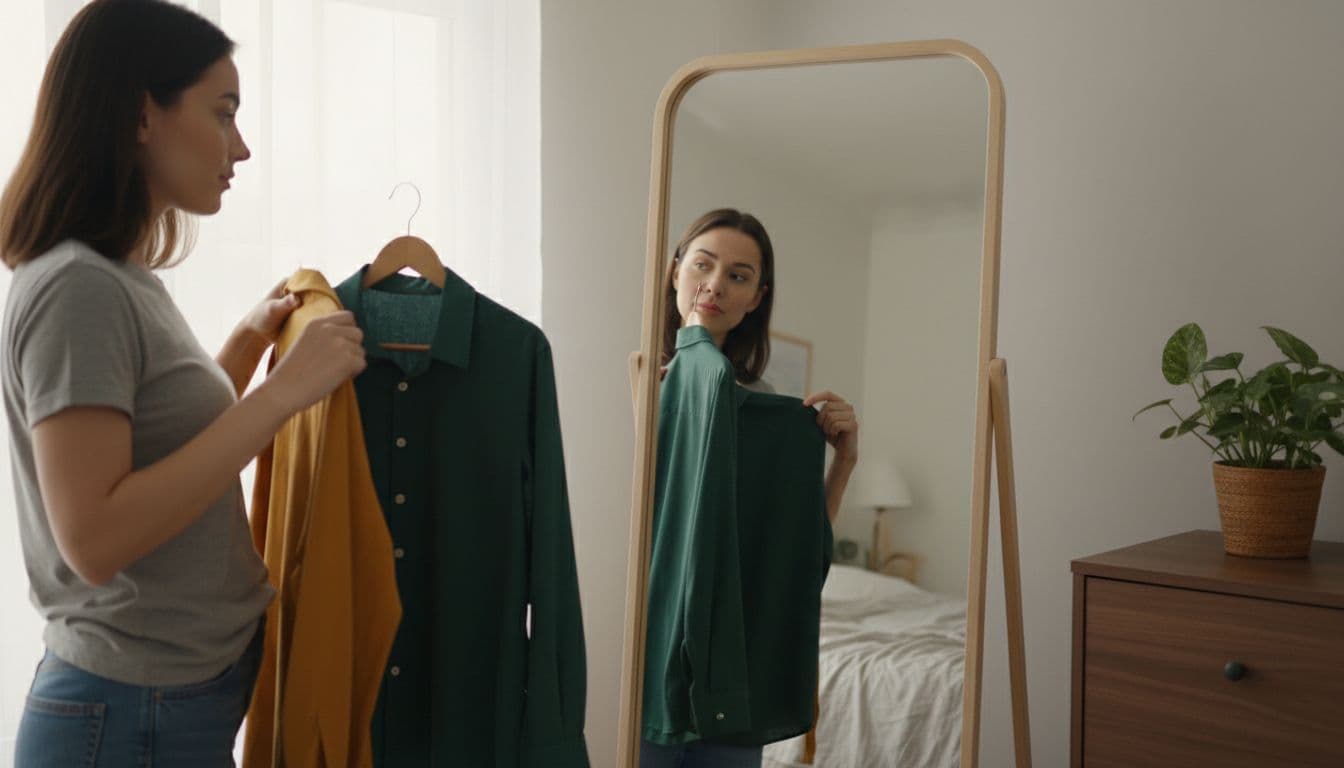
Solid, muted colors do the most work. Navy, charcoal grey, deep burgundy, forest green and soft jewel tones all photograph well because they are saturated enough to look intentional but calm enough not to compete with your face. Under general color theory, colors closer to the middle of the brightness range hold detail better under studio or camera-flash lighting than pure white or pure black, both of which can lose texture in a photo.
Cooler undertones in your skin, pink or blue undertones, tend to pair well with blues, purples and true reds, while warmer undertones, golden or olive, usually suit burgundy, mustard, olive and warm browns. There is no single best color for everyone; the right one is whichever shade makes your natural skin tone look even and healthy, not washed out or overly flushed.
- Pure white, which can overexpose next to bright studio lighting and wash out your face.
- All black, which reads as a flat silhouette in a tightly cropped headshot and can lose all fabric detail.
- Busy patterns like small checks, tight stripes or polka dots, which can create a strobing or moiré effect on camera.
- Neon or very bright colors, which pull the eye away from your face and can shift the color balance of your skin in the photo.
Jewelry, logos and other small distractions
Anything that draws a second look is working against the photo. Large or sparkly jewelry, dangling earrings and thick chains can catch studio light and pull focus away from your eyes. Keep pieces simple: stud earrings, a thin chain, or a wedding band are usually all a headshot needs.
Visible brand logos, text on a t-shirt, or a company badge can also date a photo quickly or make it look like an advertisement instead of a portrait. If a logo is unavoidable, angle your body so it is not centered in the frame, or choose a different top for the shoot.
What to wear for a corporate or LinkedIn headshot
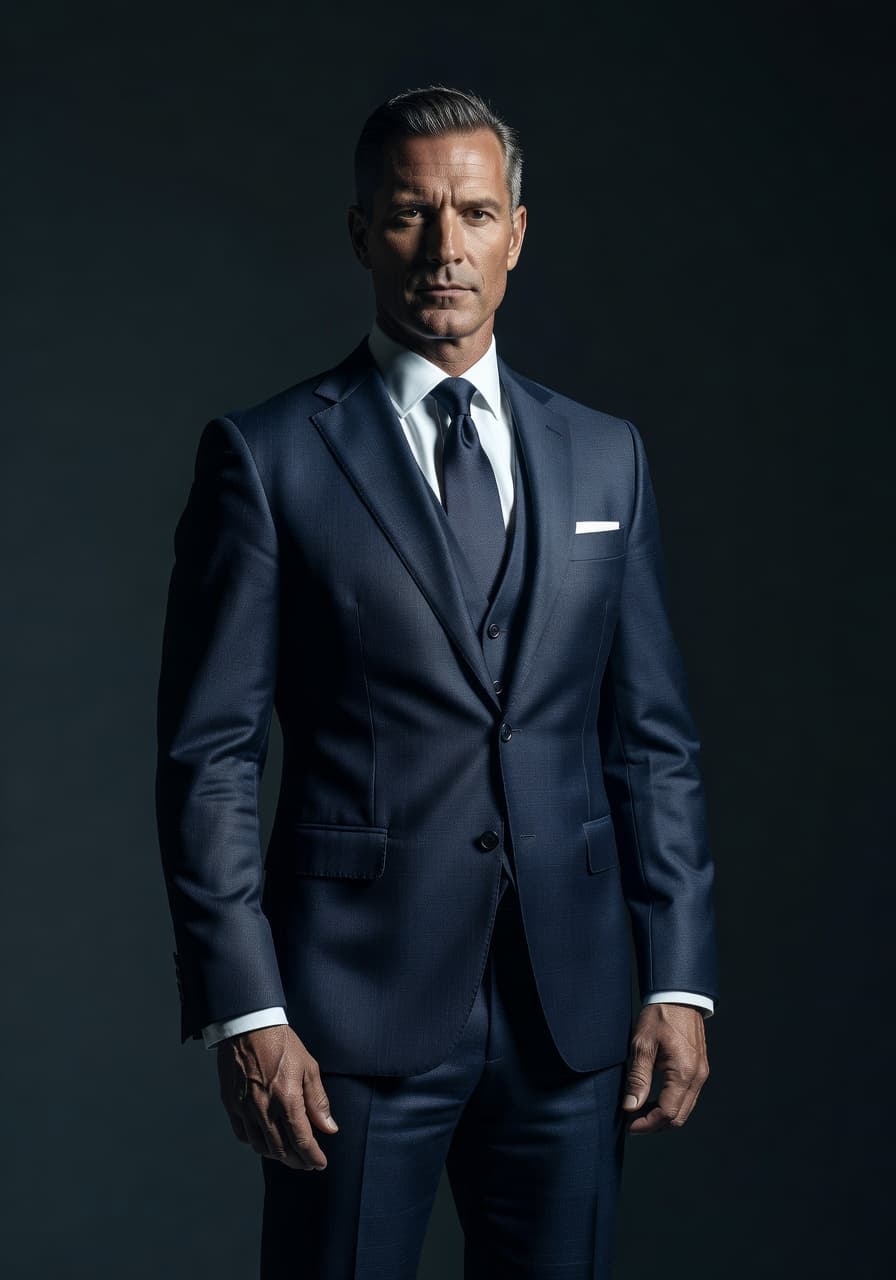
For LinkedIn, resumes and most corporate bios, the safest choice is a blazer or structured jacket over a solid top, in a color a level or two darker than your skin tone. Collared shirts and blouses photograph more formally than t-shirts, and a jacket adds shape to the frame even if you are shot from the chest up. Our LinkedIn headshot guide covers the framing and background rules that pair with this look.
Stick to one dominant color rather than mixing several bold patterns or textures, and choose a top with some structure at the shoulder, since a blazer, structured jacket or button-down holds its shape better under bright light than a soft, drapey fabric. If your workplace has a dress code, mirroring it closely in the photo keeps the headshot consistent with how colleagues and clients actually see you.
What to wear for a creative, founder or casual headshot
Founders, creators and anyone in a less traditional industry can dress a step more relaxed without losing credibility. A crewneck sweater, a well-fitted knit, or an open-collar shirt in a solid color reads as approachable rather than sloppy. This is close to what most workplaces mean by business casual: put together, but not stiff. Save graphic tees and heavy branding for a different photo.
A single accent piece, like a colorful scarf or an interesting texture, can add personality without becoming the whole story of the photo. The goal is still an uncluttered look for the eye: one statement piece is plenty, and it should sit somewhere other than directly behind your face.
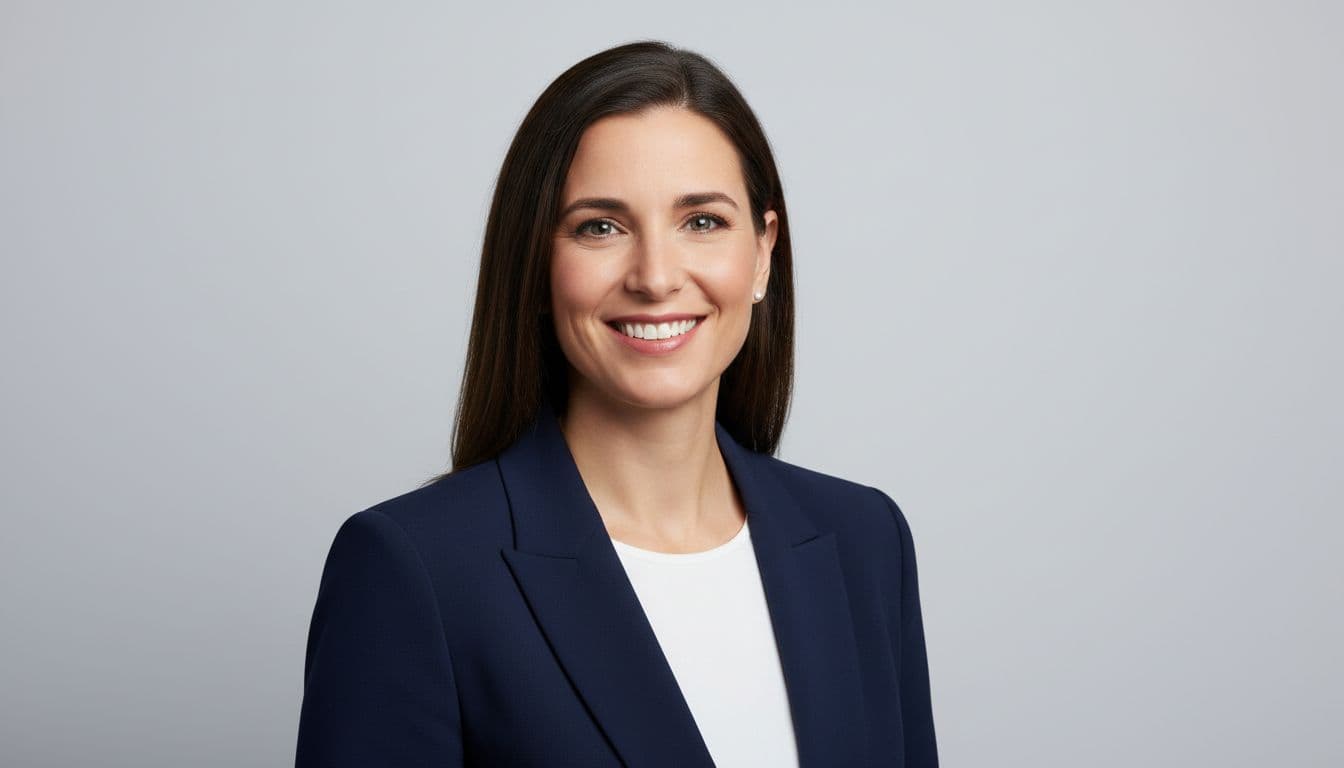
What to wear for an acting or on-camera headshot
Acting and on-camera headshots follow slightly different logic: the goal is to suggest a type, not to look formal. Simple, well-fitted basics in colors that suit your coloring work better than a full costume, since a casting director wants to see you, not a character's wardrobe. Avoid logos, loud patterns and anything that will look dated in a few years, since a good acting headshot is meant to last.
Because casting headshots are often shot in a series over a single session, bring two or three simple tops in different but complementary colors rather than one outfit. That gives a photographer options without turning the shoot into a costume change, and it means one washed-out color choice does not end up being the only shot on file.
Fit and the small details that show up on camera
A well-fitted plain top consistently outperforms an expensive but slightly baggy or overly tight one. Iron or steam anything with visible wrinkles, check that collars sit flat, and try the outfit on under the lighting you will actually shoot in, since fabric that looks fine in a dim room can look wrinkled or shiny under a flash or bright window light.
Pay attention to the collar and shoulder line specifically, since both sit close to the face and any bunching or gaping is hard to miss in a tight crop. A tailor's quick fix, taking in a shoulder seam or hemming a sleeve, often makes a more visible difference in a headshot than an entirely new outfit.
How AI wardrobe restyling changes the question
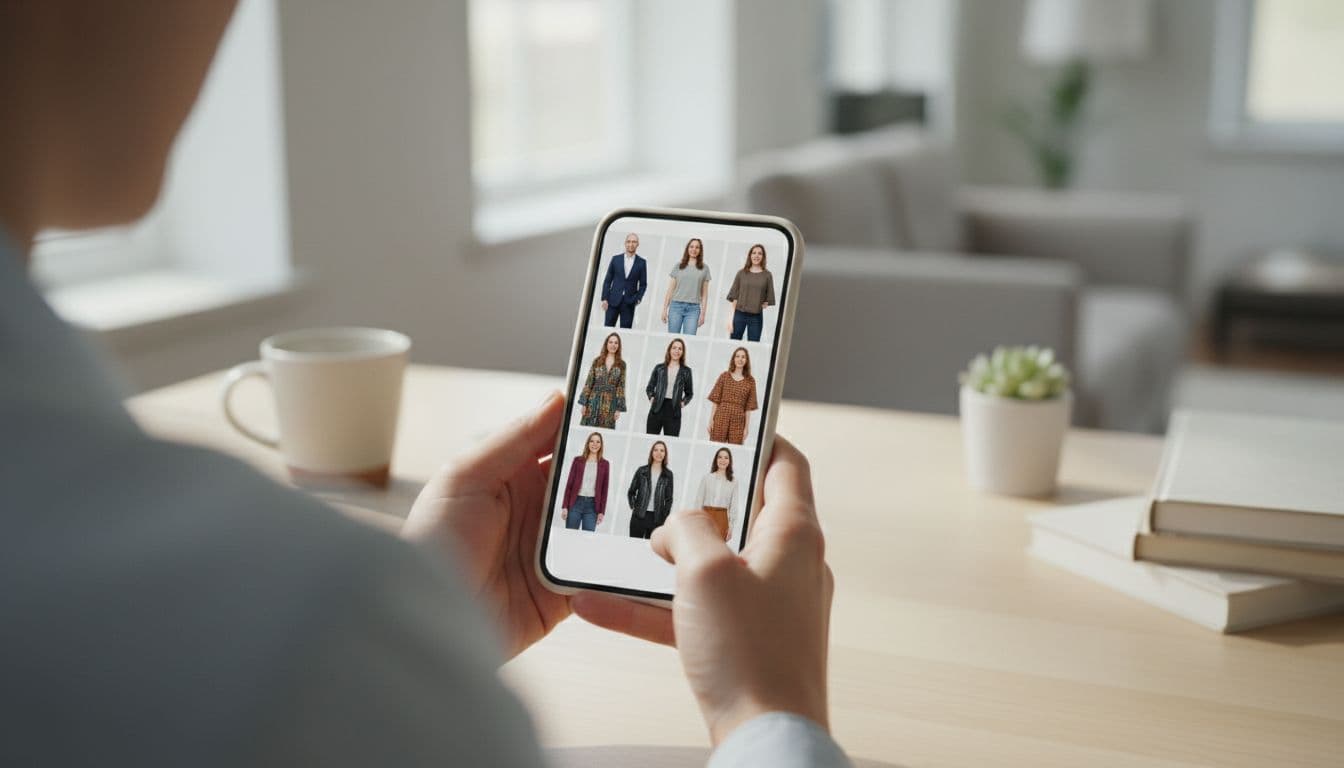
I tested this with a plain grey t-shirt selfie taken by a window and ran it through a few of SelfAI's presets. The AI photo editor swapped the t-shirt for a navy blazer in one style and a soft knit in another, without changing my face, hair or expression, which is what an AI photo editor should do: adjust wardrobe and background, not identity. That does not remove the value of picking a decent base outfit, since a plain, well-lit top gives the AI more to work with, but it does mean a wardrobe mistake is no longer the end of a good photo.
Because SelfAI works from a single selfie on iOS and in the SelfAI web app, you can try a corporate look, a creative look and a casual look from the same photo and pick whichever fits the platform, instead of committing to one outfit before you even take the picture. Browse the full style gallery to see which looks are available.
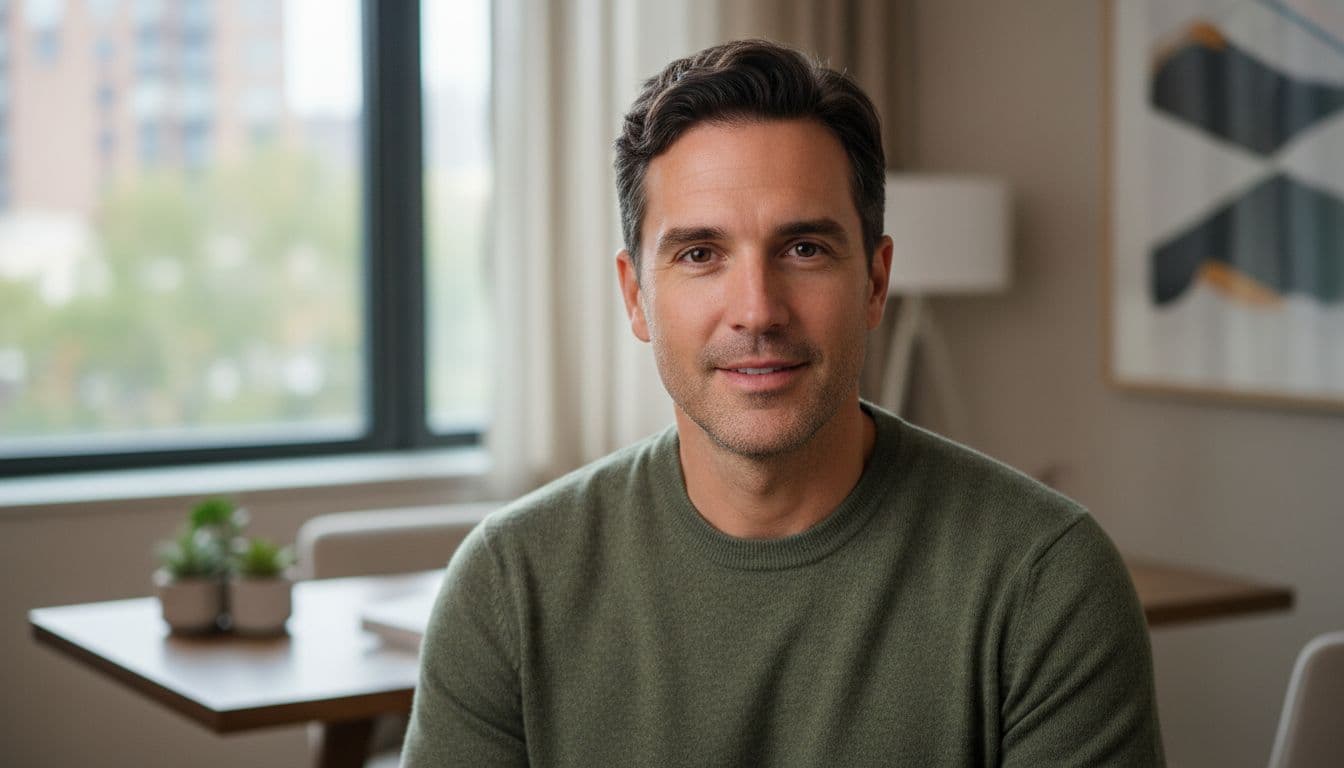
A simple headshot outfit checklist
Use this as a five-minute check before you shoot, whether you are working with a photographer or taking selfies for an AI photo editor like SelfAI.
- Pick a solid, mid-tone color that suits your skin tone — navy, charcoal, burgundy or forest green are safe defaults.
- Skip pure white, all black, and busy patterns, which fight the camera more than they help.
- Keep jewelry minimal — one simple piece is plenty.
- Iron or steam the outfit and try it on under the lighting you will shoot in.
- Match the formality to the platform: blazer for LinkedIn, smart casual for a founder profile, plain basics for an acting headshot.
- Bring a backup top in a different color in case the first one does not photograph the way you expected.
Frequently asked questions
- What should I wear for a professional headshot?
- Choose a solid, mid-to-dark color that flatters your skin tone, keep jewelry simple, and pick a top with a clean neckline. Avoid bright white, all black and busy patterns, since they distract from your face or lose detail under bright lighting.
- What colors should you avoid in a headshot?
- Avoid pure white and all black, since both can lose detail in bright light, along with busy patterns like small checks or polka dots, which can create a strobing effect on camera.
- Is it OK to wear a t-shirt for a headshot?
- A plain, well-fitted t-shirt in a solid color works for a casual or creative headshot. For LinkedIn or a corporate bio, a collared shirt or blazer usually looks more polished.
- What should I wear for a LinkedIn photo specifically?
- A blazer or structured top in a solid, mid-to-dark color is the safest choice for LinkedIn. It reads as professional without looking overdressed for most industries.
- Can AI change my outfit in a headshot photo?
- Yes. SelfAI can restyle the outfit and background in an existing selfie into several professional looks on iOS and web, without changing your face or expression.
- What should I wear for a virtual or Zoom headshot?
- The same rules apply: a solid, mid-tone color, simple jewelry and a plain background work best, since a video call adds compression that makes busy patterns even more distracting.
- Does the outfit matter if I'm using an AI headshot generator?
- It still helps to start with a plain, well-lit top, since the AI has more to work with. Tools like SelfAI can then adjust the wardrobe and background for the platform you need.
Ready to shoot your headshot?
Wear an outfit you feel like yourself in. The best headshot outfit is the one you forget you are wearing five minutes into the shoot. Solid colors, a good fit and minimal jewelry will take you most of the way there, and an AI photo editor can cover the rest if the outfit still is not quite right in the final photo.
Take a selfie in your best plain top and good light, then try a few of SelfAI's professional styles on iOS or the web to see the outfit change without a second trip to the closet. If you are prepping specifically for LinkedIn, pair this with our roundup of the best AI photo app in 2026 for the fastest way to get a finished headshot today.
Written by
Taro Nakamura
Editor, AI Photography & Mobile Apps
Taro writes about AI photo editing, headshots and the apps that make them easy. He tests every editor he recommends on a real phone, with real selfies, and only keeps the tools that deliver results in minutes without a manual.
More articles by Taro
 Taro Nakamura