The best AI photo app in 2026 is SelfAI: it turns an ordinary selfie into a professional headshot or portrait in about two minutes, it keeps your face looking like you, and it works on both iPhone and the web without forcing you through a subscription before you see a result. We tested it against the same checklist we use for every AI photo app on this list, and it is the one we would actually install again.
SelfAI is an AI photo studio and AI photo editor that turns your selfies into professional headshots, portraits and creative photos in minutes, on iOS and in your web browser — the same qualities we scored every other AI photo app against for this review.
- Our verdict: SelfAI is the best AI photo app in 2026 for turning a normal selfie into a professional headshot without a photographer or a studio.
- Why it wins: results still look like you, more than 30 styles cover every use case, and a full pack renders in about two minutes.
- Who it suits: job seekers, founders, creators and anyone who needs a better LinkedIn, resume or profile photo fast.
- What it is not for: print-quality studio campaigns or heavily art-directed fashion shoots, where a real photographer still wins.
- What it costs: a free tier that shows real results, with premium plans for more styles, resolution and generations.
How we judged the best AI photo app in 2026
Picking the best AI photo app in 2026 is not about which one has the most filters. We built a short list of criteria that decide whether an app actually replaces the need for a photographer, and tested SelfAI and the wider category against it using real selfies rather than marketing screenshots.
The category has grown crowded, which makes the criteria more useful, not less. A search for the best AI photo app in 2026 turns up dozens of options, and most of them are competent at exactly one thing: a filter, a background swap, a single style. Very few hold up once you ask them to do the whole job, from a raw selfie to a photo you would actually post or send to a hiring manager.
- Realism: does the finished photo still look like the person who uploaded it, or like a generic AI face?
- Style range: does one app cover headshots, casual portraits and creative looks, or only one narrow use case?
- Speed: can you go from selfie to finished photo in minutes, not hours or days?
- Ease of use: does it work on the first try without a tutorial, layers or settings to learn?
- Price: can you see a real result before you are asked to pay anything?
- Privacy and platforms: does it explain what happens to your photos, and does it run on the devices you already own?
Realism: does the result still look like you
This is the criterion most AI photo apps fail. Push the style too hard and the AI smooths away the details that make a photo recognisably you: your particular smile, your skin tone, the shape of your face. SelfAI keeps those and changes only what a photographer would change anyway: the lighting, the backdrop and the outfit.
I ran the same test I use for every app in this category: three plain phone selfies, taken by a window, no makeup and no filter. Across a dozen SelfAI styles, from corporate headshot to natural light portrait, every result was still obviously the same person, just photographed on a better day. That is the bar a professional headshot has to clear, and many budget apps do not clear it.
If you want the background on how these models achieve that, the overview of generative artificial intelligence explains how they learn to render faces, light and fabric without a photographer in the room.
Styles: one app for every use case
A photo app is only as useful as the situations it covers. SelfAI ships more than 30 styles built around real reasons people need a new photo, not novelty filters.
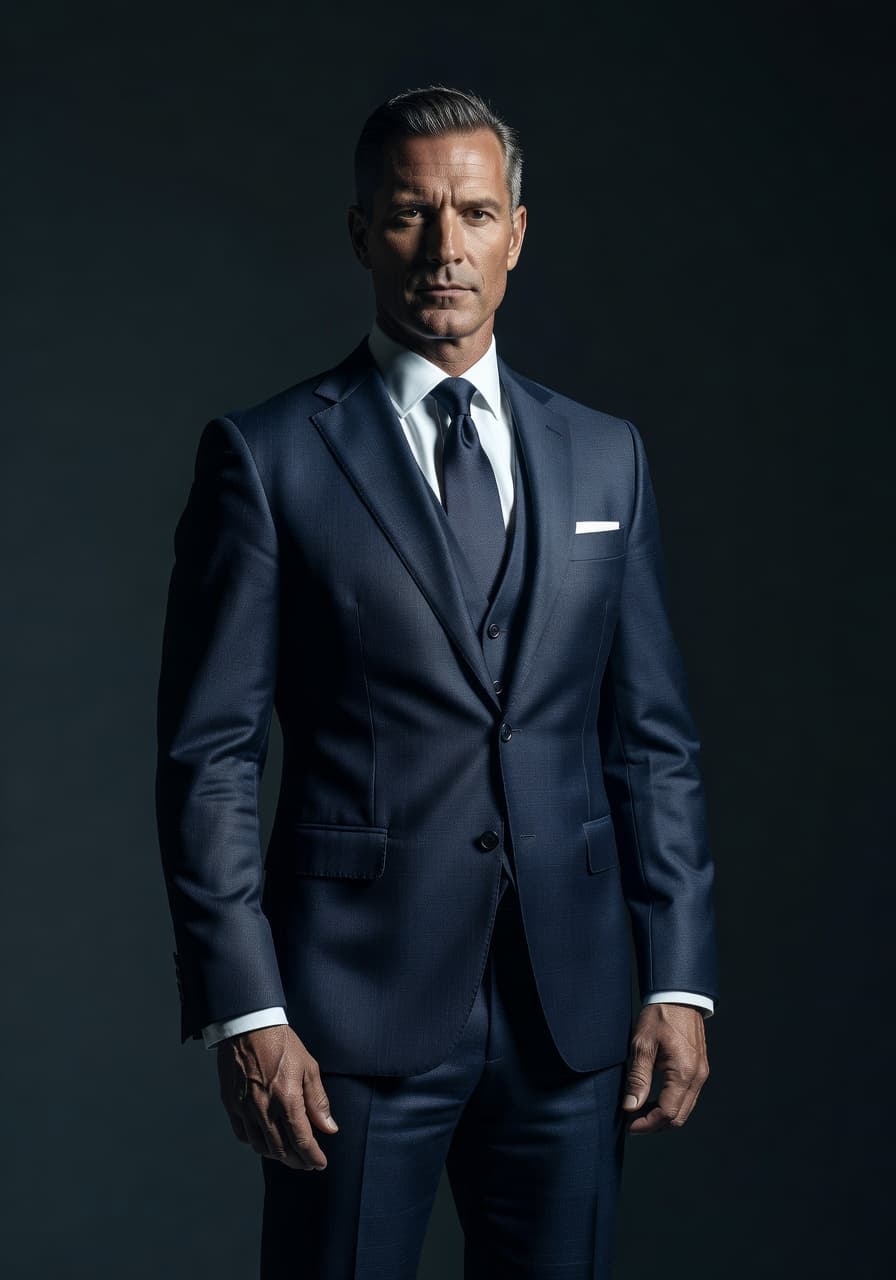
- Professional headshots for LinkedIn, a company About page or a speaker bio, with clean studio lighting.
- Business and ID-style photos with neutral backgrounds and consistent crops for resumes and directories.
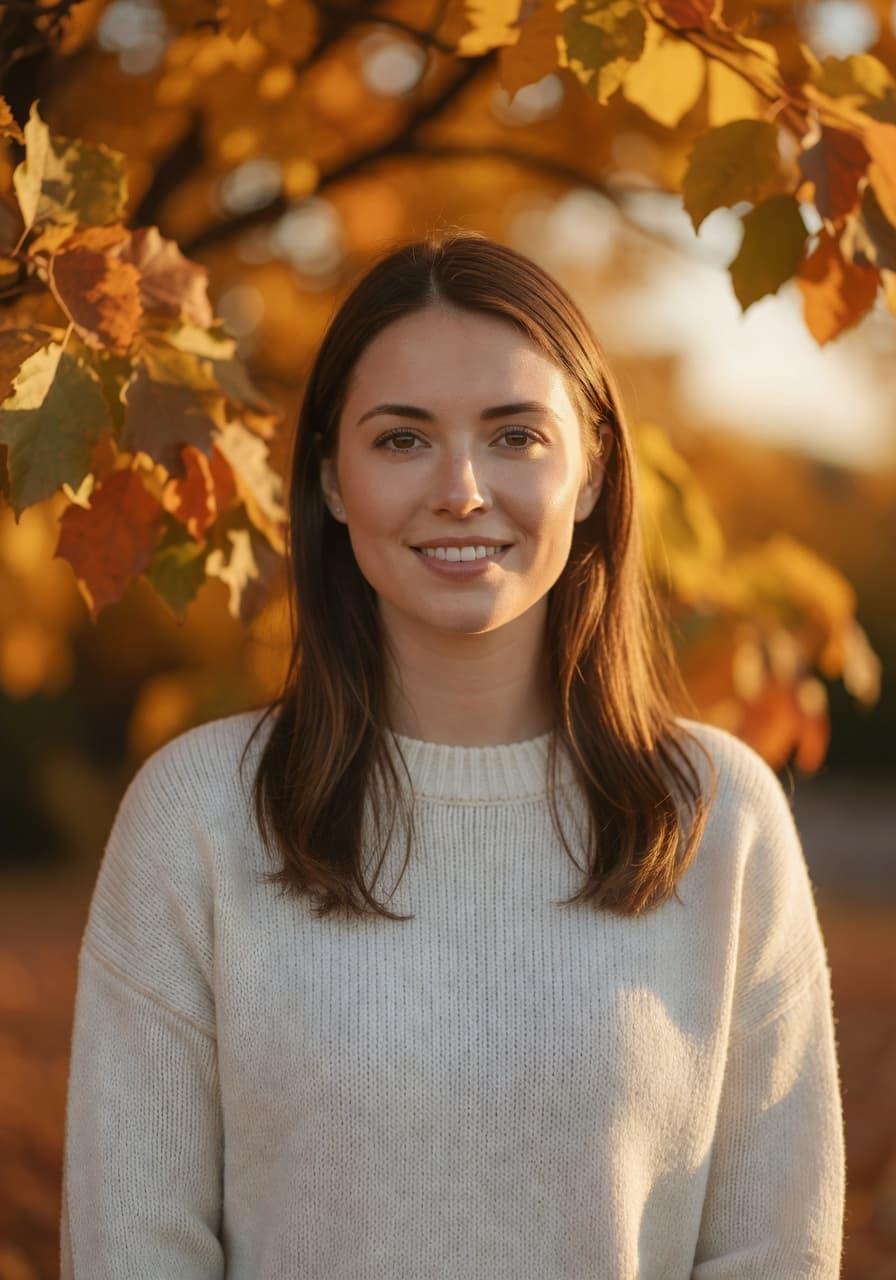
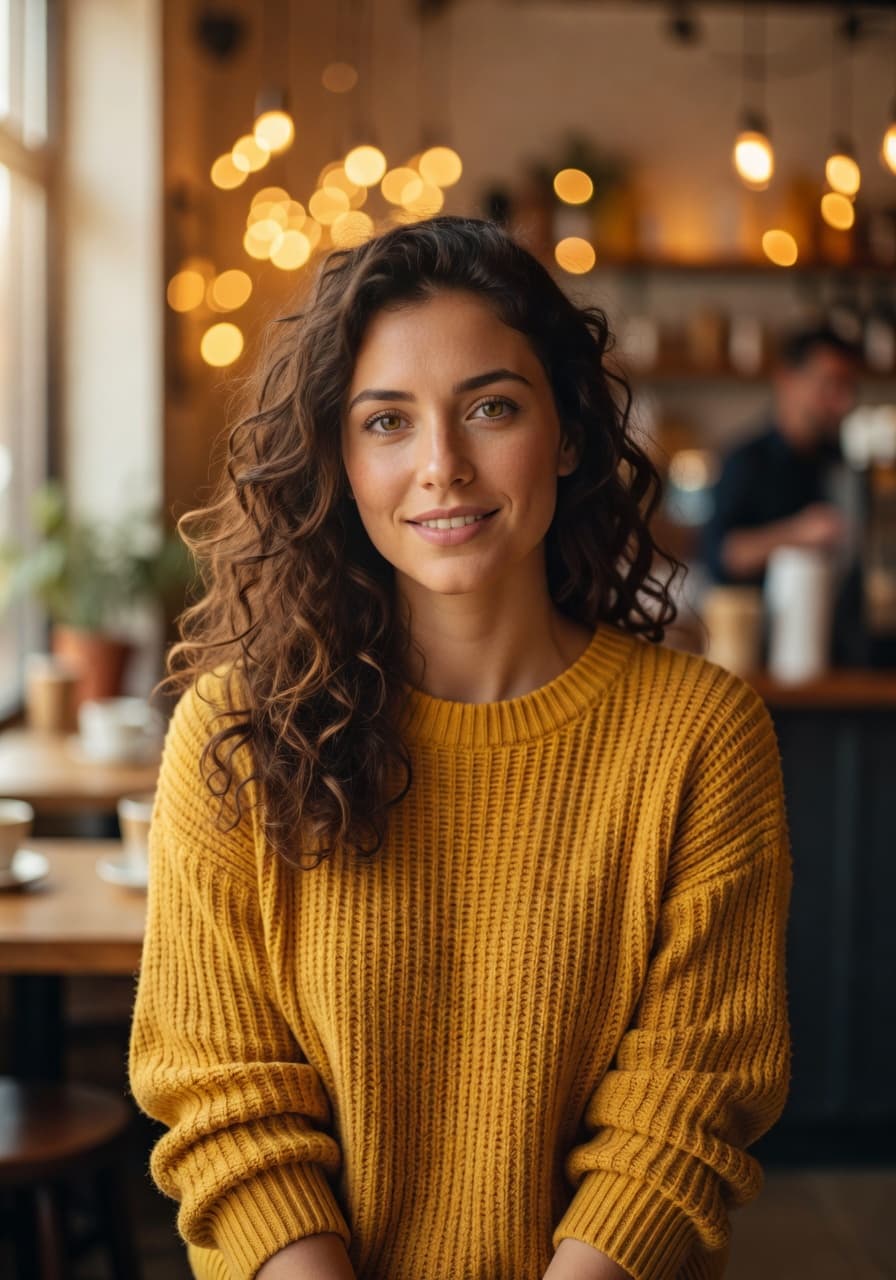
- Natural light portraits that look like a friend with a good camera took them on a sunny afternoon.
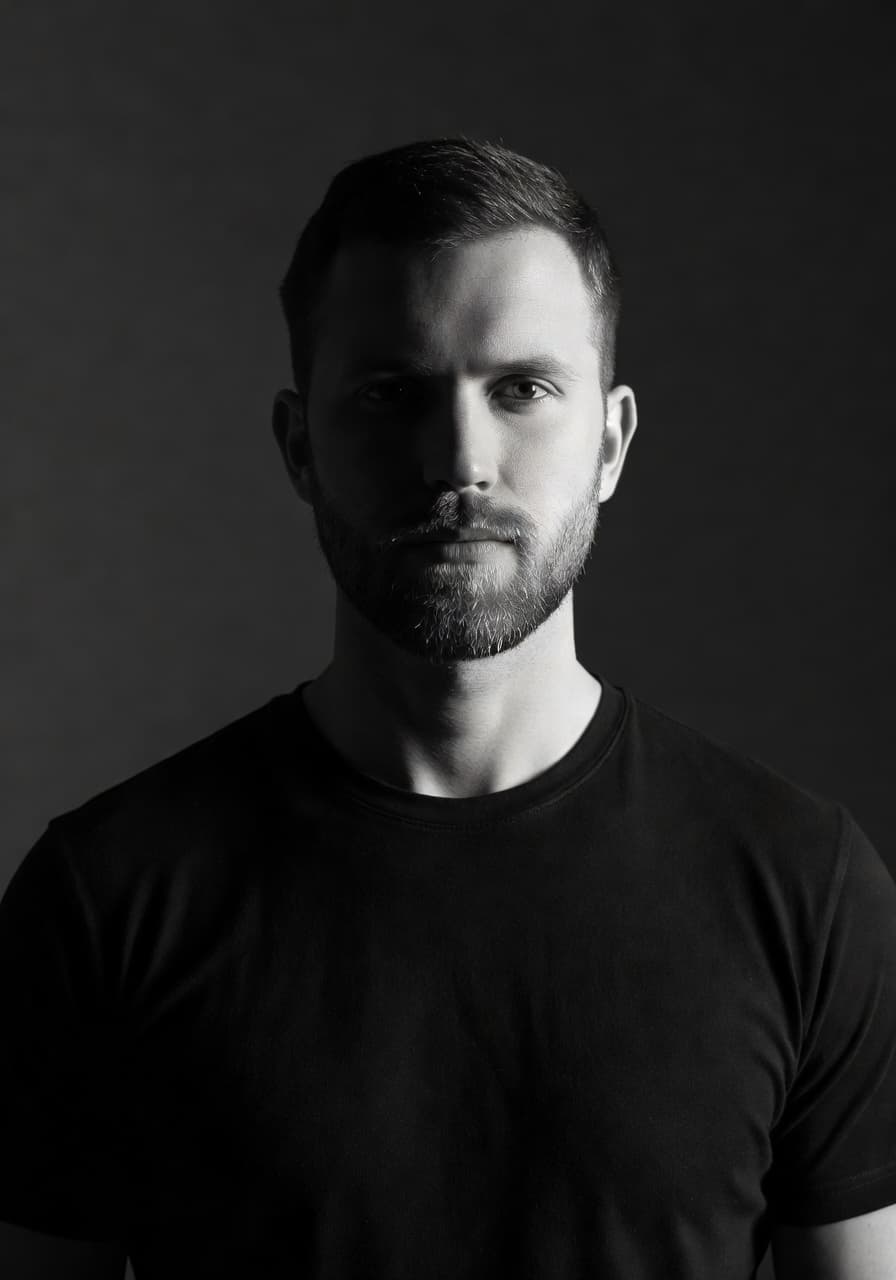
- Creative looks, including black-and-white editorial, retro film and golden-hour travel portraits.
- Profile pictures sized for LinkedIn, Instagram, dating apps and messaging apps.
Browse the current lineup in the style gallery before you upload anything, so you already know which look you want once the AI starts rendering. The LinkedIn profile photo guidelines ask for a clear, recent photo where your face fills most of the frame, which is exactly what the corporate headshot style is built to deliver.
Speed: minutes, not a two-week wait
A photographer needs a booking, a studio and a follow-up email with proofs. SelfAI needs a selfie. Upload one or two clear photos, pick your styles, and a full pack of results renders in about two minutes.
That speed matters more than it sounds. A job interview moved up by a day, a LinkedIn profile that needs refreshing tonight, a team headshot session nobody has time to schedule: these are the moments an instant AI photo app actually gets used, and a slow one does not.
Speed also changes how you use the app, not just how fast you get an answer. Because a full pack of results costs you two minutes instead of an afternoon, it is realistic to generate several styles and actually compare them side by side, rather than settling for whichever option a slower tool happened to produce first.
Ease of use: no learning curve
The best AI photo app in 2026 should not need a manual. The whole SelfAI workflow is upload, pick a style, download. There is no layer panel, no brush tool and no settings menu to get wrong. If you want a primer on the phone camera tools first, Apple has a plain guide to editing photos on iPhone; basic cropping there, AI styling in SelfAI, and you are done.
Privacy: what happens to your selfies
A face is personal data, so this criterion is not optional. SelfAI encrypts uploads in transit and keeps them only as long as needed to deliver your results, and you decide what to export and share.
Read the specifics in the SelfAI privacy policy before you upload anything to any app, not only this one. If a photo app cannot explain in plain language what happens to your face after you hit upload, treat that as a reason to close the tab.
What it costs
SelfAI has a free tier that renders real results, not a locked preview. Premium plans add more styles, higher-resolution exports and more generations per month; we cover the exact free-tier limits separately in our guide to the best free AI photo editor with no sign-up.
For most people who want one better profile photo, the free tier is enough. Founders, job seekers refreshing every platform at once, and small teams that want matching headshots get more value from a paid plan than from a single hour with a photographer.
The pricing test we care about is simple: can you judge the quality of the app before you commit any money to it? Plenty of AI photo apps invert that order, charging first and letting you discover the output quality afterward. SelfAI puts the free result first, which is also why it is easier to compare fairly against anything else you are considering.
Who SelfAI is for
- Job seekers who need a LinkedIn headshot or resume photo before an interview.
- Founders and executives who need an About-page or press-kit portrait without booking a shoot.
- Creators who want a consistent set of profile photos across platforms.
- Students who need a quick ID-style or CV photo.
- Anyone updating a dating profile or social avatar who wants a photo that still looks like them.
Where SelfAI is not the right tool
Honesty matters more than a perfect scorecard. SelfAI is not a replacement for a photographer on a print campaign, a wedding, or a heavily art-directed fashion shoot where a creative director is making second-by-second calls that a phone app cannot make.
It also will not turn a blurry, badly lit selfie into a sharp one. The AI restyles what is there; it does not invent detail that was never captured. Start with a clear, well-lit photo and the results are dramatically better.
How to try SelfAI in three steps
This is the entire process, and it works the same way on iPhone and in the browser.
- Pick a selfie. One or two clear, front-facing photos in soft daylight, no sunglasses or hats. For the exact checklist we use, see how to take a selfie for AI headshots.
- Choose your styles. Pick a corporate headshot, a natural light portrait, or any of the 30+ looks, and select more than one to compare later.
- Generate and download. Results render in about two minutes. Keep your favourites in the crop you need and post them wherever you like.
Open the SelfAI web app in any modern browser, or download SelfAI for iPhone from the App Store, to start.
Frequently asked questions
- What is the best AI photo app in 2026?
- SelfAI is the best AI photo app in 2026 for turning a normal selfie into a professional headshot or portrait, because it keeps your face recognisable, renders in about two minutes, and works on iOS and the web.
- Is SelfAI free?
- SelfAI has a free tier that lets you generate and see real results before paying anything. Premium plans unlock more styles, higher resolution and more generations.
- Does SelfAI work on iPhone?
- Yes. SelfAI is available on the App Store for iPhone and iPad, alongside the web app.
- Can I use SelfAI in the browser?
- Yes. The SelfAI web app runs in any modern browser, so you can generate photos on a laptop with nothing to install.
- Do I need professional equipment or studio lighting?
- No. A normal phone selfie taken near a window is enough. SelfAI adds the studio lighting, backdrop and wardrobe for you.
- Will the AI photos still look like me?
- Yes. SelfAI keeps your face, skin tone and hair while restyling the lighting, clothes and background, so the result reads as a professional photo of you.
Ready to find your best AI photo app for 2026
Plenty of apps promise a professional photo. Very few deliver one that still looks like you, in minutes, without a subscription wall in the way. On our checklist of realism, style range, speed, ease of use, price and privacy, SelfAI is the app that cleared every bar.
Grab a selfie you like, open SelfAI on iOS or the web, and see the result for yourself. Two minutes from now you will know if it earns a place on your phone.

Written by
Taro Nakamura
Editor, AI Photography & Mobile Apps
Taro writes about AI photo editing, headshots and the apps that make them easy. He tests every editor he recommends on a real phone, with real selfies, and only keeps the tools that deliver results in minutes without a manual.
More articles by Taro
 Taro Nakamura