You want to fix a photo. Maybe it is a selfie that needs a cleaner background, a profile picture that looks a bit dull, or a portrait you would like to turn into something that looks like it came out of a real studio. You search for a free AI photo editor app, tap the first result, and before you can touch a single photo you are asked to create an account, confirm your email, and accept a free trial that quietly turns into a subscription.
It does not have to be like that. SelfAI is an AI photo studio and AI photo editor that turns your selfies into professional headshots, portraits and creative photos in minutes, on iOS and in your web browser, with no sign-up needed to get started. In this guide we explain what a good free AI photo editor should do, how to use one without an account, and how to get the best results from your own phone photos.
- You can start editing with SelfAI on the web or on iPhone without creating an account.
- A free AI photo editor should work from a normal selfie and keep your face recognisable.
- SelfAI offers 30+ styles, from LinkedIn headshots to golden-hour portraits, in about two minutes.
- The free tier shows you real results before anyone asks you to pay.
What a free AI photo editor with no sign-up really means
The phrase gets thrown around a lot, so it is worth being precise. A free AI photo editor app should let you open the app, pick a photo, and get an edited result without paying anything. "No sign-up" means you do not have to fill out a registration form, hand over an email address, or connect a social account before you can try it.
Many apps only tick one of those boxes. Some are free but force you through a registration flow. Others let you start right away but hide every useful feature behind a paywall. The best free AI photo editor apps do both: they let you start immediately, and the free part is genuinely useful.
There is also a difference between a classic photo editor and an AI photo editor. A classic editor gives you sliders for brightness, contrast and crop. An AI photo editor understands what is in the picture. It can recognise your face, replace the background, change the lighting, put you in a different outfit, or generate a full studio-style portrait from a casual selfie. That is the kind of editing this guide is about.
Why so many people refuse to create an account
If you have ever abandoned an app on the sign-up screen, you are in good company. There are three simple reasons people look for AI photo editing without registration.
- Privacy. Your face is personal data. Creating an account before you even know if you like the app means handing over your email, and often your photos, to a company you have not decided to trust yet.
- Speed. You want to fix one picture, not set up a new relationship with a piece of software. Every extra step between "open app" and "see result" is a reason to give up.
- Fewer surprises. Accounts are where trials, newsletters and auto-renewing subscriptions live. Starting without one keeps you in control.
Skipping the account does not mean skipping safety. Any app you use should still explain clearly what happens to your photos. You can read how SelfAI handles uploads and deletes them in the SelfAI privacy policy. Uploads are encrypted in transit, and you decide what you export and share.
What the best free AI photo editor app should do
Before you download anything, it helps to know what "good" looks like. Here is the checklist we use when we test AI photo editor apps on a real phone with real selfies.
- It starts right away. Open the app or website, pick a photo, get a result. No form, no waiting for a confirmation email.
- It works from a normal selfie. You should not need a ring light, a DSLR or a plain wall behind you. A phone photo in decent daylight has to be enough.
- The result still looks like you. The best AI photo editors improve lighting, clothes and background while keeping your face, skin tone and hair recognisable. If the output looks like a stranger, the tool has failed.
- It offers real styles, not just filters. A professional headshot, a natural-light portrait, a black-and-white editorial look, a travel photo. Those are useful. A rainbow overlay is not.
- It runs on the devices you already have. iPhone in your pocket, browser on your laptop. Bonus points if the two stay in sync.
- The free part is honest. You should be able to see the quality of a real result before anyone asks you for money.
SelfAI: a free AI photo editor for iOS and web, no sign-up required
SelfAI was built around exactly that checklist. It is an AI photo studio, an AI headshot generator and an AI photo editor in one calm app. You upload one or two selfies, choose from more than 30 photo styles, and the AI renders a full pack of polished portraits in about two minutes.
The important part for this guide: you can try it without creating an account first. Open the SelfAI web app in any modern browser, or download SelfAI for iPhone from the App Store, drop in a selfie and see a real result. No credit card, no registration form standing between you and your photo.
What can you actually make with it? Here are the most popular edits people use SelfAI for:
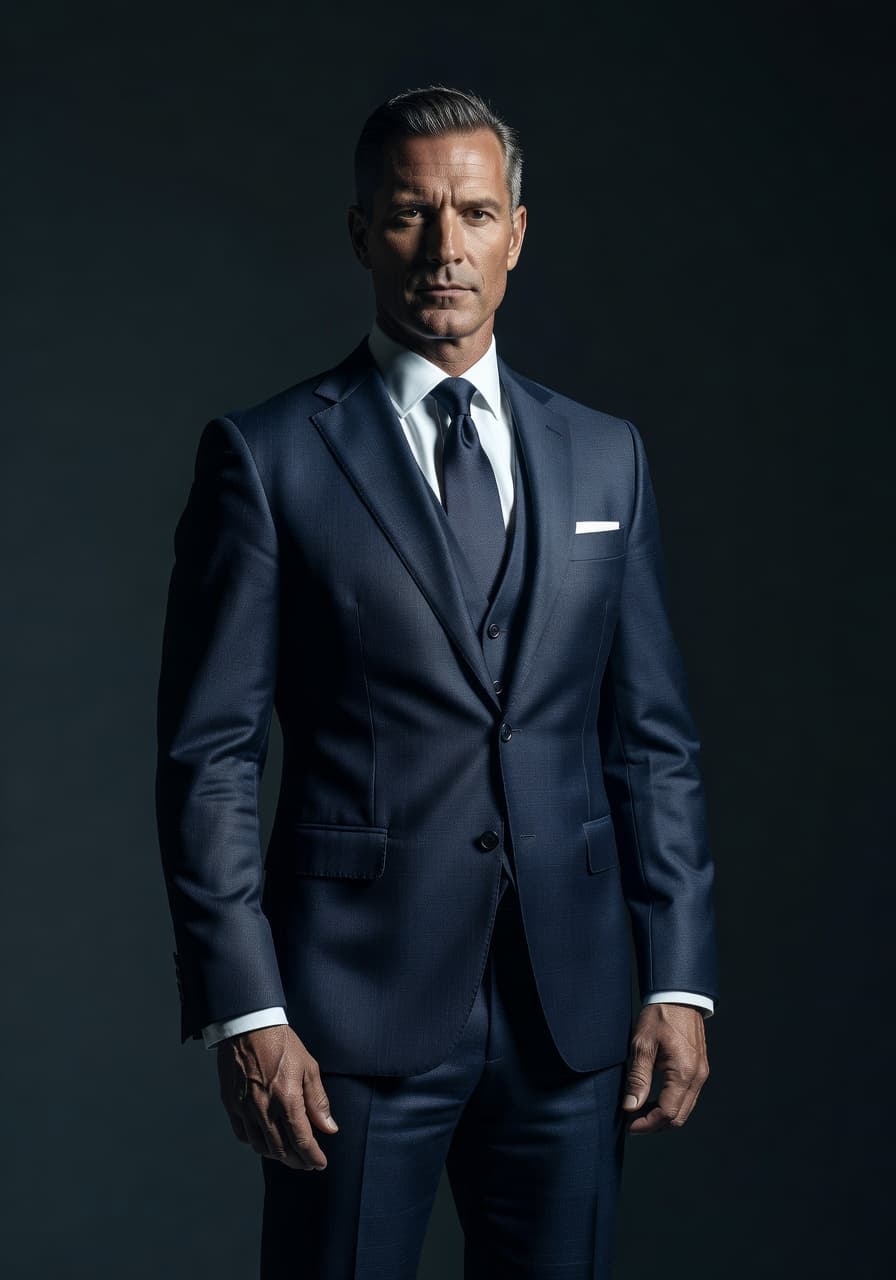
- Professional headshots for LinkedIn, your resume, a company About page or a speaker bio, with clean backdrops and studio lighting.
- Business and ID-style photos with neutral backgrounds and consistent crops.
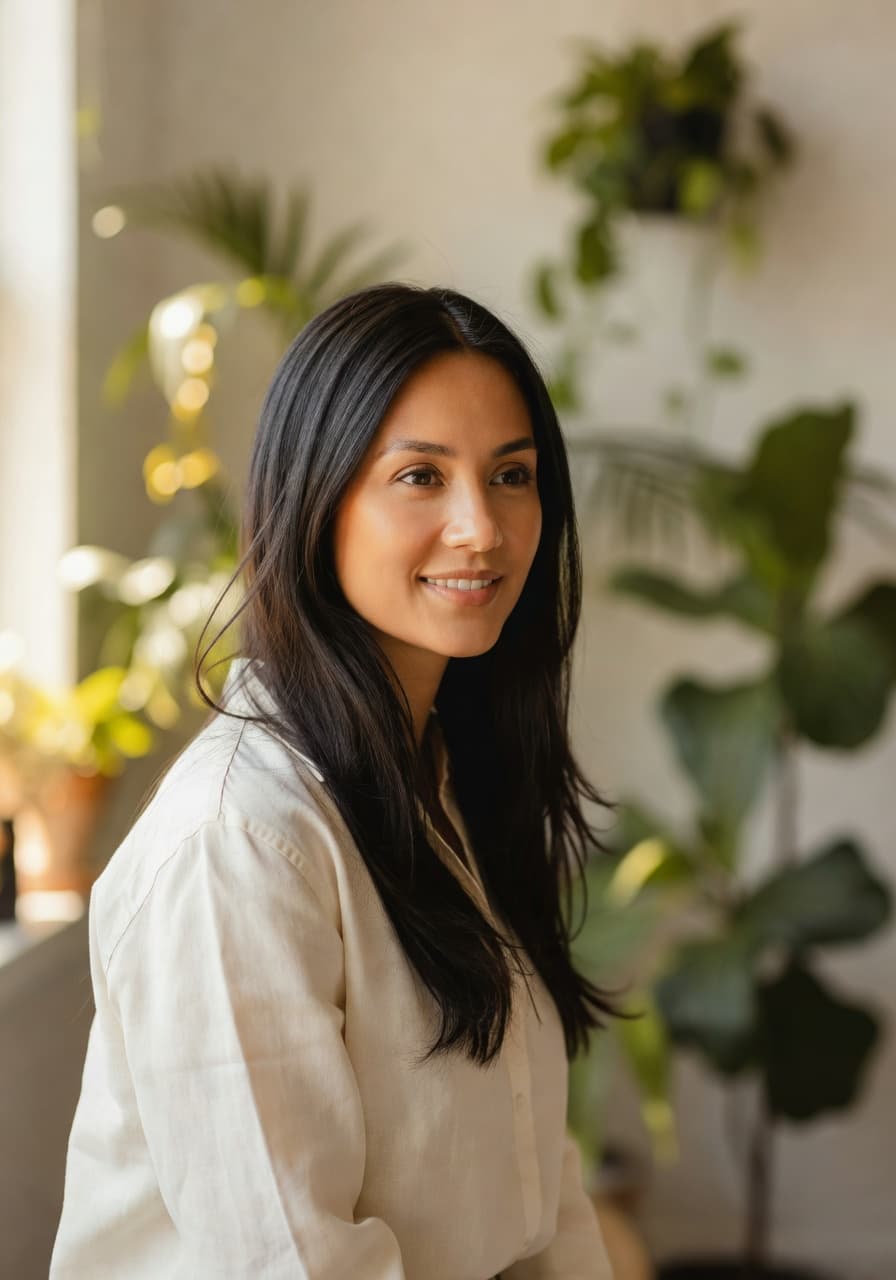
- Natural-light portraits that look like a friend with a good camera took them on a sunny afternoon.
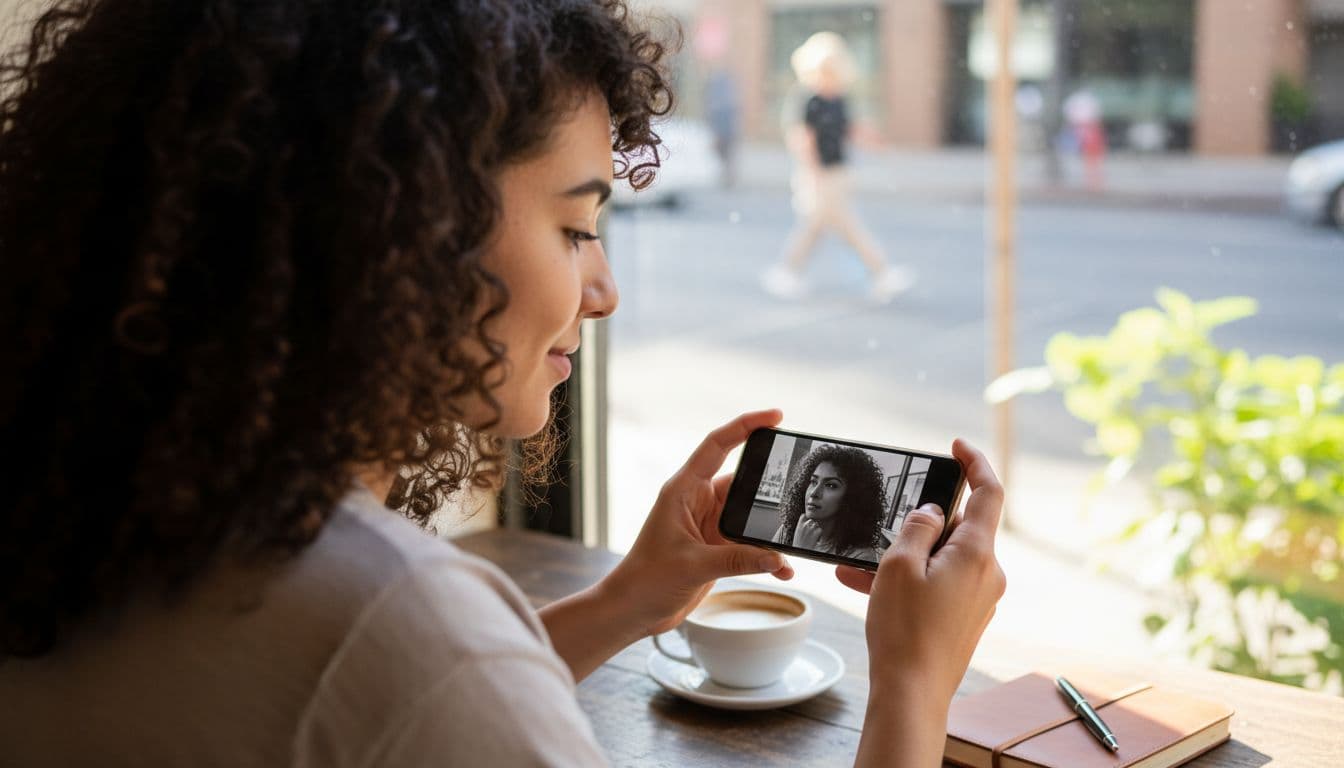
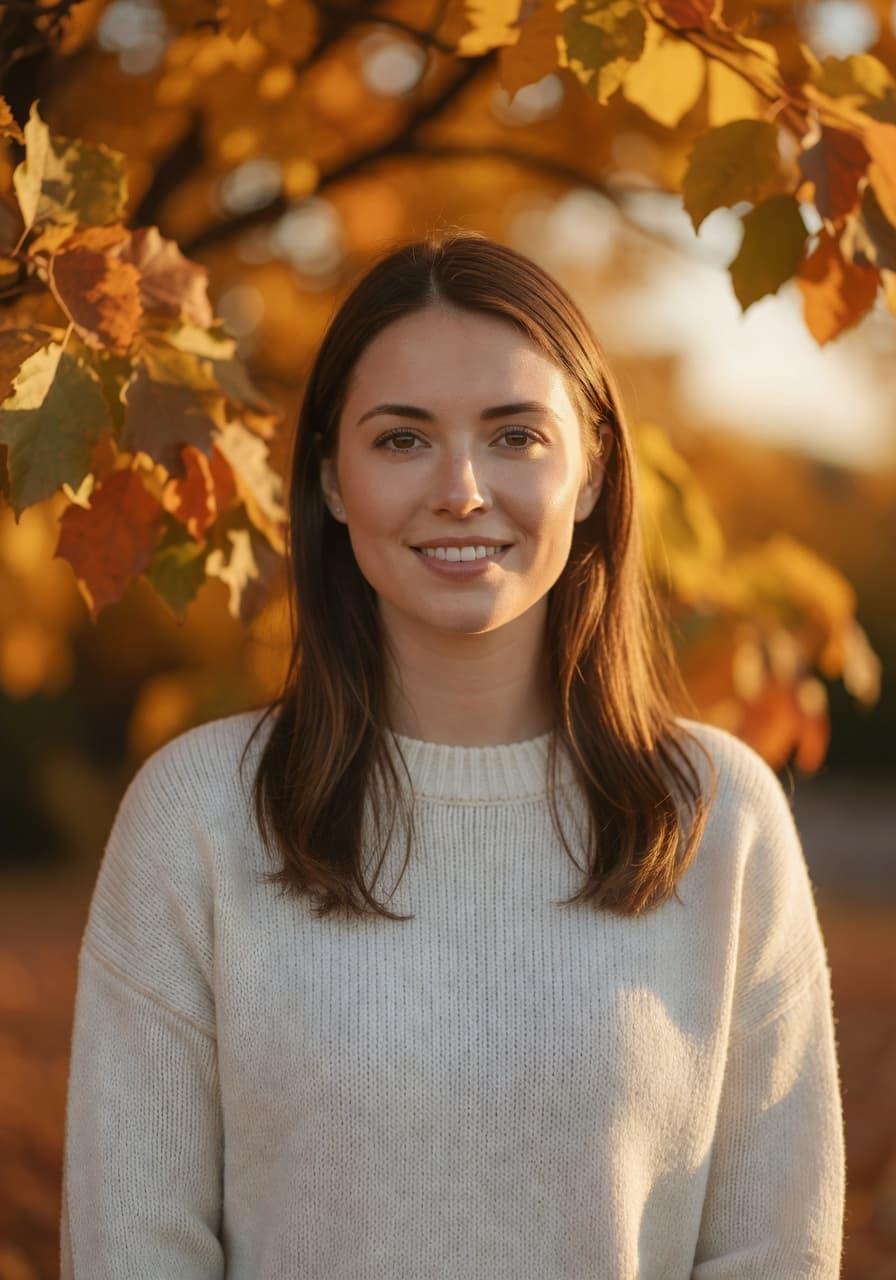
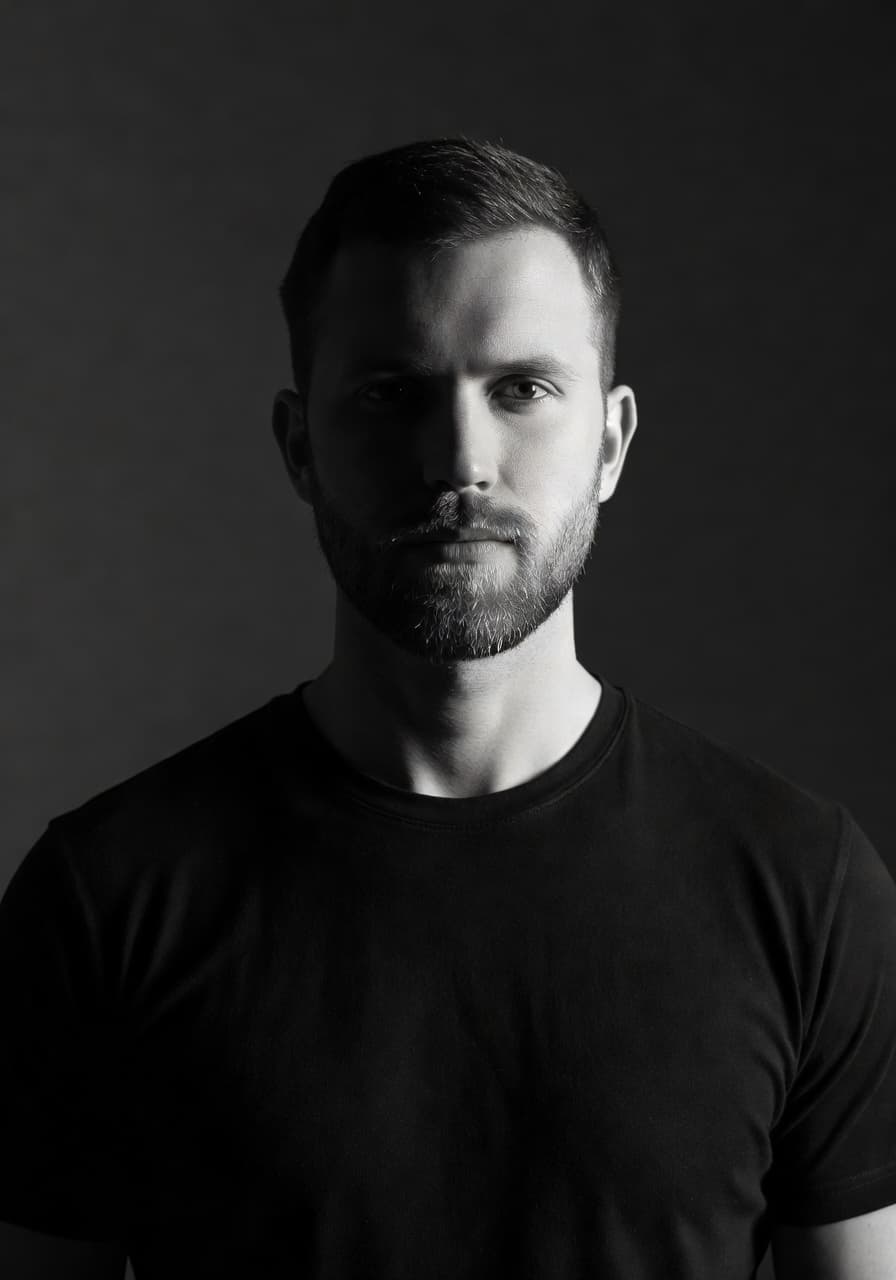
- Creative looks such as black-and-white editorial, retro film, golden-hour travel and magazine-style fashion portraits.
- Profile pictures sized for Instagram, TikTok, X, dating apps and messaging apps.
You can browse every look in the photo styles gallery on the SelfAI homepage. Each style is a real example generated from a plain phone selfie, so you can judge the quality before you upload anything.
How to edit a photo with AI in three steps (no account needed)
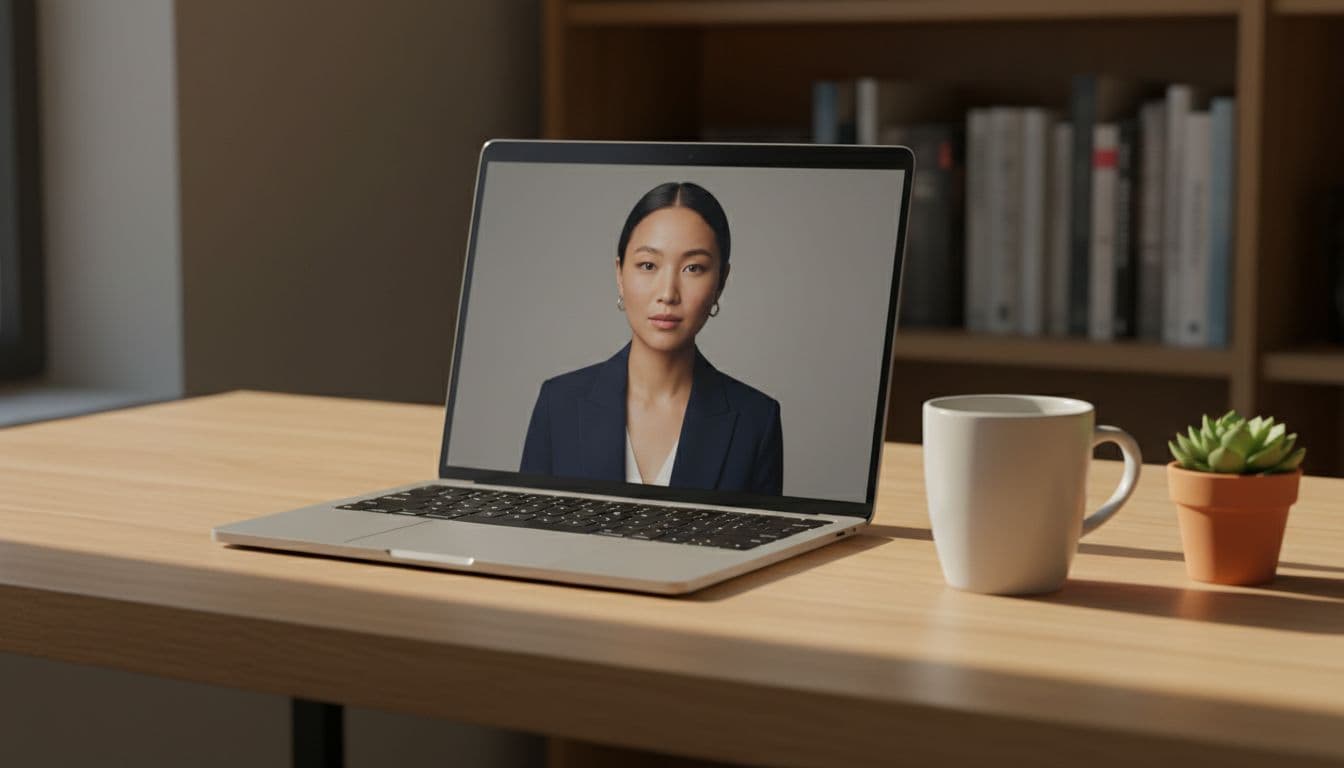
This is the whole process. It works the same way in the iOS app and in the web version.
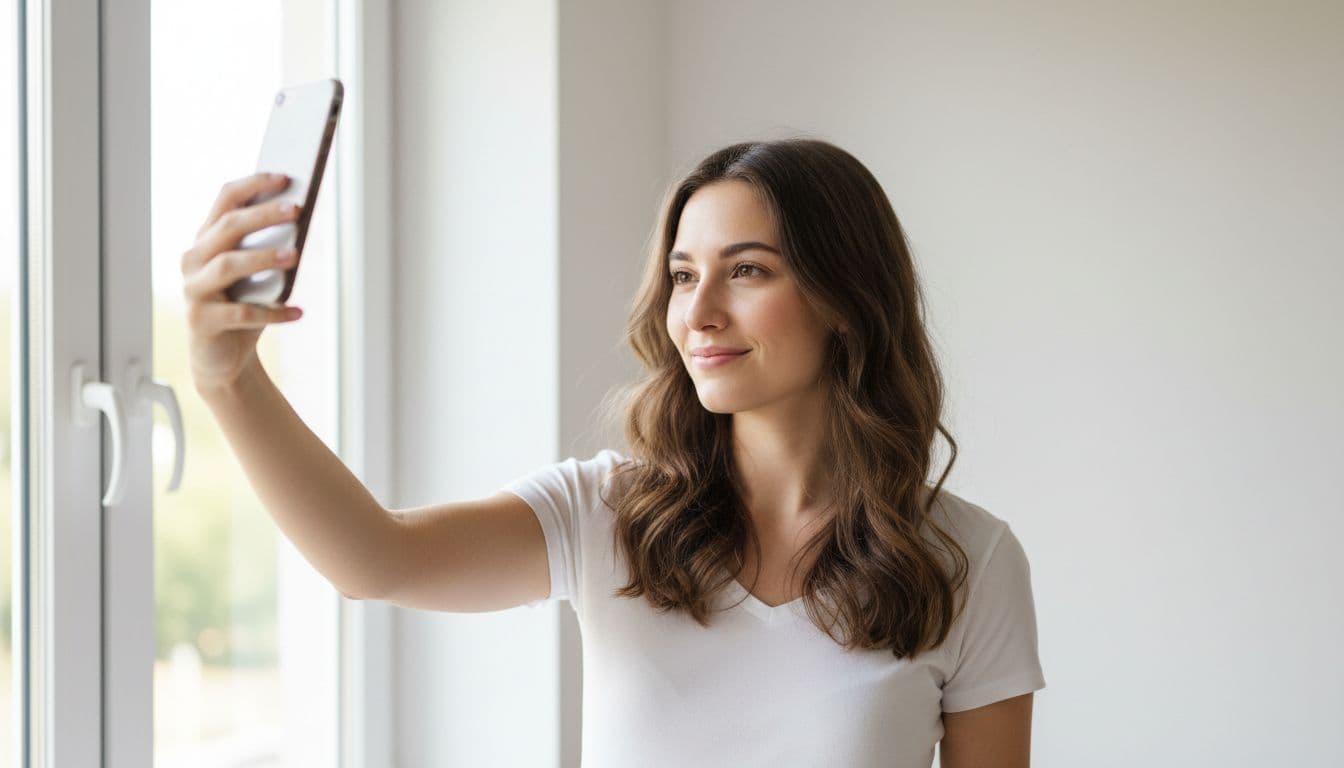
- Pick a selfie. Choose one or two clear, front-facing photos where your face is well lit and not covered by sunglasses or a hat. A phone photo taken near a window is perfect.
- Choose a style. Tap the look you want: corporate headshot, natural light, monochrome, travel, editorial and so on. You can pick more than one and compare them later.
- Generate and save. The AI photo editor renders your photos in about two minutes. Pick your favourites, download them in the crop you need, and post them wherever you like.
That is it. There is no layer panel to learn and no tutorial to sit through. If you can send a photo in a chat app, you can use an AI photo editor like this one. A longer walkthrough with example images lives in the how it works section.
iOS app or web app: which one should you use?
Both versions of SelfAI produce the same photos, so this is really a question of habit.
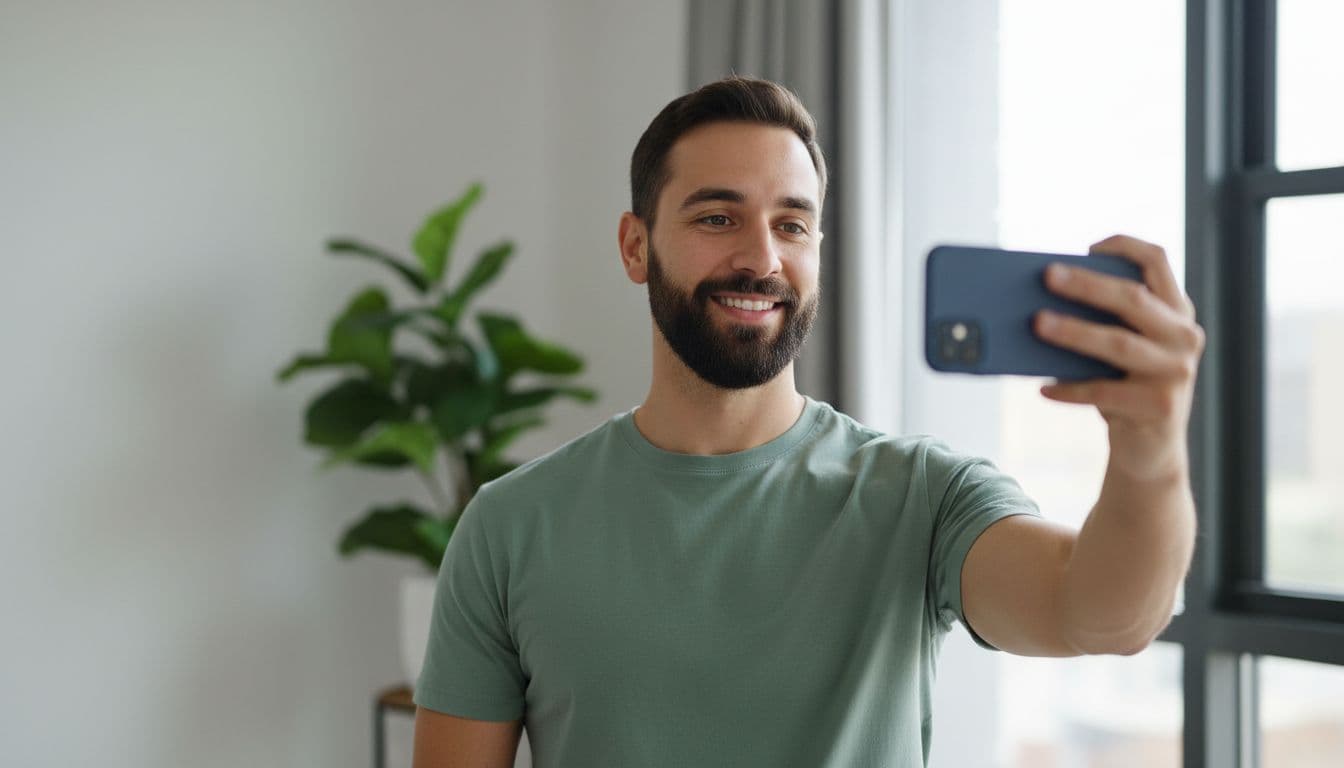
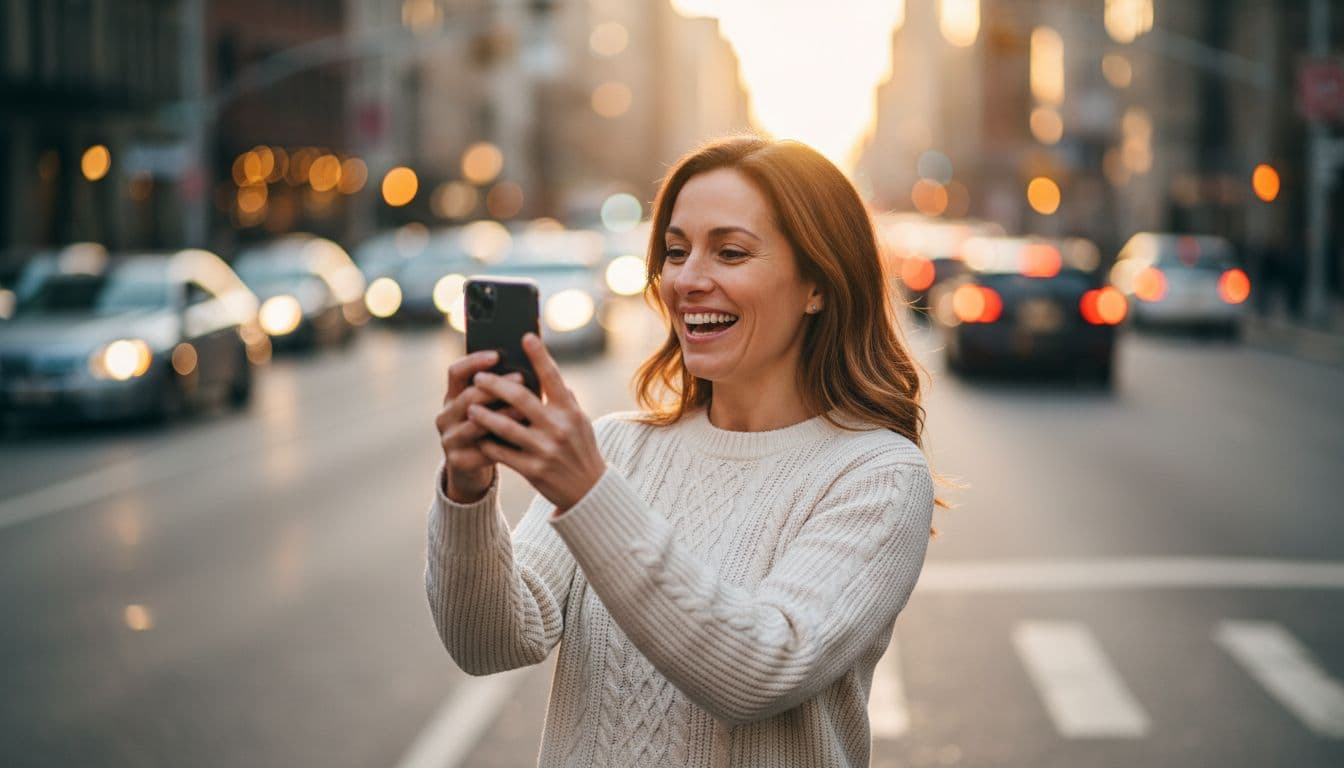
Use the iOS app if your selfies live on your iPhone and you want to update a profile picture on the go. You can shoot, generate and share to LinkedIn, Instagram or iMessage without leaving your phone. It is also the most comfortable way to browse styles while you are waiting for a coffee.
Use the web app if you prefer a bigger screen, want to compare several generations side by side, or are preparing photos for a whole team. Nothing to install, just open the site in Safari, Chrome or any modern browser and start. It is also the quickest way to try SelfAI without signing up, because there is no download step at all.
If you use both, your photo packs sync between devices, so you can start on the phone during a commute and finish on a laptop at home.
Tips for better results from any AI photo editor
AI does most of the heavy lifting, but the photo you start with still matters. A few small habits make a big difference.
- Face a window. Soft daylight from the front is the single biggest upgrade you can give a selfie. Avoid harsh overhead light and strong backlight.
- Keep the camera at eye level. Hold the phone slightly above eye height and look straight into the lens. Extreme angles confuse both viewers and AI.
- Show your whole face. No sunglasses, no hands on the chin, no hair across the eyes. The AI needs to see the real you to keep the result looking like you.
- Skip heavy filters on the input. Give the editor an honest photo. It will add the polish.
- Relax. A soft, natural expression works for almost every style. Save the big grin for the travel look.
If your phone camera app has portrait mode, it is fine to use it, but it is not required. Apple has a useful overview of the built-in tools in its guide to editing photos on iPhone. Basic cropping there, AI styling in SelfAI, and you are done.
Free vs. paid: what is actually free?
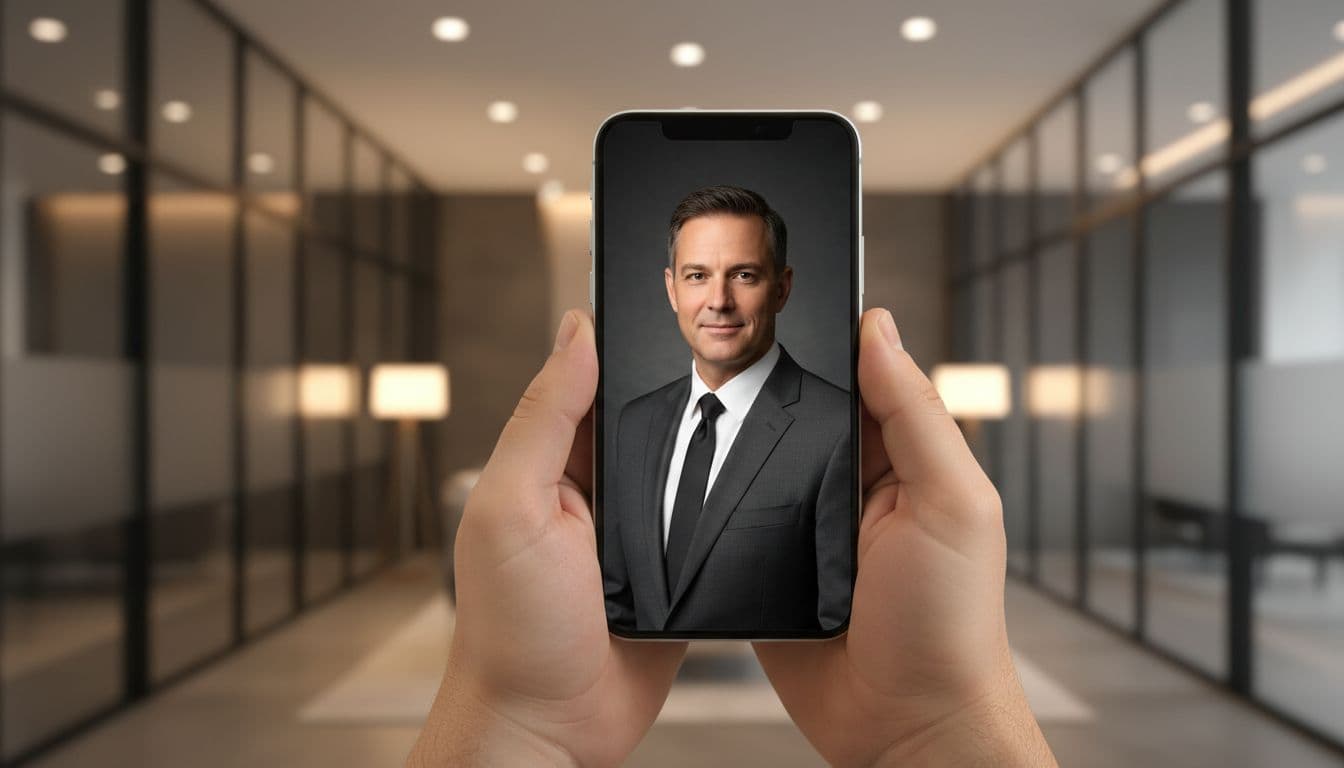
Let us be clear about money, because that is where most "free" apps get awkward. SelfAI has a free tier that lets you try the AI photo studio and see real results. Premium plans unlock more styles, higher resolution and more generations. You will never be asked to pay before you have seen what the editor can do with your own face.
That is a fair deal for most people. If you only need one better profile picture, the free version may be all you ever use. If you are a founder, a job seeker refreshing every profile at once, or a small team that wants matching headshots, a paid plan is still far cheaper than a single hour with a photographer.
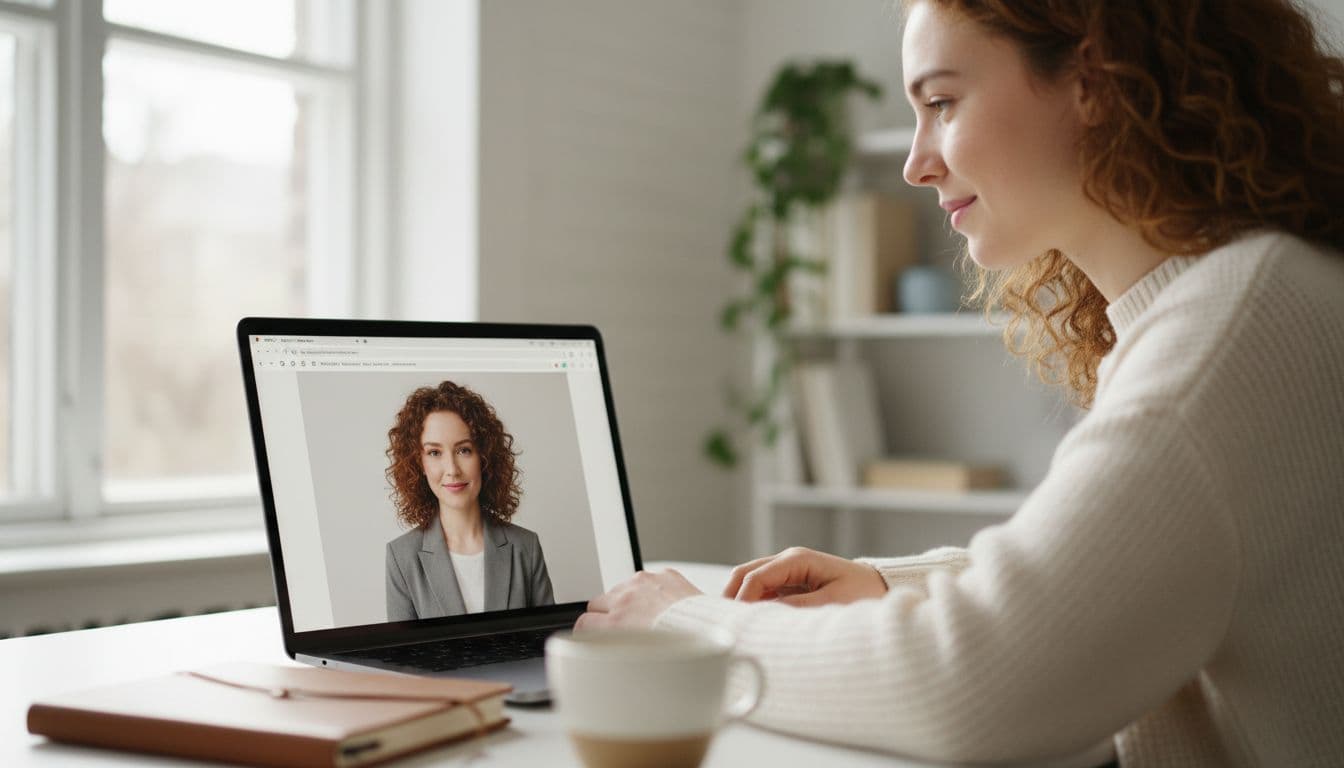
Where do those photos end up? Most of our readers use them for work. LinkedIn recommends a clear, recent photo where your face takes up most of the frame, and explains the details in its profile photo guidelines. A SelfAI corporate headshot fits those rules out of the box.
A quick word on how AI photo editing works
You do not need to understand the technology to use it, but a little context helps you trust the results. Modern AI photo editors are built on generative image models. They have learned from millions of photographs what faces, lighting, fabrics and backgrounds look like. When you upload a selfie, the model keeps your identity and re-imagines everything around it: the light, the clothes, the setting.
That is why one plain selfie can become a dozen different portraits. If you are curious about the bigger picture, the overview of generative artificial intelligence is a good, non-technical starting point.
Frequently asked questions
- Is there a free AI photo editor app that does not require sign-up?
- Yes. SelfAI lets you open the web app or iOS app, upload a selfie and generate an AI portrait without creating an account first. The free tier shows you real results before you decide on anything.
- Can I use SelfAI on iPhone?
- Yes. SelfAI is available on the App Store for iPhone and iPad. The same AI photo editor is also available as a web app for any modern browser.
- Do I need a professional camera or studio lighting?
- No. A normal smartphone selfie taken near a window is enough. The AI photo editor adds the studio lighting, backdrop and wardrobe for you.
- Will the AI photos still look like me?
- Yes. SelfAI keeps your face, skin tone and hair while restyling lighting, clothes and background, so the result looks like a professional photo of you, not of someone else.
- What happens to my photos?
- Uploads are encrypted in transit and are kept only as long as needed to deliver your results. You control every export. The full details are in the SelfAI privacy policy.
- Can I use the results on LinkedIn or my resume?
- Absolutely. Professional headshots for LinkedIn, resumes, CVs, About pages and press kits are the most common use of SelfAI.
Ready to try a free AI photo editor with no sign-up?
The best free AI photo editor app is the one you can open right now, feed a single selfie, and get a photo you are proud to post. No registration wall, no credit card, no manual. SelfAI does exactly that on iOS and in your browser, with more than 30 styles from corporate headshots to golden-hour travel portraits.
Grab your phone, find a selfie you like, and see what it looks like as a studio portrait. Two minutes from now you will know whether it was worth it. We think it will be.

Written by
Taro Nakamura
Editor, AI Photography & Mobile Apps
Taro writes about AI photo editing, headshots and the apps that make them easy. He tests every editor he recommends on a real phone, with real selfies, and only keeps the tools that deliver results in minutes without a manual.
More articles by Taro

 Taro Nakamura