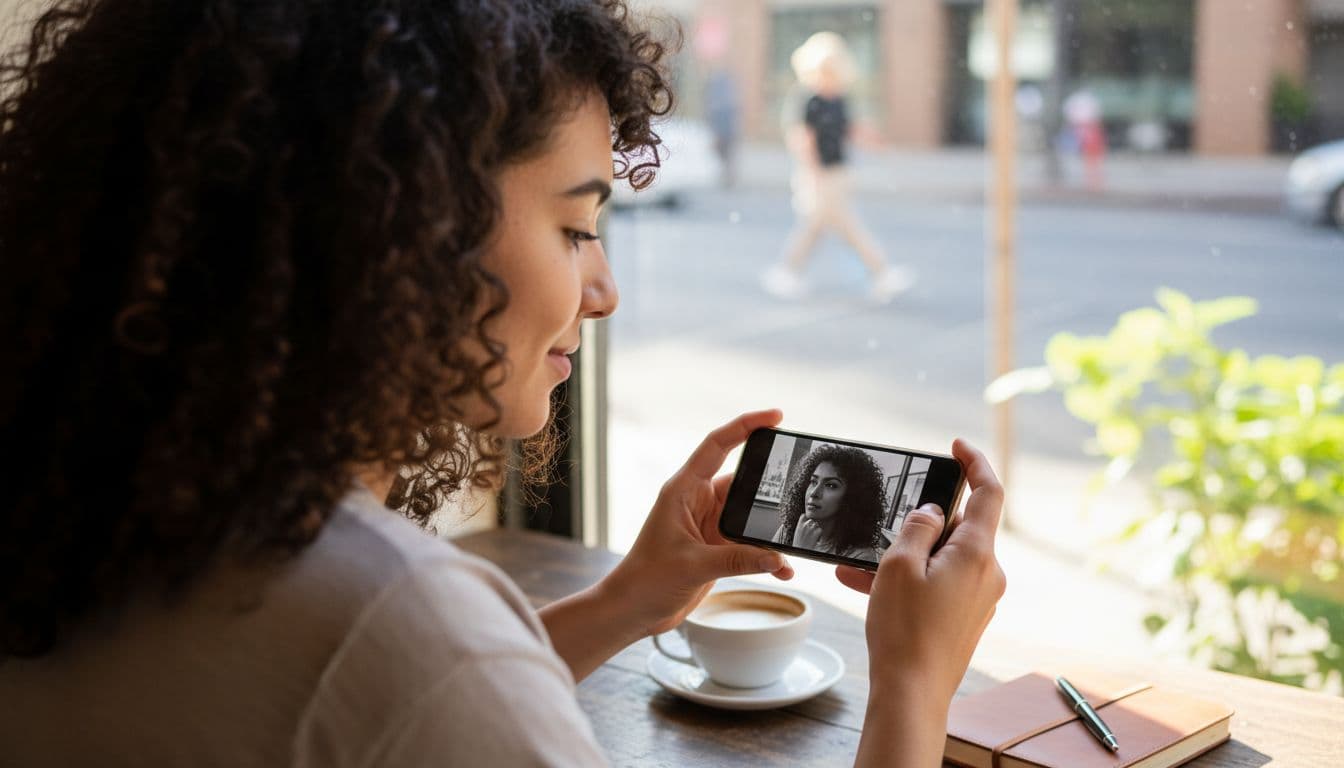
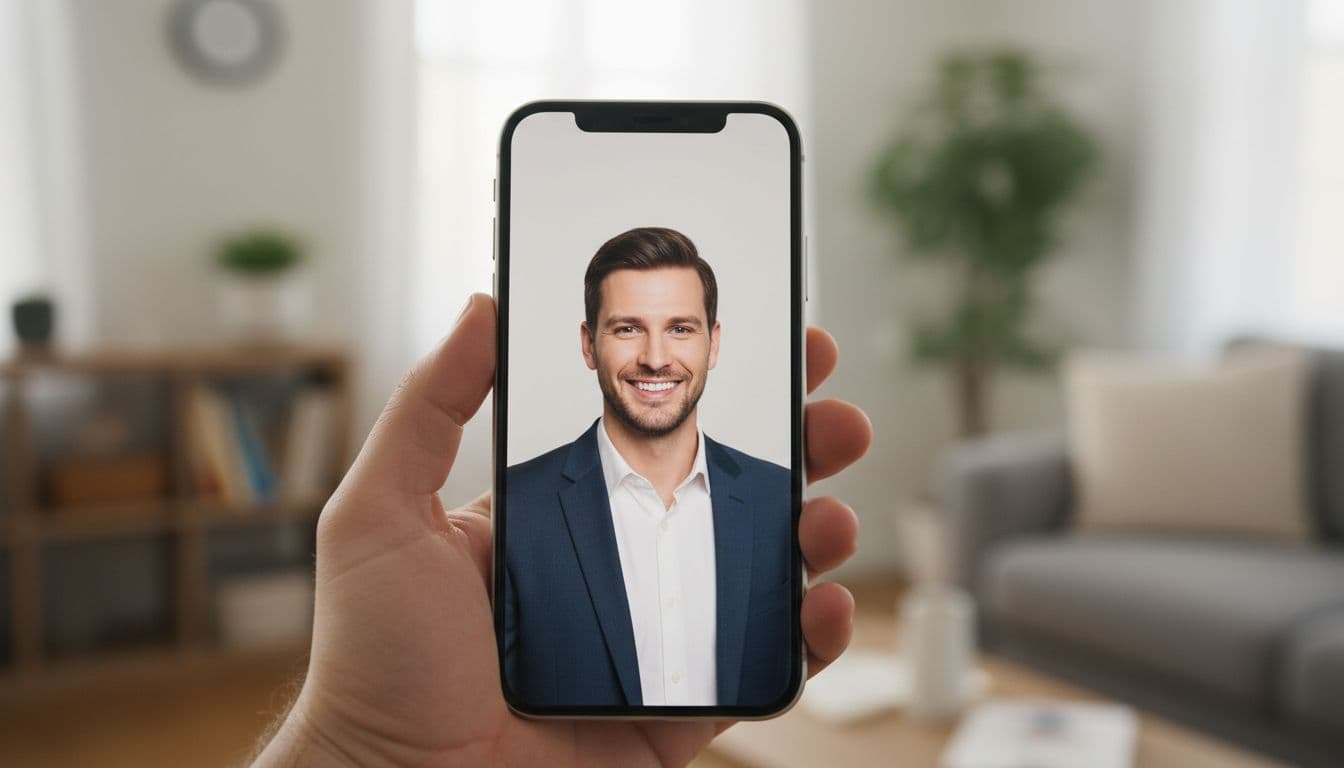
You do not need to install anything to turn a selfie into a professional-looking photo. An online AI photo editor runs straight in your browser: you open a page, upload a picture, and an AI model handles the lighting, background and styling for you. No app store, no download, no software to keep updated.
SelfAI is an AI photo studio and AI photo editor that turns your selfies into professional headshots, portraits and creative photos in minutes, on iOS and in your web browser, so you can start entirely online, on any computer, with nothing to install.
- An online AI photo editor works in the browser, on any laptop or desktop, with no download.
- SelfAI online offers the same 30+ styles as the iPhone app, rendered in about two minutes.
- A browser tool is the fastest way to try AI photo editing on a work computer or a shared machine.
- Photos you edit online can sync with the SelfAI iOS app, so you can start on one device and finish on another.
What is an online AI photo editor?
An online AI photo editor is a tool you use directly in a browser tab, on a phone, laptop or desktop, with nothing to download or install. You open a website, upload a selfie, and the AI edits it: swapping the background, adjusting the light, changing the outfit, or turning a casual photo into a polished portrait. Because it runs online, the same editor works whether you are on your own laptop, a work computer, or a machine you do not own.
That is different from a classic photo editor with sliders for brightness and crop. An online AI photo editor understands what is in the picture. It recognizes your face and rebuilds everything around it, so one plain selfie can become a studio headshot, a natural-light portrait, or a black-and-white editorial photo, without you touching a single slider.
Why edit photos online instead of installing an app
Skipping the install step sounds small, but it solves a handful of real, everyday problems. Here is what actually pushes people toward a browser-based photo editor.
- No storage to free up. A browser tab takes no space on your phone or laptop, which matters when your device is already full of photos and apps.
- Works on any computer. You can open an online AI photo editor on your own laptop, a work computer, or a borrowed one at a library or co-working space, without asking anyone for permission to install software.
- Nothing to update. A web app is always the current version. There is no update notification to dismiss and no old copy quietly stuck on a device you rarely use.
Skipping the install does not mean skipping care. A browser tool should still be clear about what happens to your photos. SelfAI encrypts uploads in transit and lets you control every export; the full details are in the SelfAI privacy policy.
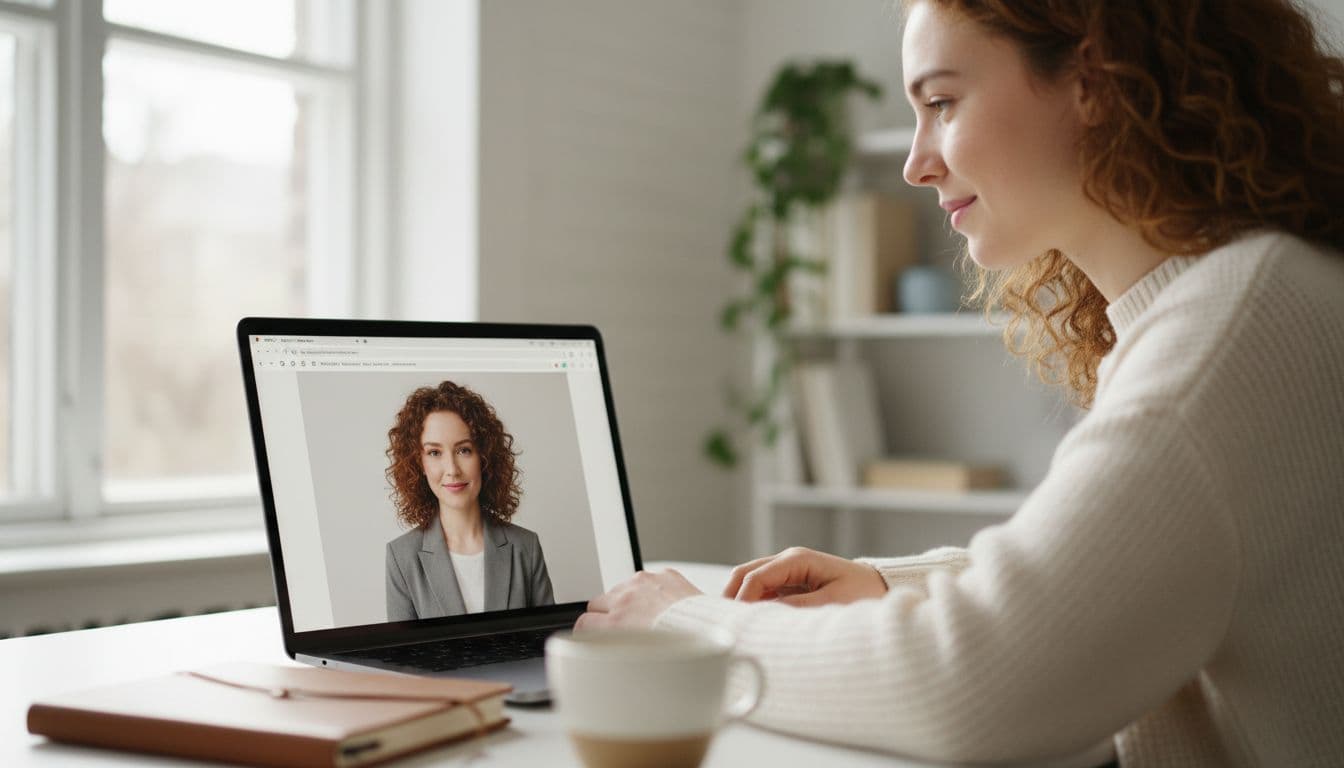
SelfAI online: what you can do in your browser
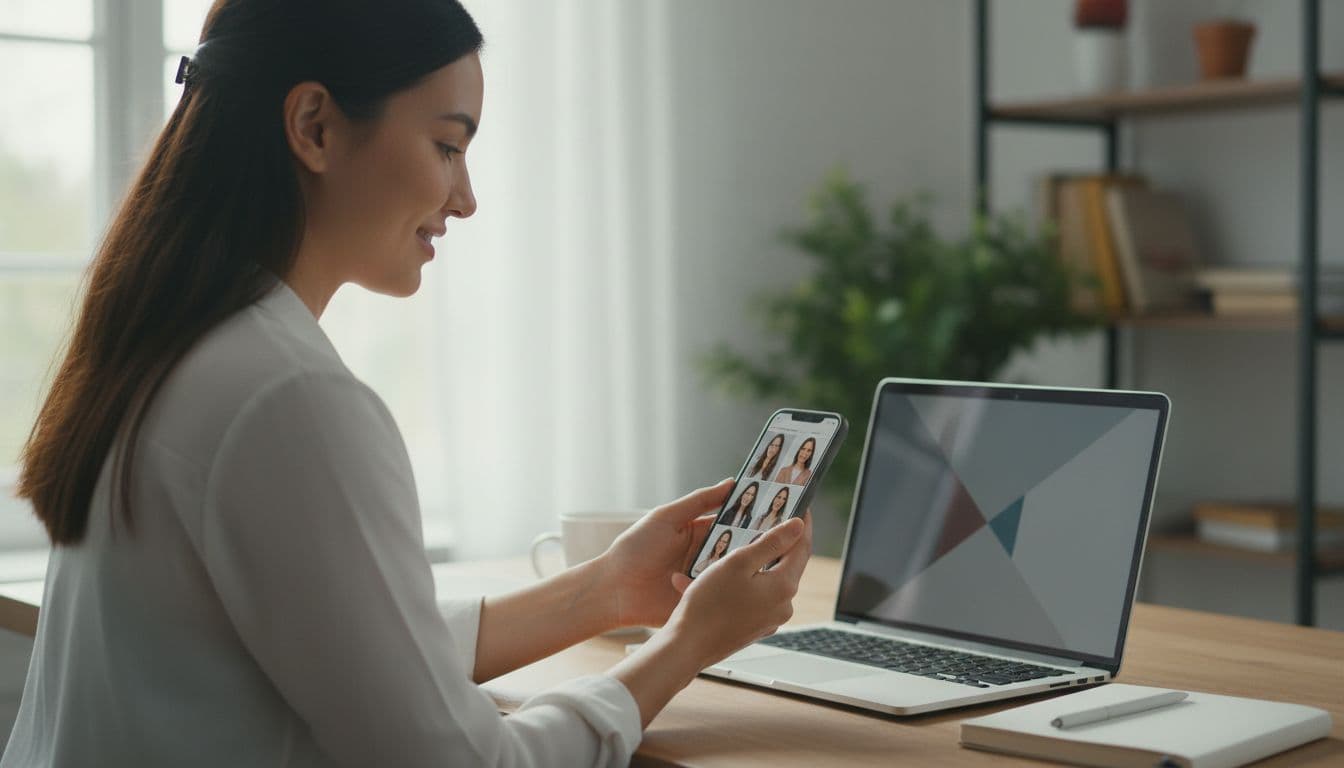
The SelfAI web app is the browser version of the same AI photo studio that powers the iPhone app. Open it in Safari, Chrome or any modern browser, upload one or two selfies, and choose from more than 30 photo styles. The AI photo editor renders a full pack of portraits in about two minutes, right there in the tab, with no plug-in and no separate account required to see a first result.
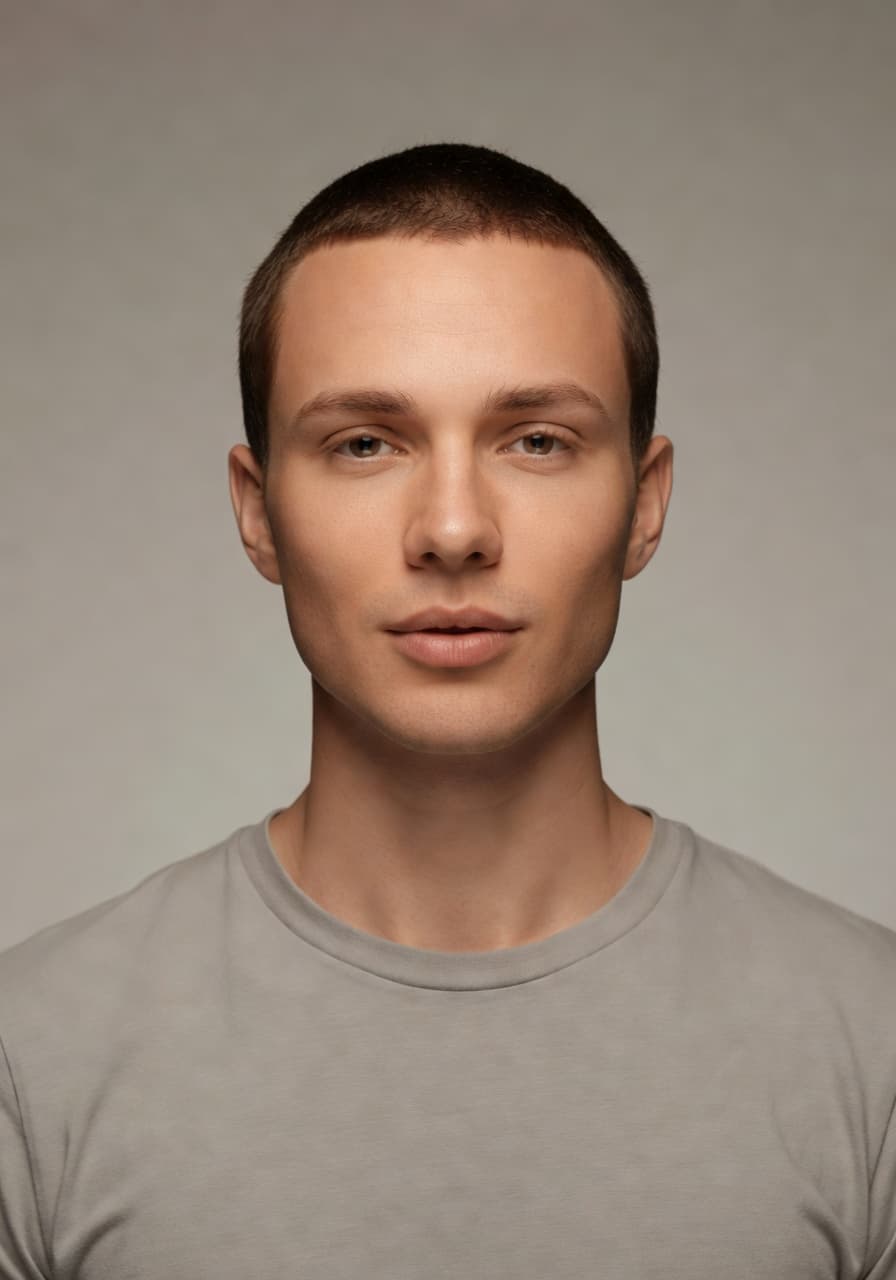
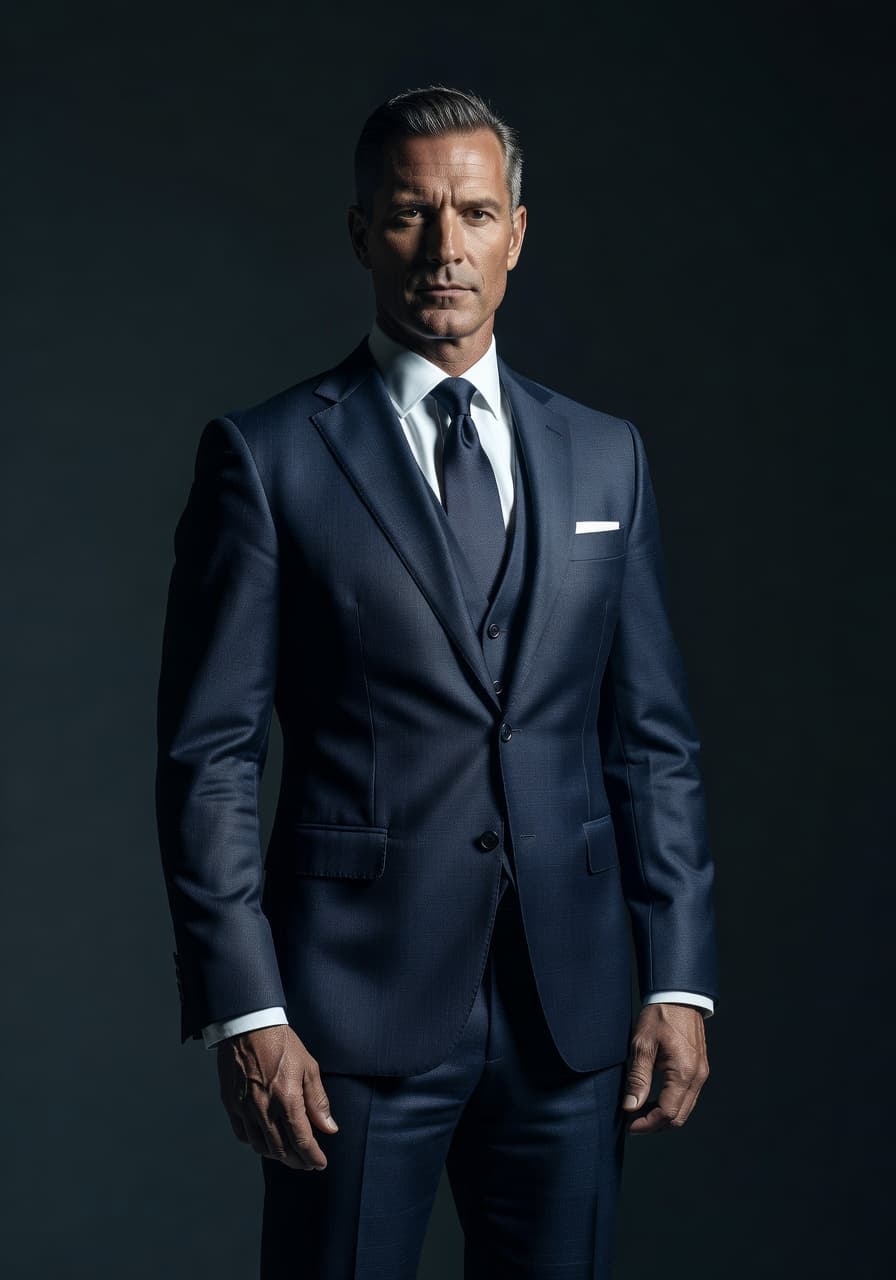
- Professional headshots for LinkedIn, a resume or a company About page, with clean backdrops and studio lighting.
- Natural-light portraits that look like a friend with a good camera took them on a sunny afternoon.
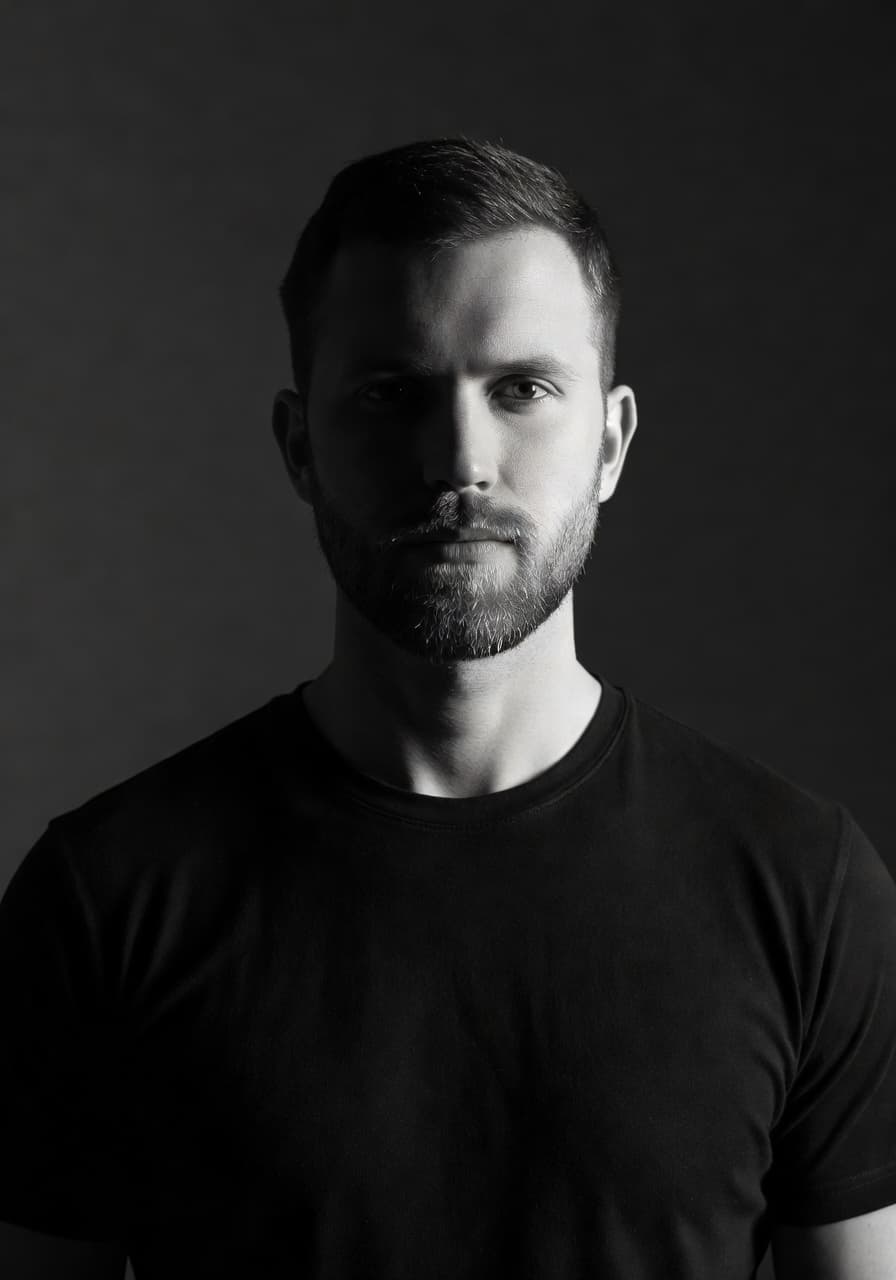
- Creative looks such as black-and-white editorial, retro film and golden-hour travel portraits.
- Profile pictures sized and cropped for LinkedIn, Instagram, dating apps and messaging apps.
You can browse every look in the photo styles gallery before you upload a single photo, so you know roughly what to expect from the online AI photo editor before you commit a selfie to it. If you want a deeper look at how the styles are judged for realism and speed, our AI headshot generator app guide walks through the same criteria in more detail.

Online AI photo editor vs. the iOS app: which should you use
Both versions of SelfAI produce the same photos, so this is mostly a question of which screen you happen to be in front of.
Use the browser version when you are at a laptop or desktop: comparing several generated styles side by side on a bigger screen, preparing headshots for a small team from one shared computer, or simply working from a machine that is not your phone. It is also the fastest way to try SelfAI, since there is no download step at all.
Use the iOS app when your selfies already live on your iPhone and you want to shoot, generate and share to LinkedIn or a messaging app without leaving your phone. If you use both, your photo packs sync between devices, so you can start a batch on the web during a work break and finish choosing favorites on your phone later.
How to edit a photo online with AI in three steps
The process is short enough that most people finish before their coffee gets cold. It works the same way in every modern browser.
- Open the web app and pick a selfie. Choose one or two clear, front-facing photos where your face is well lit and not covered by sunglasses or a hat.
- Choose a style. Pick the look you want, such as a corporate headshot, natural light, monochrome or travel, and select more than one if you want to compare.
- Generate and download. The online AI photo editor renders your photos in about two minutes. Pick your favorites and download them straight from the browser.
There is no layer panel to learn and no tutorial to sit through first. A longer walkthrough with example images lives in the how it works section on the SelfAI homepage.
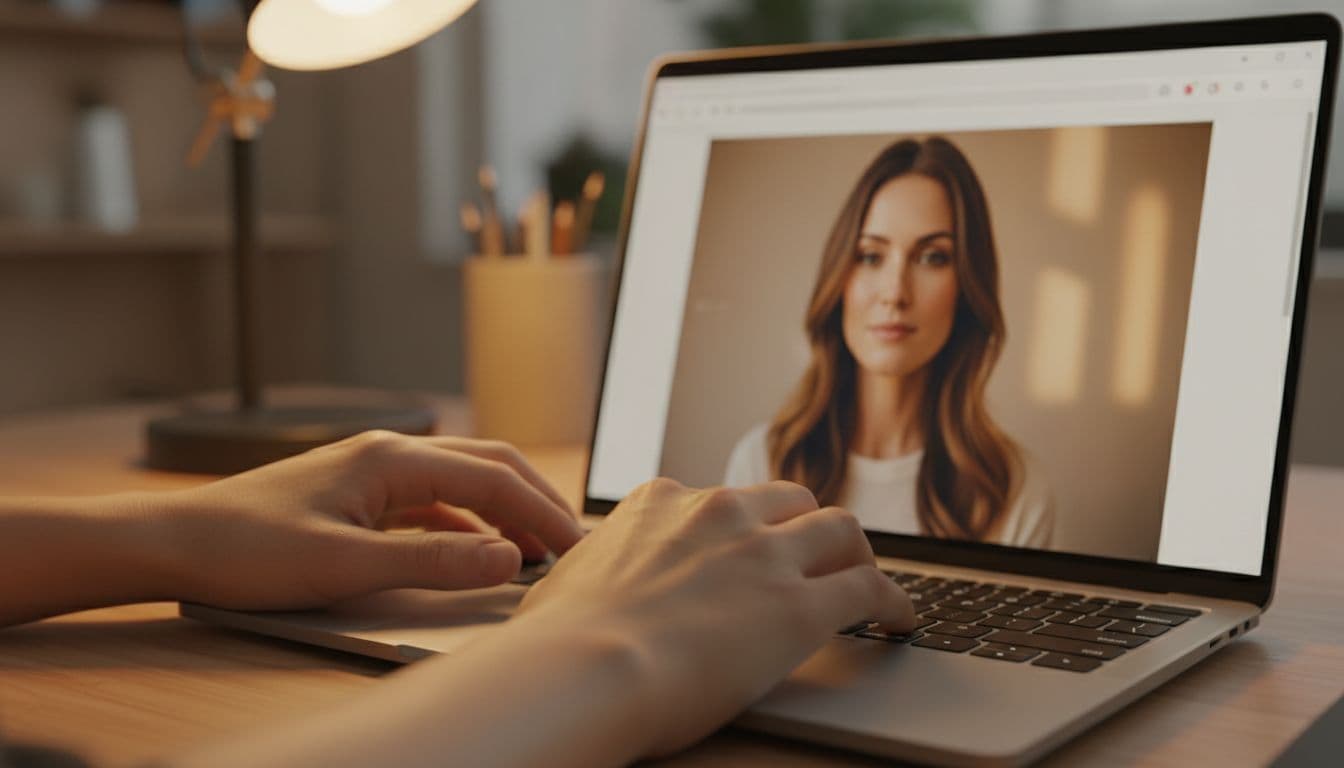
Tips for getting the best result in a browser
The AI does most of the work, but the photo you start with still matters, whether you upload it from a phone or drag it in from a laptop folder.
- Face a window. Soft daylight from the front is the single biggest upgrade you can give a selfie, on any device.
- Use a recent, clear photo. A sharp phone photo transferred to your laptop works just as well as one taken on the computer itself.
- Show your whole face. No sunglasses, no hand near the chin, no hair across the eyes.
- Skip heavy filters on the original. Give the editor an honest photo; it adds the polish.
Is an online AI photo editor safe for your photos?
A browser tool never has more access to your device than the tab itself, which is one reason many people prefer it for a quick edit. Modern browsers sandbox each site, and a well-built web app only asks for a file the moment you choose to upload it, the same standard behavior described in MDN’s overview of web applications. That sandboxing is also why a browser tool cannot quietly read other files on your laptop or dig through an old photo library without you choosing each upload yourself.
On the SelfAI side, uploads are encrypted in transit and kept only as long as needed to deliver your results, whether you started the edit on the web app or on iPhone. If you later want the same shortcut as an app icon on your phone, Safari lets you add any web page to your home screen, as covered in Apple’s guide to using Safari on iPhone.

Frequently asked questions
- Is there a free online AI photo editor?
- Yes. The SelfAI web app has a free tier, so you can upload a selfie and see a real AI-generated portrait in your browser before deciding whether to upgrade.
- Do I need to install anything to use SelfAI online?
- No. The SelfAI web app runs in Safari, Chrome or any modern browser. There is nothing to download, and no plug-in is required to see a result.
- Can I use the same photos on my iPhone and in the browser?
- Yes. SelfAI syncs your photo packs between the web app and the iOS app, so you can start an edit on one device and pick favorites on the other.
- Is it safe to upload a selfie to an online AI photo editor?
- A well-built browser tool only accesses the file you choose to upload. SelfAI encrypts uploads in transit; details are in the SelfAI privacy policy.
- Will the online version give the same results as the iOS app?
- Yes. The SelfAI web app and iOS app use the same AI photo studio and the same 30+ styles, so results are consistent wherever you start.
- Can a small team share one online photo editor for headshots?
- Yes. Because the web app needs no install, a team can gather around one laptop, review styles together, and each person can download their own set.
Ready to try an online AI photo editor?
The best online AI photo editor is the one you can open right now, on whatever computer is in front of you, and use without waiting for a download. SelfAI does exactly that in your browser, with the same 30+ styles and about two-minute results as the iOS app.
Open a new tab, upload a selfie you like, and see what it looks like as a professional portrait. There is nothing to install and nothing to lose by trying.

Written by
Taro Nakamura
Editor, AI Photography & Mobile Apps
Taro writes about AI photo editing, headshots and the apps that make them easy. He tests every editor he recommends on a real phone, with real selfies, and only keeps the tools that deliver results in minutes without a manual.
More articles by Taro



 Taro Nakamura