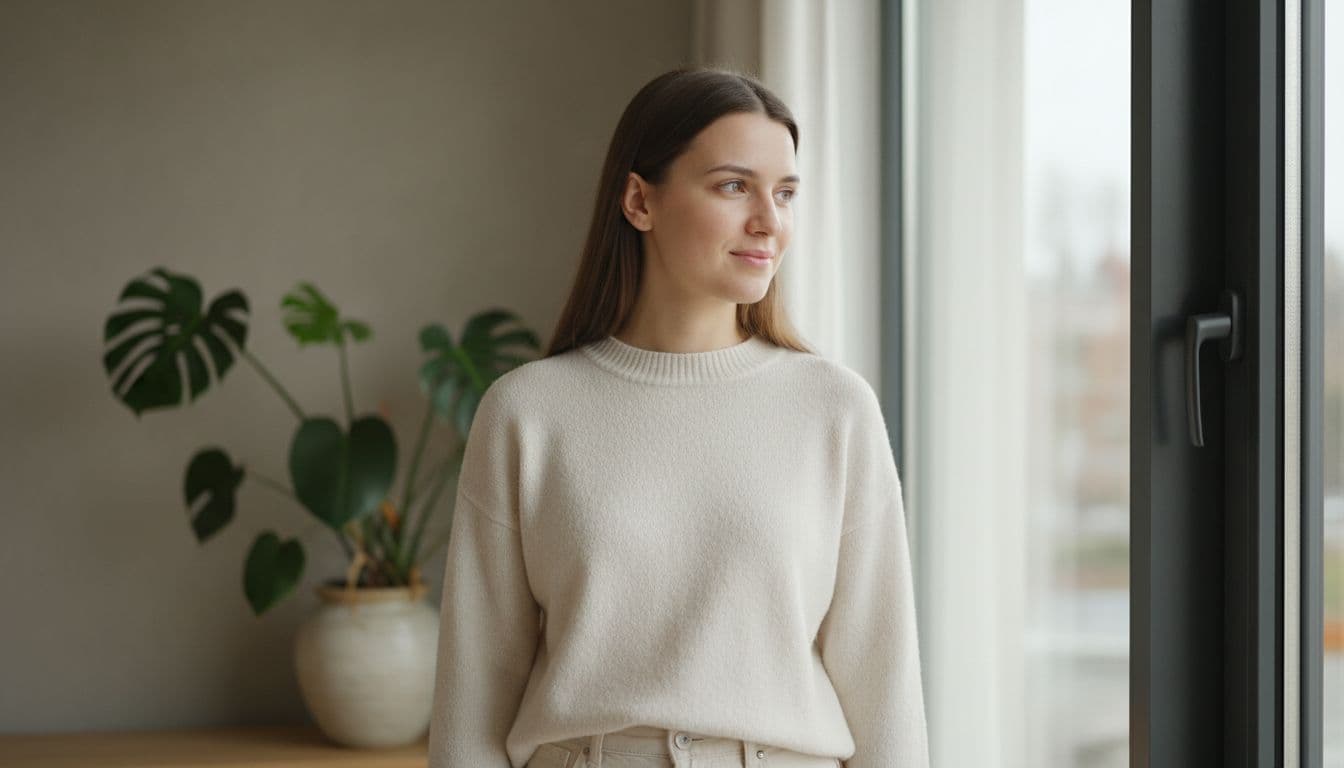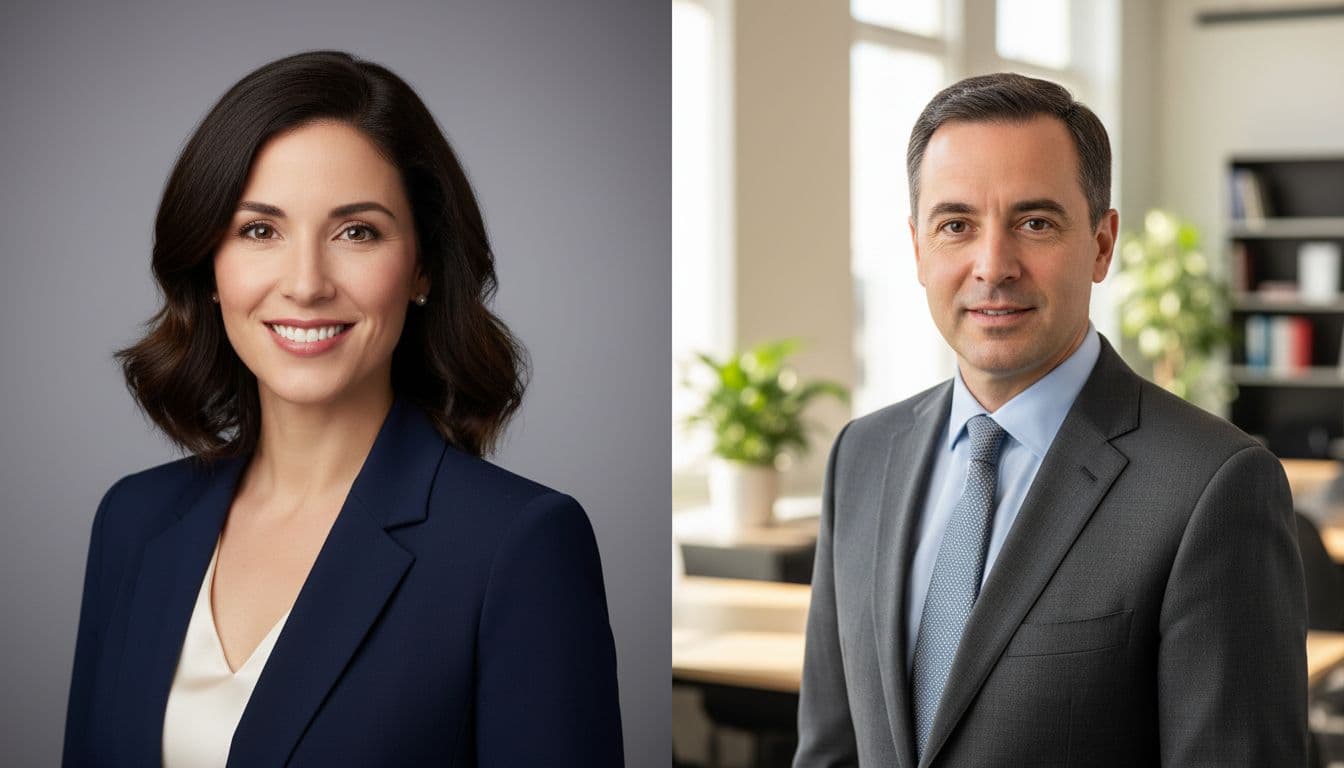
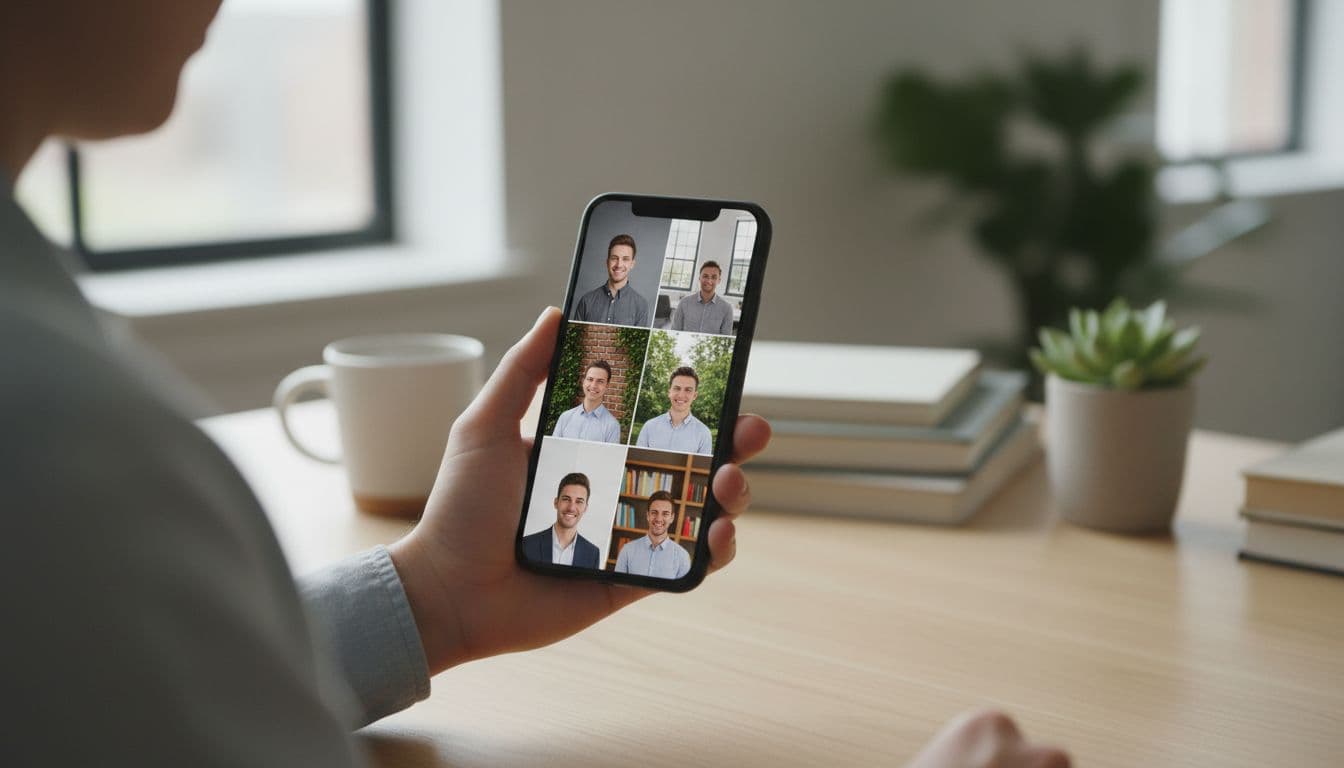
The best background for a headshot is plain, evenly lit and free of anything that competes with your face: a solid neutral backdrop such as grey, white or soft blue for most professional use, or a softly blurred real-world setting when you want the photo to feel more personal. SelfAI can generate either option, and several variations of each, from a single selfie, which makes it easier to compare backgrounds side by side instead of committing to one blindly.
SelfAI is an AI photo studio and AI photo editor that turns your selfies into professional headshots, portraits and creative photos in minutes, on iOS and in your web browser.
- Neutral wins by default. A plain grey, white or soft blue backdrop is the safest choice for LinkedIn, resumes, ID photos and most corporate headshots.
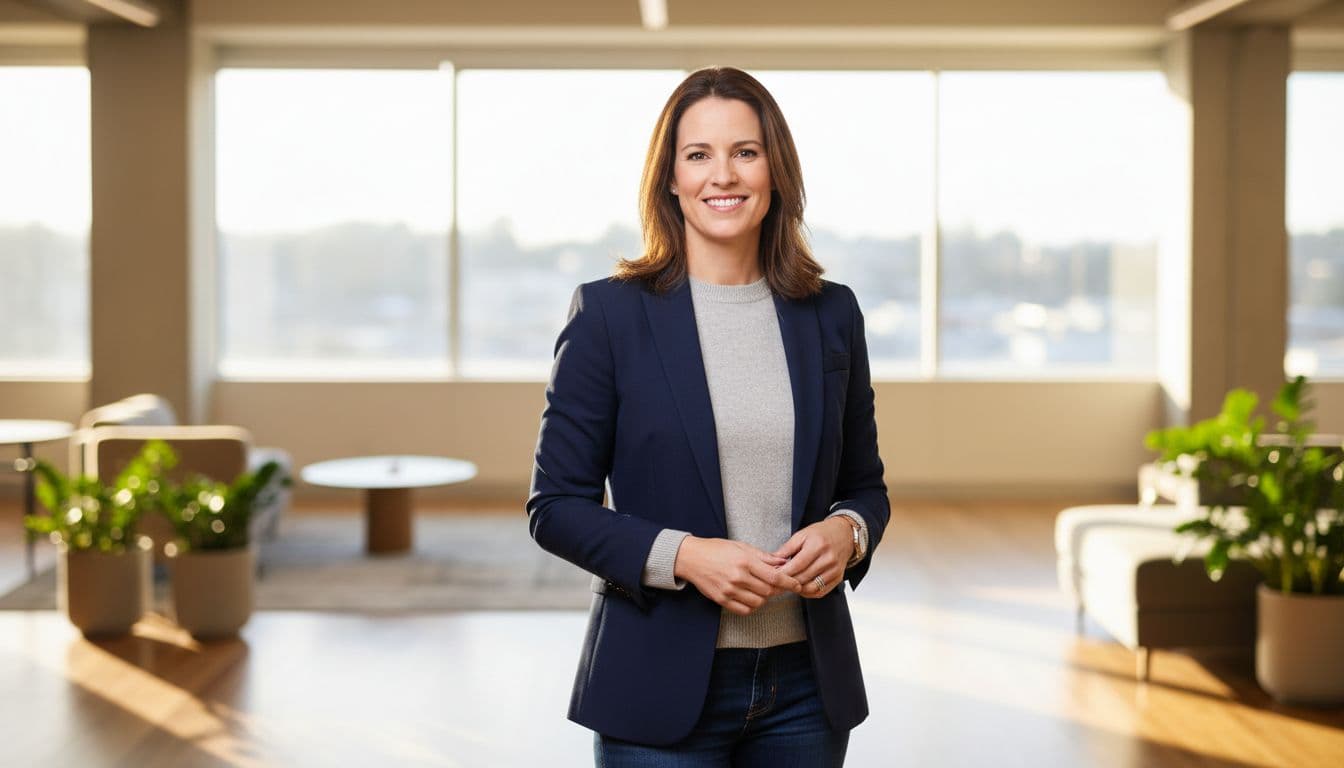
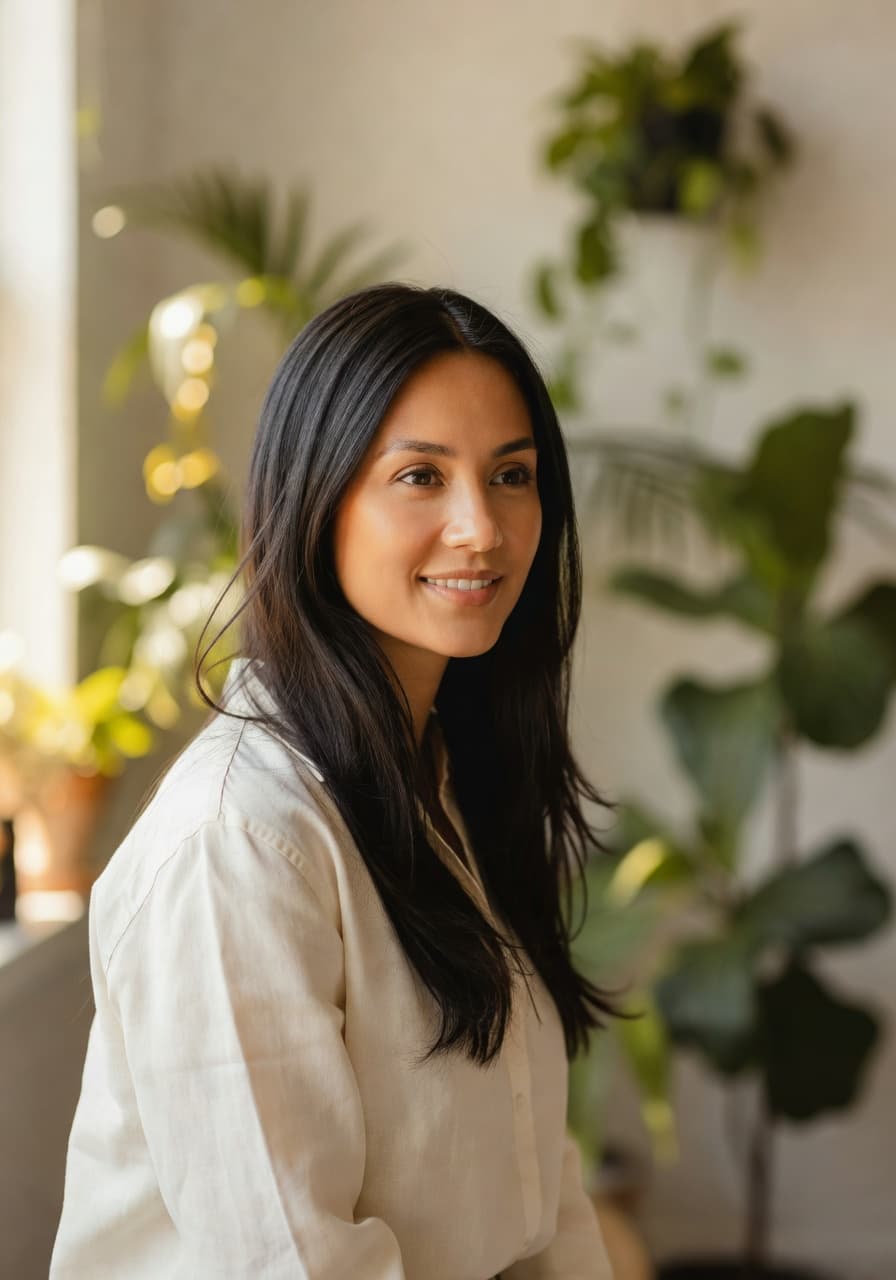
- Environmental backgrounds work when softly blurred. An office, a bookshelf or greenery can add personality for founders and creators, as long as it stays out of focus.
- Color has a small psychological effect. Cooler tones like blue and grey read as calm and professional, while warmer tones read as more approachable and casual.
- Busy backgrounds are the most common mistake. Patterns, clutter and strong shadows pull attention away from your face.
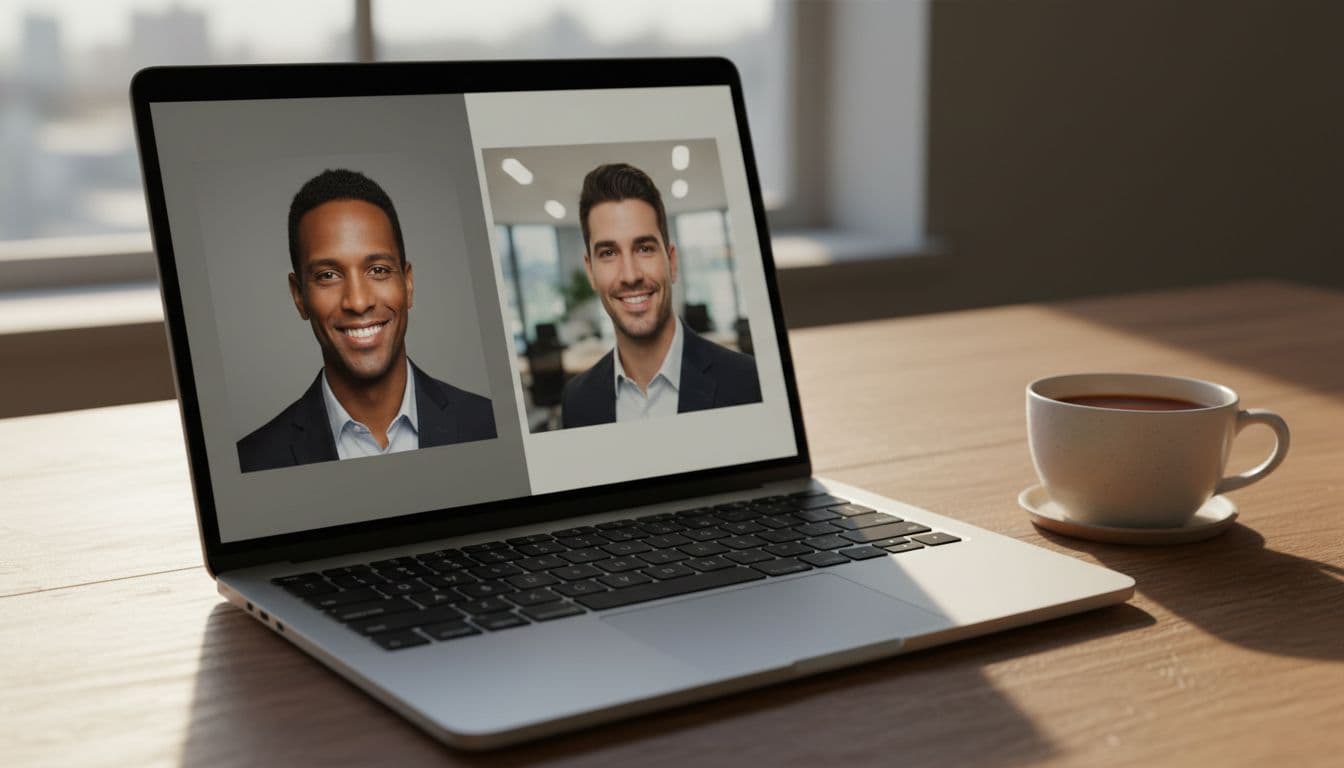
- SelfAI generates any of these backgrounds from one selfie, so you can compare a neutral studio look against an environmental one before choosing.
Why the background matters as much as the face
A headshot has one job: to make the viewer focus on you. The background is not decoration, it is the frame that either supports that job or fights it. Recruiters, clients and connections spend a fraction of a second deciding whether a profile photo looks trustworthy, and a cluttered or distracting background is one of the fastest ways to lose that fraction of a second.
This is also why the best background for a headshot is rarely the most interesting one. A plain wall or a soft blur does more for your credibility than a dramatic skyline, because it keeps the eyes of the viewer exactly where you want them: on your face.
Most profile photos are also viewed small, on a phone screen, next to a name and a headline. A busy background loses even more detail at that size, while a clean one still reads clearly. Designing for the smallest, most common view of your photo is a simple habit that pays off everywhere it gets reused.
Neutral backgrounds: the safe, professional default
Neutral backgrounds are the default for a reason. They work on every platform and in every industry, and they never go out of style. If you only get one headshot, this is the background to choose.
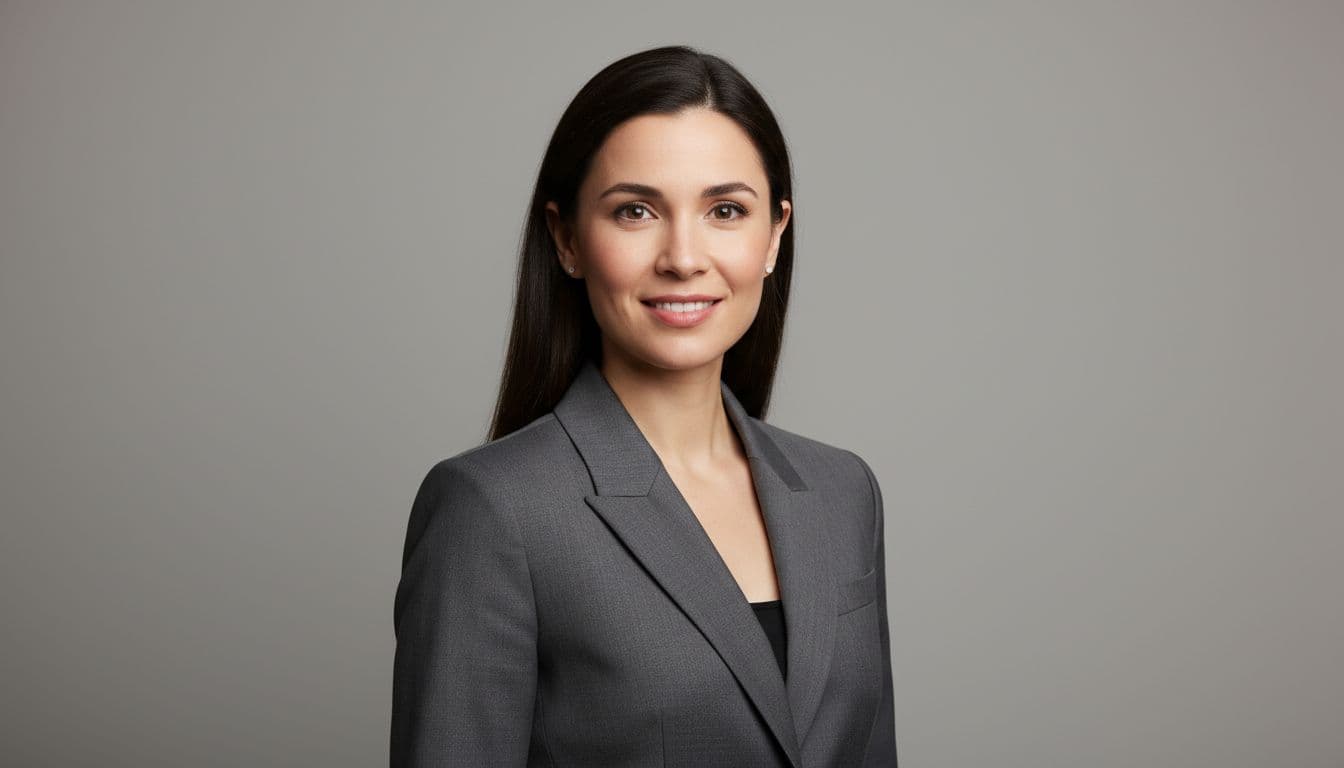
- Solid grey. The most common corporate choice. It photographs well under almost any lighting and never clashes with an outfit.
- Off-white or light grey. Slightly softer than pure white, and the closest match to what government ID and passport photos require.
- Soft blue. A cool, calm alternative to grey that still reads as professional without feeling clinical.
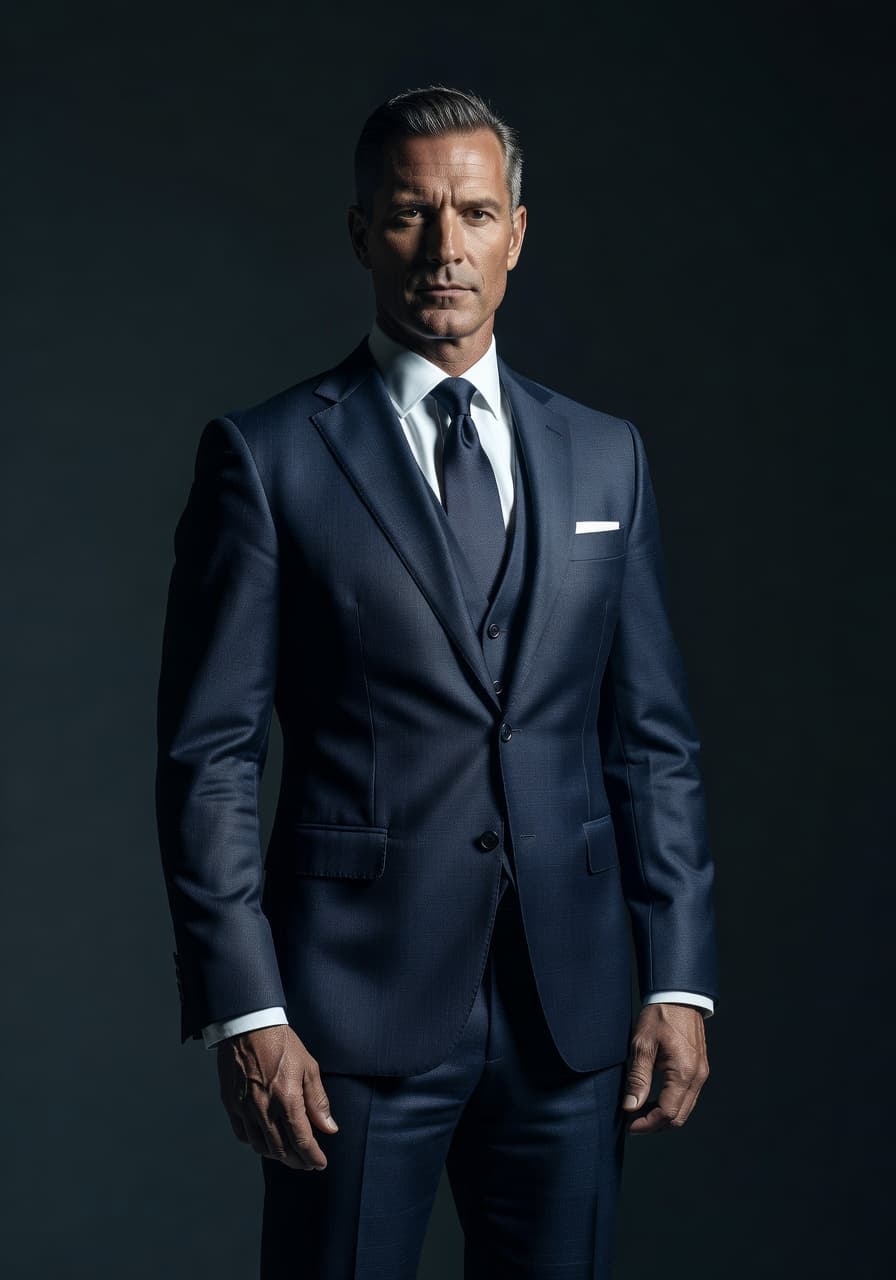
- Charcoal or black. A higher-contrast option often used for executive portraits and creative headshots.
If you are prepping specifically for a professional network, our full LinkedIn headshot from a selfie guide covers framing, expression and cropping alongside the background.
Environmental backgrounds: when your own setting works better
An environmental background uses a real place instead of a plain backdrop: an office, a bookshelf, a studio with visible equipment, or greenery outdoors. Done well, it adds a little personality without turning the photo into a casual snapshot.
This works best for founders, creators, real estate agents and teachers, people whose headshot is also meant to say something about what they do. The rule that keeps it professional is focus: the background should be soft and out of focus, never sharp enough to compete with your face.
A useful test is distance. Step back mentally and ask whether a stranger could describe your background in one word, such as grey, office or garden. If it takes a full sentence to describe, it is probably too busy for a headshot, however nice the room looks in person.
What background color actually communicates
Color research on professional settings consistently finds that cooler tones read as more considered and trustworthy, while warm tones grab attention faster but suit casual or spontaneous contexts better. Cool colors such as blue are strongly associated with professionalism and careful decision-making, which is one reason grey and blue dominate corporate headshot backgrounds.
None of this means you need to overthink it. A neutral grey or soft blue is a safe, research-backed default. Save warmer or more saturated colors for a personal brand, a dating profile or a creative portfolio, where a bit of warmth and personality works in your favor.
What official guidelines say about headshot backgrounds
Two sources are worth checking if you want a background that will not get rejected anywhere. Government photo rules are the strictest: the US State Department requires a plain white or off-white background, free of shadows, texture, objects or lines. If your background would pass a passport photo, it will pass almost any professional use.
LinkedIn own profile photo guidelines are more relaxed: they focus on a clear, recent photo where your face fills most of the frame, rather than a specific background color. A neutral or softly blurred background still performs best there, because it keeps the emphasis on you.
How to get any of these backgrounds without a real backdrop
Buying backdrop paper, finding a plain wall or booking studio time is the traditional way to get a clean background, and it still works. It is also more effort than most people want for one photo. SelfAI AI background replacement generates a neutral, environmental or creative background from a single selfie, so you can try a few options in the time it would take to set up one physical backdrop.
Upload one or two clear selfies, choose a style from the photo styles gallery, corporate headshot, natural light portrait or a softly blurred office look, and SelfAI renders a full set in about two minutes. Because the results come back fast, it is realistic to compare a plain grey background against a softer environmental one before deciding which to use.
How to choose the best background for your headshot in 3 steps
- Match the platform. LinkedIn, a resume or an ID photo call for neutral. A personal website, a creator bio or a dating profile can handle an environmental or softly styled background.
- Pick neutral or environmental, not both. A background that mixes a plain backdrop with random objects in frame looks accidental rather than intentional.
- Generate a few options and compare. Try a neutral studio look and one softer alternative side by side before you commit, rather than guessing which will work.
Common headshot background mistakes to avoid
- Matching the background to your outfit. A navy shirt against a navy backdrop makes you blend into the frame instead of standing out.
- Standing too close to the wall. It creates hard shadows behind you, which is one of the first things passport and ID photo rules reject.
- Busy or patterned walls. Brick, bookshelves in sharp focus, or artwork behind you all compete for attention.
- Harsh single-source lighting. Even a perfect neutral background looks uneven under one strong overhead light.
Once the background is settled, the rest of the frame matters too. Our guide to what to wear for a headshot covers the other half of a photo that actually gets used.
Who SelfAI is for
- Job seekers who need a neutral, LinkedIn-ready background without booking a studio.
- Founders and creators who want a softly blurred office or lifestyle background that still feels personal.
- Students and career changers who need a plain background for a resume or ID-style photo.
- Teams who want every headshot on the same neutral backdrop, without everyone visiting the same physical studio.
Where SelfAI is not the right tool
SelfAI is not a substitute for a background that has to match an exact, pre-approved brand color from a physical set, such as a press-kit shoot art-directed to match a specific studio backdrop down to the paint code. For that level of precision, a photographer with the actual backdrop still wins.
It also will not fix a background problem that is really a lighting problem. If your selfie has strong shadows or blown-out highlights, start with better light near a window first; AI background replacement works best on a clear, well-lit starting photo.
What it costs
SelfAI has a free tier that generates real background options, not a locked preview. Premium plans add more styles, higher-resolution exports and more generations, useful if you want to compare several backgrounds across a whole set of photos. Either way, you see the actual background options on your own face before you decide whether a paid plan is worth it.
Frequently asked questions
- What is the best background for a headshot?
- The best background for a headshot is plain and non-distracting, solid grey, white or soft blue for most professional use, and SelfAI can generate any of these backgrounds from a single selfie in about two minutes.
- Should a headshot background be blurred?
- Yes, if it shows a real setting. A softly blurred office, bookshelf or outdoor scene adds personality without competing with your face, while a sharp, in-focus background usually looks distracting.
- What color background is best for a LinkedIn headshot?
- Grey, off-white and soft blue are the safest choices for LinkedIn, since cooler neutral tones read as calm and professional and work with almost any outfit.
- Can I use a colorful or patterned background for a professional headshot?
- It is risky. Bright colors and patterns pull attention away from your face, so most professional contexts, including LinkedIn and resumes, are better served by a neutral or softly blurred background.
- Does SelfAI let me change my headshot background?
- Yes. SelfAI AI background replacement generates neutral, environmental and creative backgrounds from one selfie, so you can compare options before choosing your favorite.
- Is a white or grey background better for a resume photo?
- Either works well. White and light grey are closest to what official ID and passport photo rules require, while a slightly darker grey gives a bit more contrast against most clothing.
- What background works best for an outdoor or lifestyle headshot?
- A softly blurred natural setting, like greenery or a golden-hour street scene, works best outdoors, since keeping it out of focus stops the environment from competing with your face.
Choose your background, then let SelfAI render it
The best background for a headshot is the one that gets out of the way: neutral for most professional contexts, softly blurred when you want a bit of personality, and always free of clutter, harsh shadows or colors that compete with your face.
Grab a selfie you like, open SelfAI on iOS or the web, and generate a few background options before you pick a favorite. Two minutes from now you will know exactly which one looks best.

Written by
Taro Nakamura
Editor, AI Photography & Mobile Apps
Taro writes about AI photo editing, headshots and the apps that make them easy. He tests every editor he recommends on a real phone, with real selfies, and only keeps the tools that deliver results in minutes without a manual.
More articles by Taro



 Taro Nakamura