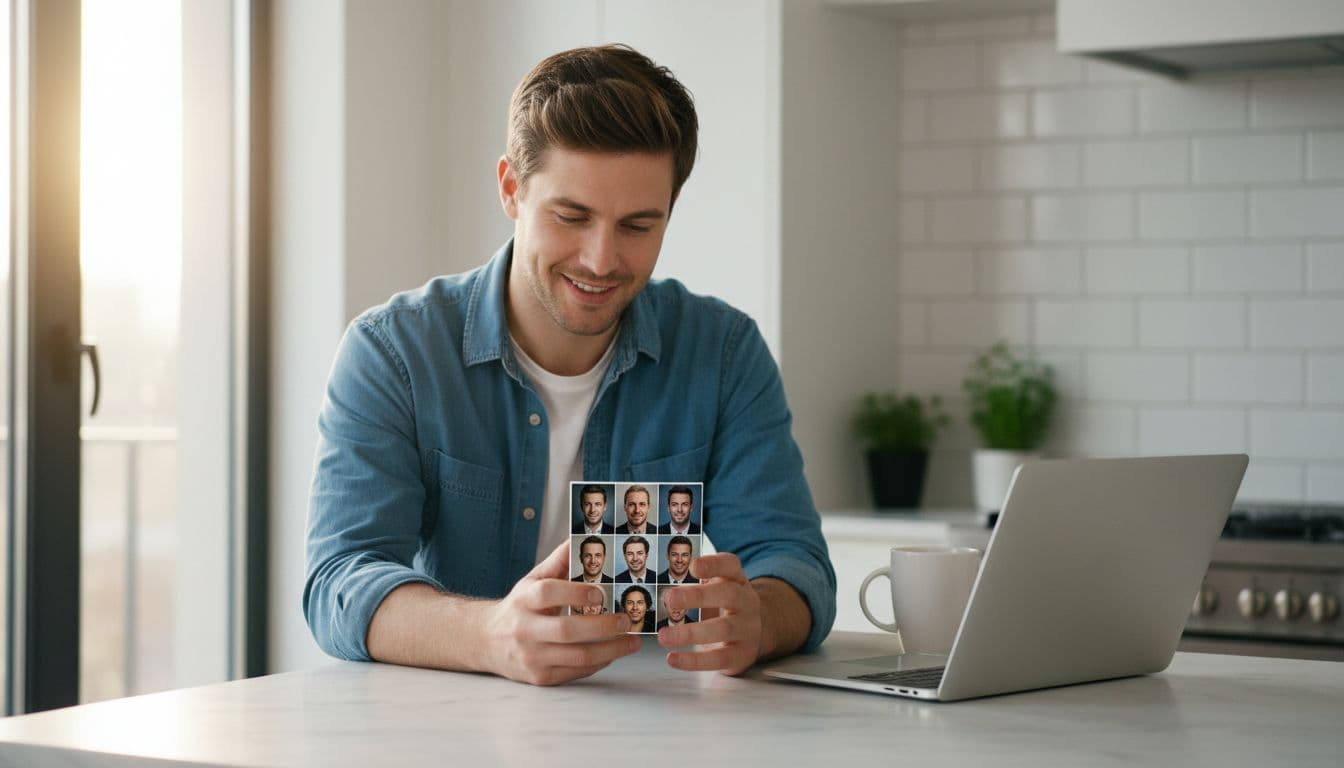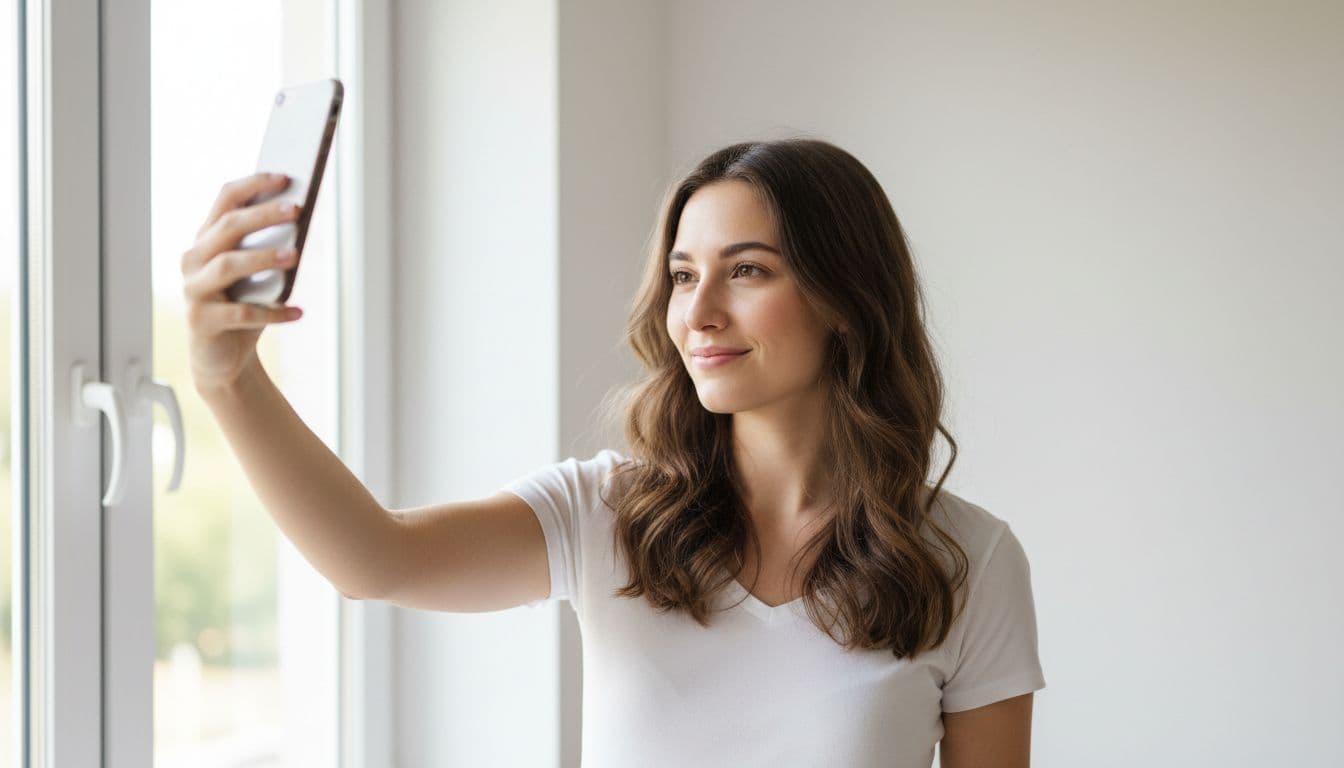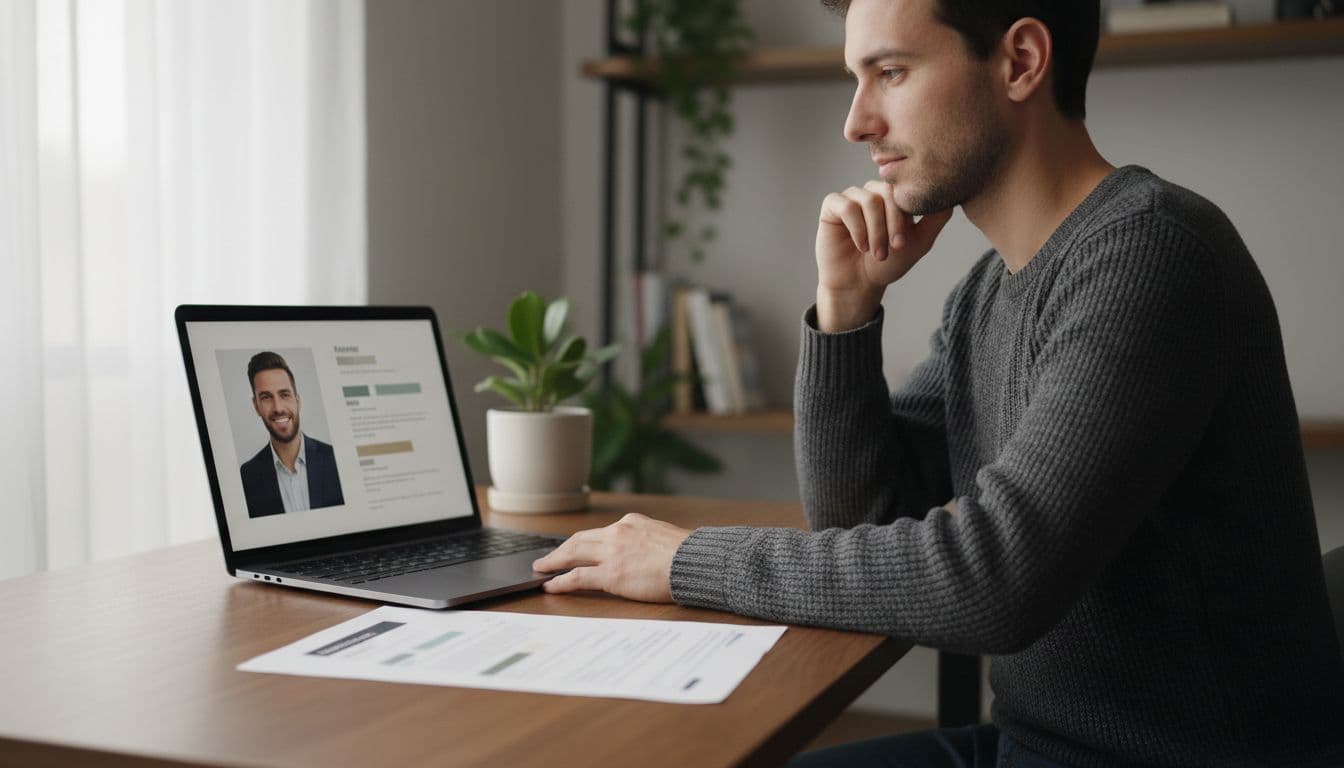
Do you need a photo on your resume? It depends almost entirely on where you are applying. In the United States, the UK, Canada and Australia, a resume photo is usually left out on purpose. In much of continental Europe, Latin America and parts of Asia, a neutral, professional CV photo is still standard practice. This guide walks through which rule applies to you, what a good resume photo actually looks like, and how to get a clean one without booking a photographer.
SelfAI is an AI photo studio and AI photo editor that turns your selfies into professional headshots, portraits and resume-ready photos in minutes, on iOS and in your web browser.
- In the US, UK, Canada and Australia, most resumes skip a photo entirely, and many employers prefer it that way.
- In Germany, France and much of continental Europe, a neutral CV photo is still common, though it is increasingly optional.
- In Japan, South Korea and parts of Asia, a formal photo is often a required field on standard resume templates.
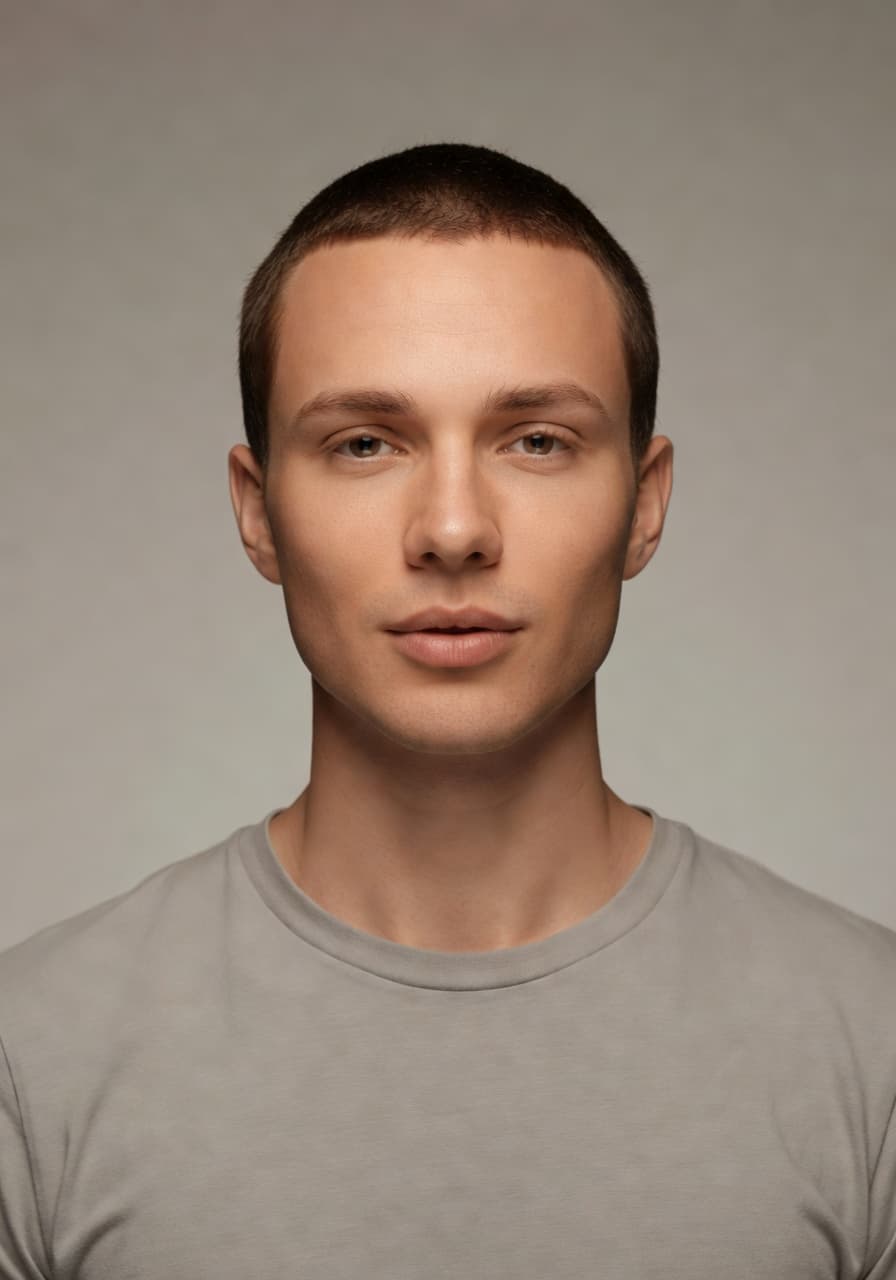
- A good resume photo is simple: plain background, even light, a warm but professional expression, cropped the way the form asks for.
- SelfAI can turn one selfie into a resume-ready photo with a neutral background in about two minutes, on iPhone or in your browser.
Does your resume actually need a photo?
Usually, no, and in some places adding one can quietly work against you. In the US, UK, Canada, Ireland and Australia, most hiring guides and many employers recommend leaving a photo off the resume itself. Part of that is convention, and part of it is that structured hiring processes try to judge experience and skills first, without a photo shaping that first impression.
If you are applying in one of those markets, the safest move is to skip the resume photo and put your best portrait on LinkedIn instead, where a photo is expected and genuinely useful. The terms also shift by region: what is called a resume in the US is usually called a CV almost everywhere else, and the Wikipedia overview of the curriculum vitae is a quick way to see how the format and expectations change across countries.
Outside those English-speaking markets, the picture changes. In Germany, Austria, Switzerland and France, a neutral CV photo is still common on applications, even as more employers make it optional for online submissions. In Japan, a formal photo is a standard field on the rirekisho resume template, and South Korea and parts of Southeast Asia follow similar conventions.
Applying for a remote or international role adds one more wrinkle: the company may sit in a country with one convention while you sit in another. When in doubt, look at the application form itself. A dedicated upload field for a photo is a strong signal it is expected; if there is no such field, and the company is based in a market where photos are unusual, leave it out rather than attaching one nobody asked for.
Resume photo rules by region, before you apply
A thirty-second check before you apply saves you from guessing wrong in either direction.
- United States, UK, Canada, Ireland, Australia: photo generally left off the resume; save it for LinkedIn and other profiles instead.
- Germany, Austria, Switzerland, France: a neutral CV photo is still common on paper applications, and optional but accepted online.
- Japan, South Korea: a formal photo is often a required field on the standard resume template.
- Much of Southern and Eastern Europe, Latin America, parts of the Middle East: a photo is frequently included, though it varies by employer and industry.
Resume photo vs. ID photo vs. LinkedIn headshot
These three photos look similar but follow different rules, so it helps to keep them separate in your head.
A resume photo or CV photo is a professional portrait attached to a job application. There is no strict rulebook beyond looking clean and current. A government ID photo or passport photo is the opposite: it follows exact rules on size, background color and expression, spelled out in detail in the official passport photo requirements, because the image is checked by machines as well as people. A LinkedIn headshot follows LinkedIn’s own profile photo guidelines and is meant to look warm and approachable, not neutral like an ID photo.
One well-taken photo can usually serve as both your resume photo and your LinkedIn picture, just cropped differently for each. A government ID photo almost always needs its own dedicated shot taken to that country’s exact specification, so do not try to stretch one photo across all three uses.
File format matters less than people expect. A resume photo saved as a JPG at a reasonable file size, roughly under two megabytes, opens cleanly in every application system and every email client. Keep the original alongside a compressed copy so you are never stuck resending a file that is too large for a form to accept.
What makes a good resume photo
A resume photo should look like a calmer, slightly more polished version of you, never like a different person.
- A plain or gently blurred background, so attention stays on your face instead of your kitchen or a busy office.
- Even, soft lighting with no harsh shadows cutting across your face.
- A warm, professional expression — a small natural smile works almost everywhere; a stern, unsmiling look is only expected for strict ID-style forms.
- Simple, tidy clothing in a solid color, without loud patterns or visible logos.
- A recent photo, ideally nothing older than six to twelve months.
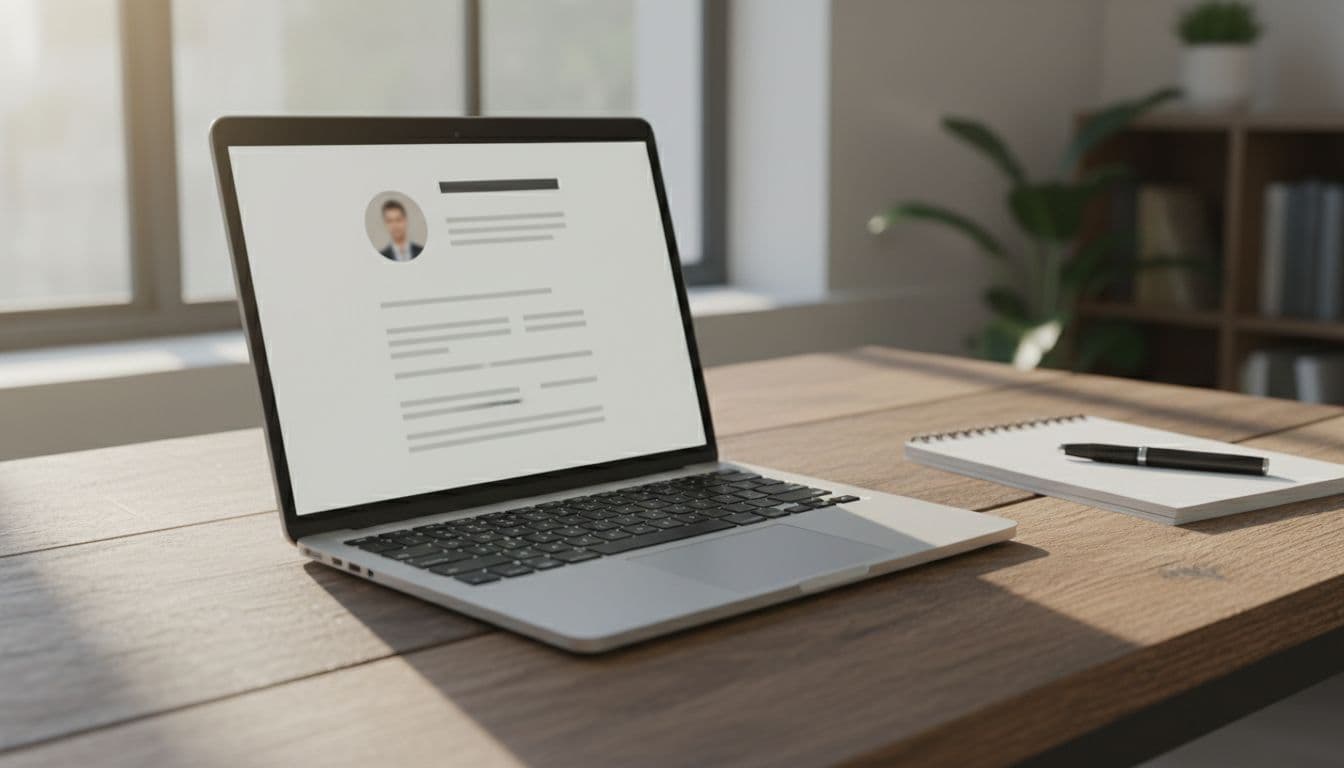
Crop sizes and formats to have ready
Save your resume photo in a few standard shapes so you are never resizing something under deadline pressure.
- Square, close head-and-shoulders crop — the most common resume and CV photo format, and what most application forms expect.
- Passport-style photo, separate from your resume photo — government ID and visa photos have their own size and background rules, distinct from a CV photo.
- LinkedIn profile crop, displayed as a circle — frame the shot with a little extra space around your head so nothing important sits at the edge.
- A high-resolution, print-ready version — useful if your CV template ever gets printed instead of emailed as a PDF.
How to get a professional resume photo without a photographer
A professional-looking resume photo does not require a studio booking anymore.
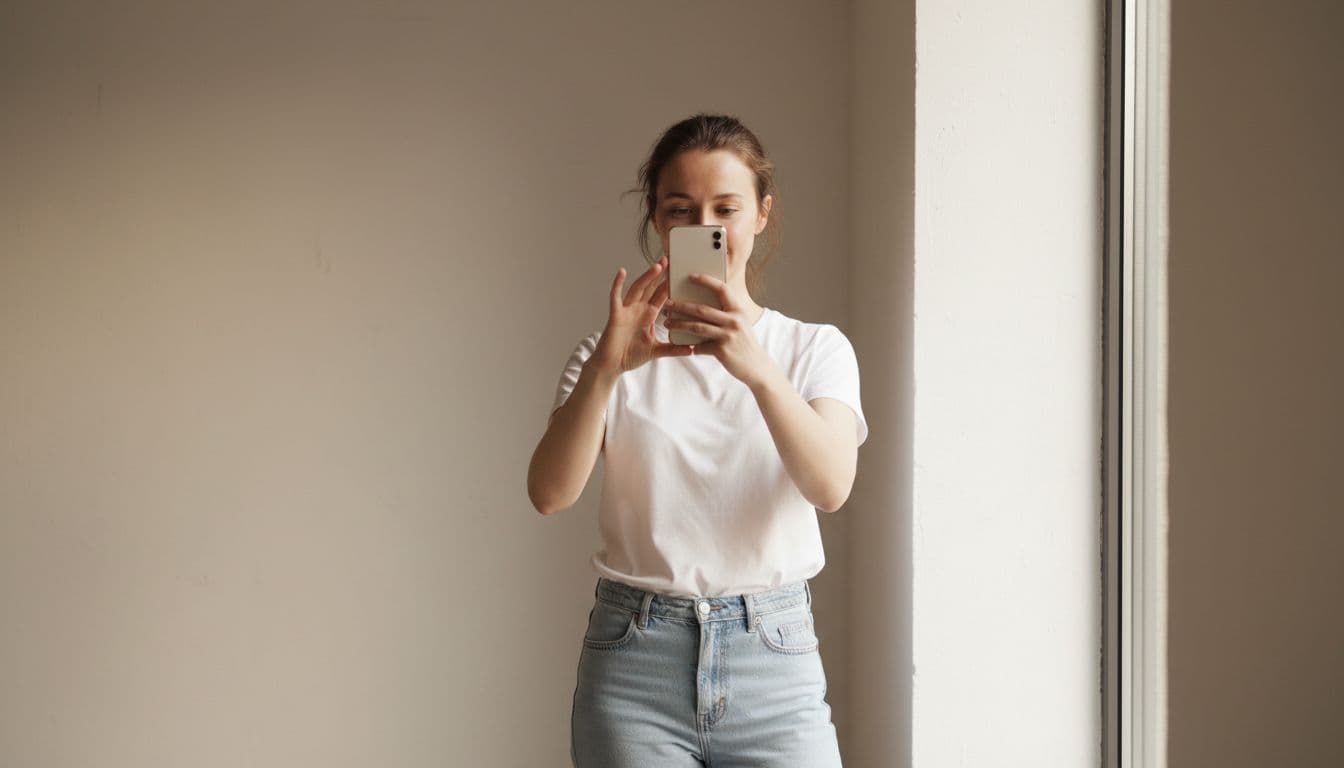
I tested this with a plain phone selfie taken next to a window: no ring light, no backdrop, just ordinary daylight. Uploading it to SelfAI produced a business-photo option with a neutral grey background and even studio-style lighting in about two minutes, ready to crop into a resume-sized photo. It is one of the fastest ways to get a decent resume photo when you do not have a recent one sitting on your phone.
The process is short: pick a clear, front-facing selfie, choose a business or ID-style preset, and download the version cropped for your CV or resume template. The same photo can double as your LinkedIn picture if you want one consistent look across every profile. Browse the available looks in the photo styles gallery, and if you are updating your LinkedIn photo at the same time, the guide to LinkedIn headshots from a selfie covers that platform’s specific crop.
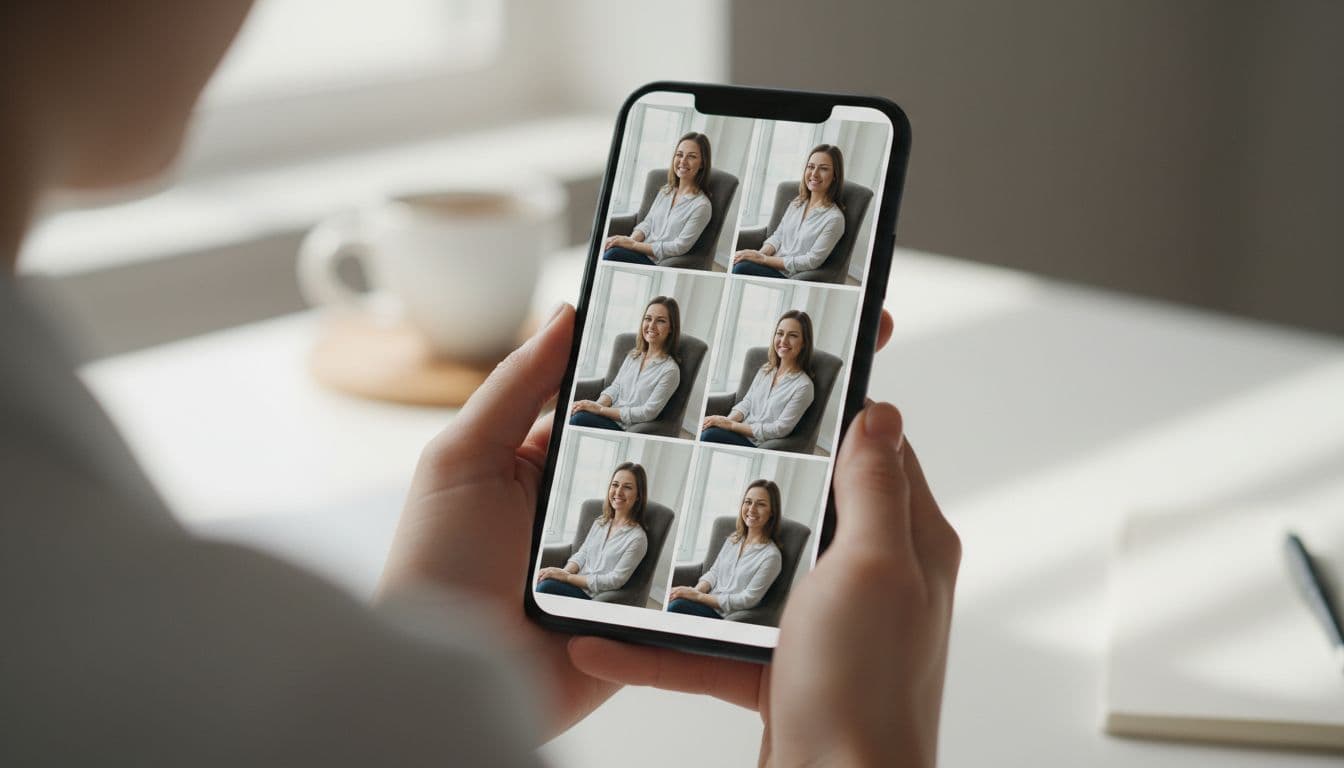
Common resume photo mistakes to avoid
Most weak resume photos share the same handful of problems.
- Using an old photo that no longer looks like you.
- Cropping too tight or too loose, cutting off part of your head or leaving too much background.
- A busy or distracting background, like a messy room or a crowd at an event.
- Sunglasses, hats or heavy filters that hide your face.
- Reusing a photo from a night out or a vacation, instead of one taken with the resume in mind.
- Sending an oversized file that a form rejects or an email client compresses badly.
One honest limit worth knowing: SelfAI is built for professional and creative portraits, not for meeting an exact government photo specification. For an official passport or visa photo, always use your own country’s passport-photo service and its exact rules — a resume photo has far more flexibility than a government ID photo does. If you want a broader look at how different AI photo apps compare on realism, styles and price, our Best AI Photo App 2026 roundup walks through the criteria we use.
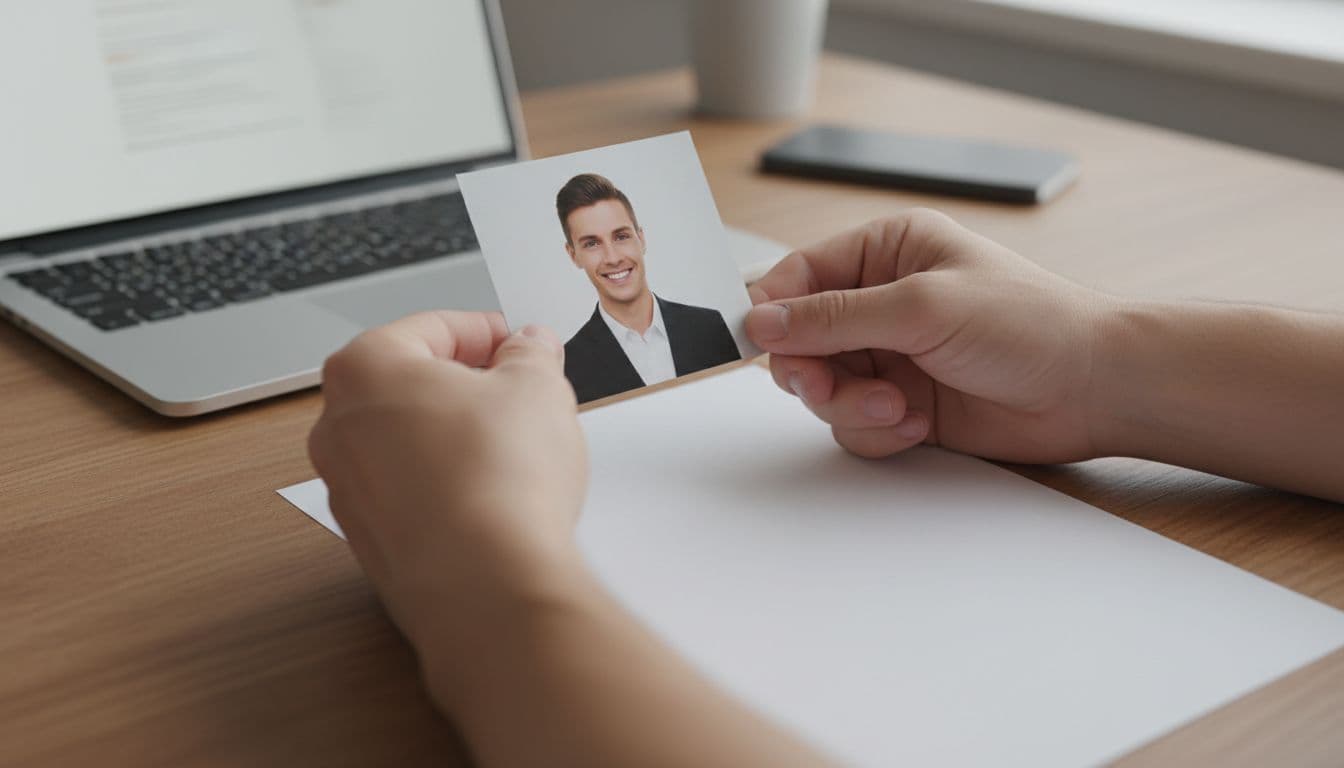
Frequently asked questions
- Do I need a photo on my resume in the US?
- No. In the US, UK, Canada and Australia, most hiring guides recommend leaving a photo off your resume, and many employers prefer it that way. Save your best photo for LinkedIn instead.
- Is a CV photo required in Germany or other parts of Europe?
- It is common but usually not strictly required. Many German and French CVs still include a neutral, professional photo, though online applications increasingly make it optional.
- What is the difference between a resume photo and a passport photo?
- A resume photo has no fixed rules beyond looking clean and professional. A passport or ID photo must meet exact government specifications for size, background and expression.
- What size should a resume photo be?
- A close, roughly square head-and-shoulders crop works for most CV templates and application forms. Keep a higher-resolution version ready in case your CV ever gets printed.
- Can I use the same photo for my resume and LinkedIn?
- Usually yes. A clean, professional photo with a neutral background works for both; you may just need to re-crop it for each platform.
- How can I get a professional resume photo without hiring a photographer?
- Upload a clear selfie to SelfAI and choose a business or ID-style preset. It generates a polished, resume-ready photo with a neutral background in about two minutes, on iOS or the web.
Ready for a resume photo that actually helps?
Whether your market expects a CV photo or skips it entirely, the same rule holds up everywhere: use a recent, clear, well-lit photo that still looks like you. If you need one today, a plain phone selfie and a couple of minutes in SelfAI is usually enough for a clean, neutral, resume-ready portrait.
Take the selfie near a window, keep the background simple, and let the AI photo editor handle the rest. Two minutes later, you will have a photo ready for your CV, your LinkedIn profile, or both.
Written by
Taro Nakamura
Editor, AI Photography & Mobile Apps
Taro writes about AI photo editing, headshots and the apps that make them easy. He tests every editor he recommends on a real phone, with real selfies, and only keeps the tools that deliver results in minutes without a manual.
More articles by Taro


 Taro Nakamura