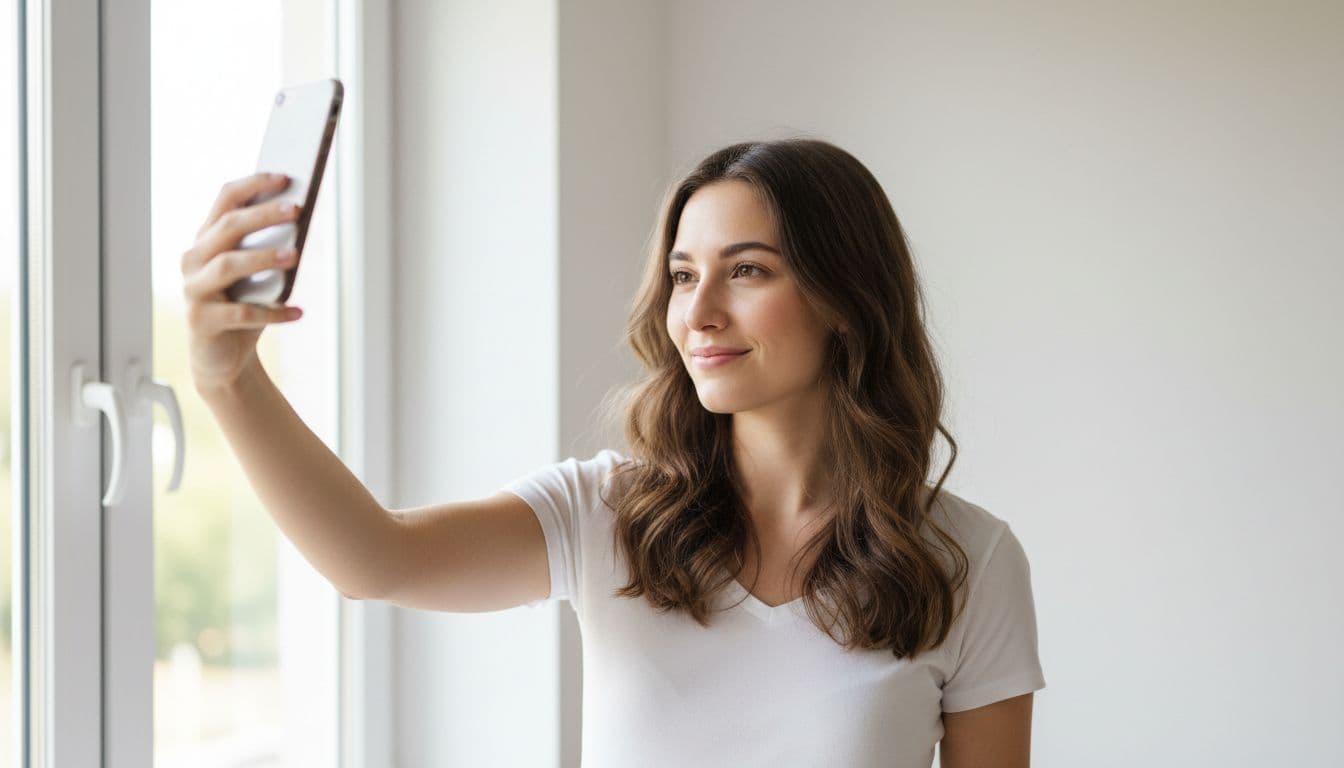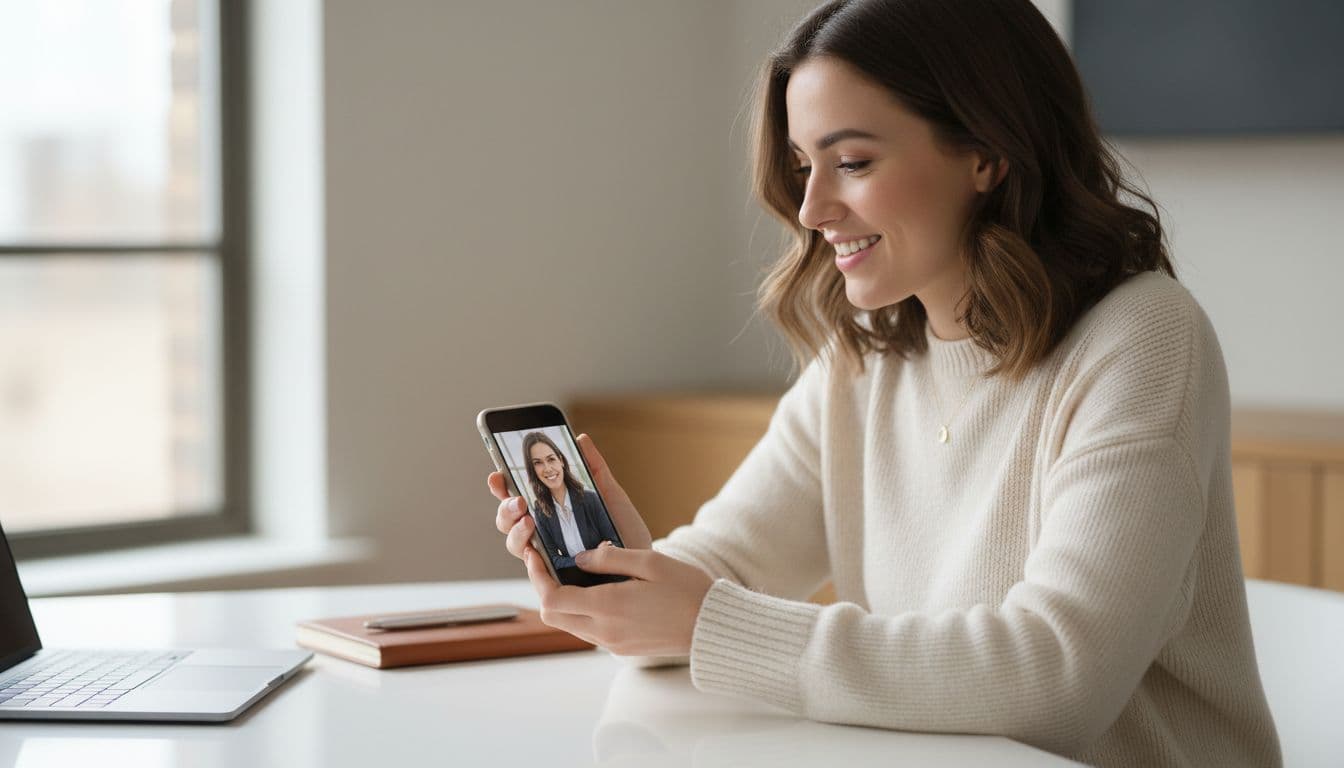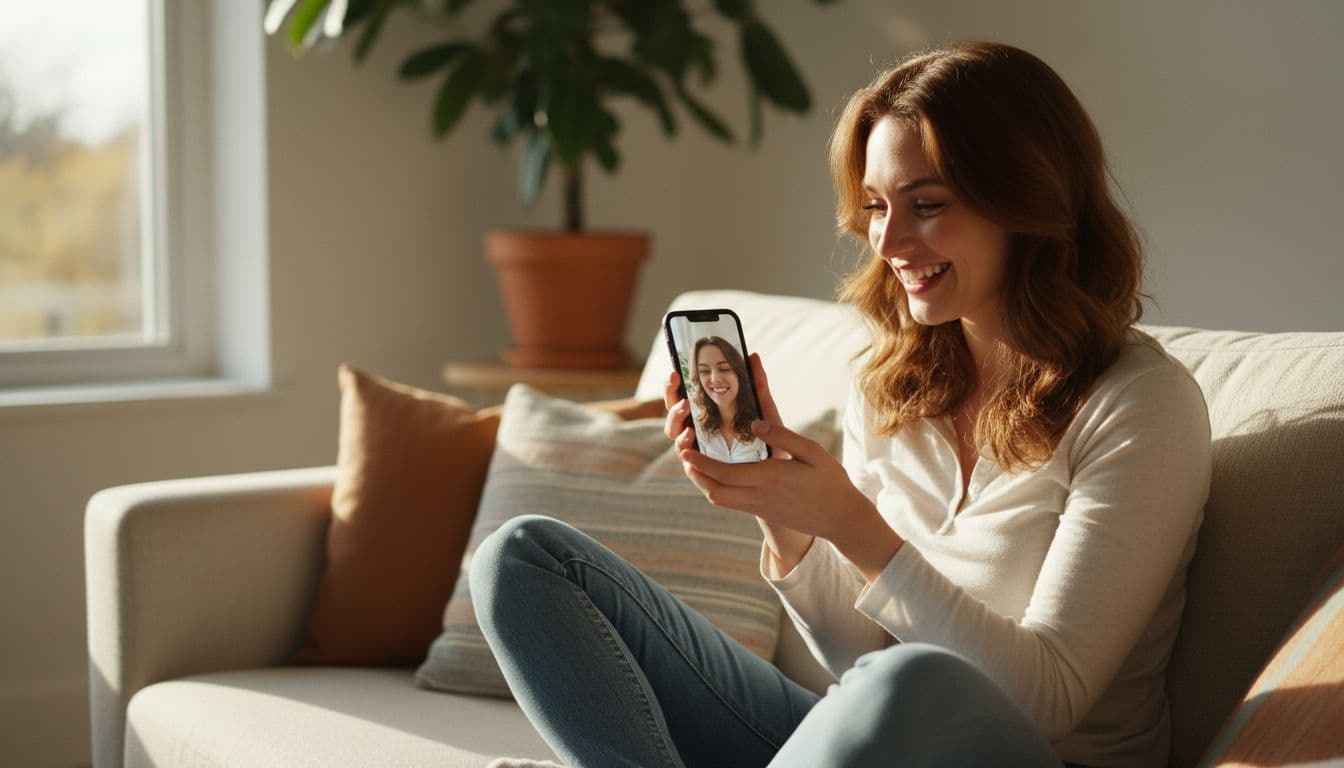
Can you use AI to get better dating profile photos? Yes, as long as the result still looks like you. Dating profile photos with AI work best when the AI cleans up lighting, background and framing rather than reshaping your face or inventing a scene that never happened. This guide covers what actually gets more matches on Tinder, Hinge and Bumble, and how to use AI photo editing without crossing into misleading territory.
SelfAI is an AI photo studio and AI photo editor that turns your selfies into professional headshots, portraits and creative photos in minutes, on iOS and in your web browser, including natural, honest portraits built for a dating profile rather than a red-carpet fantasy.
- Authenticity beats polish. Dating apps, and the people using them, reward photos that look like an accurate, current version of you.
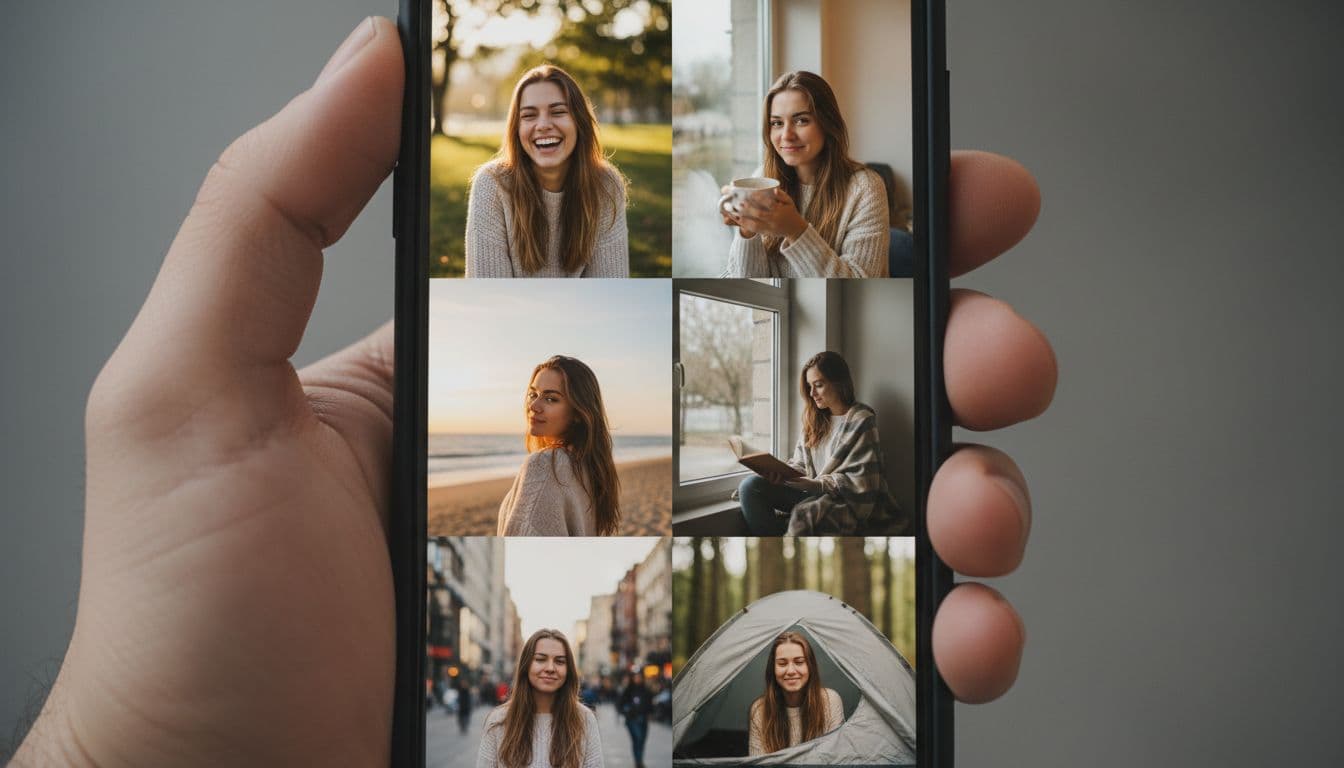
- Variety matters more than one perfect shot. A strong dating profile mixes a clear solo photo, a couple of candid or activity shots, and at least one close-up where your face is easy to see.
- AI photo editing should fix light and background, not identity. Keep your face, skin tone and features recognisable, so a match is not surprised in person.
- SelfAI can turn ordinary phone selfies into natural-light and travel-style portraits on iOS and web in about two minutes, without changing who you are.
What dating profile photos with AI actually means
The phrase covers two very different things. One is using an AI photo editor to improve a real photo of yourself: better light, a cleaner background, a more flattering crop, a wardrobe that suits the setting. The other is generating a face that only loosely resembles you, or smoothing away every feature that makes you recognisable. This guide is only about the first kind.
A classic photo editor gives you sliders for brightness and contrast. An AI photo editor like SelfAI understands what is in the picture: it can recognise your face, replace a messy background with a clean one, adjust lighting, and place you in a different outfit, while keeping the same person in the frame. For a dating profile, that difference matters more than for almost any other use case, because the photo has one job: to represent you accurately before someone decides to meet you.
What actually works on Tinder, Hinge and Bumble
People form a first impression from a face in a fraction of a second, long before they read a bio. Psychologists call this rapid, often accurate snap judgment thin-slicing, and on a dating app it happens with almost nothing else to go on but a handful of photos. That puts real weight on getting the basics right.
- Lead with a clear, recent solo photo. Your first photo should show your face clearly, well lit, with no sunglasses, group shot or heavy filter standing in the way.
- Show a genuine expression. A relaxed, natural smile reads as more approachable than a serious pose or an exaggerated grin held for the camera.
- Mix your settings. One indoor photo, one outdoor photo, and one doing something you actually enjoy tells a fuller story than five versions of the same pose.
- Keep it current. A photo from several years or a very different haircut ago sets up a mismatch the moment you meet in person.
- Let your face be the subject. Busy backgrounds, sunglasses and photos taken from far away all make it harder for someone to picture meeting you.
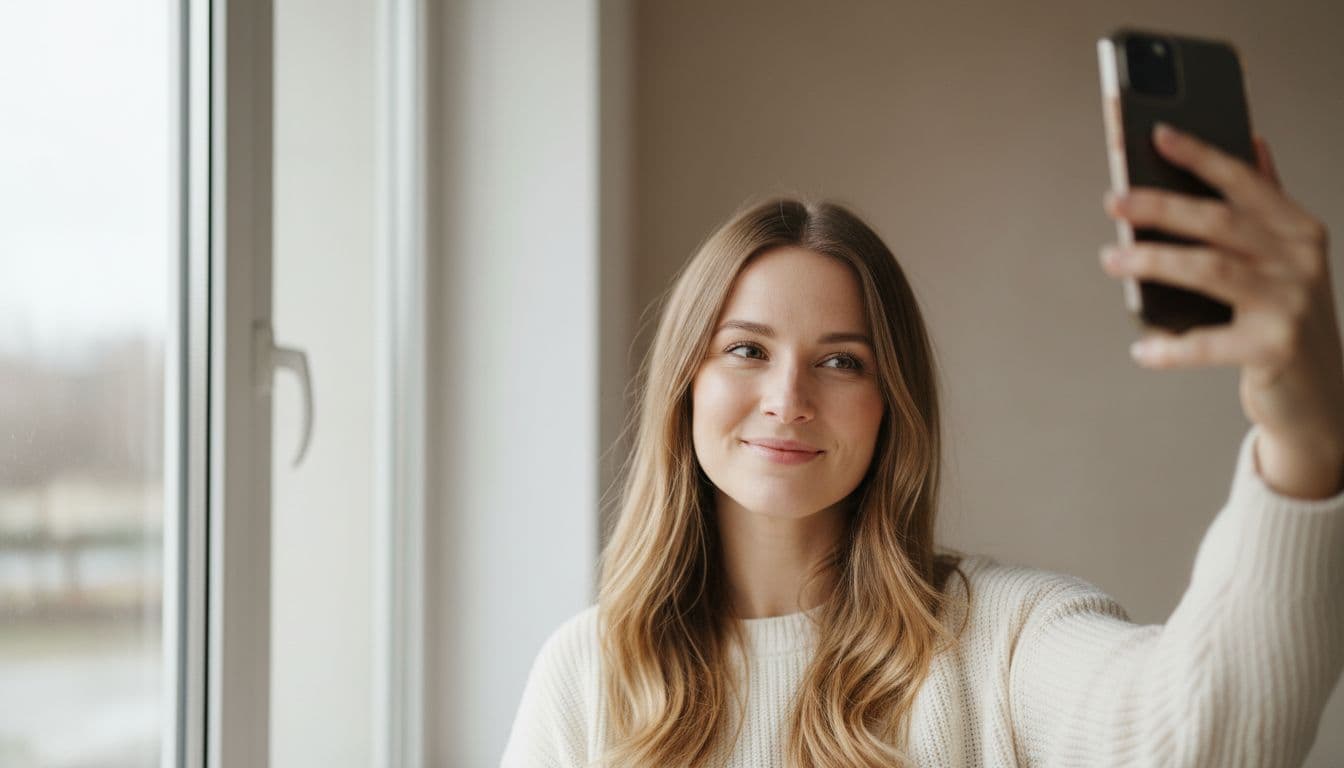
Where AI photos help, and where honesty matters
Online dating has always involved presenting a curated version of yourself, and a good online dating profile has never required a raw, unedited photo. AI photo editing fits naturally into that: it can fix the things a phone camera gets wrong, like flat lighting or a distracting background, in seconds. Where it stops helping is the moment the output no longer matches how you actually look.
Where SelfAI is not the right tool: if the goal is a photo that makes you look like a different person, hides your age, or changes your body shape, that misuses the technology and is likely to violate the dating app you are using. It also guarantees an awkward first date, since the person across the table will not match the profile that got them there. Used the way it is meant to be used, an AI photo editor should make a real photo of you look its best, not replace you with someone else.
The best AI photo styles for a dating profile
Not every style in an AI photo studio suits a dating profile. Corporate headshots and heavy studio lighting can look out of place next to casual weekend photos, while a few specific looks in the SelfAI photo styles gallery fit naturally.
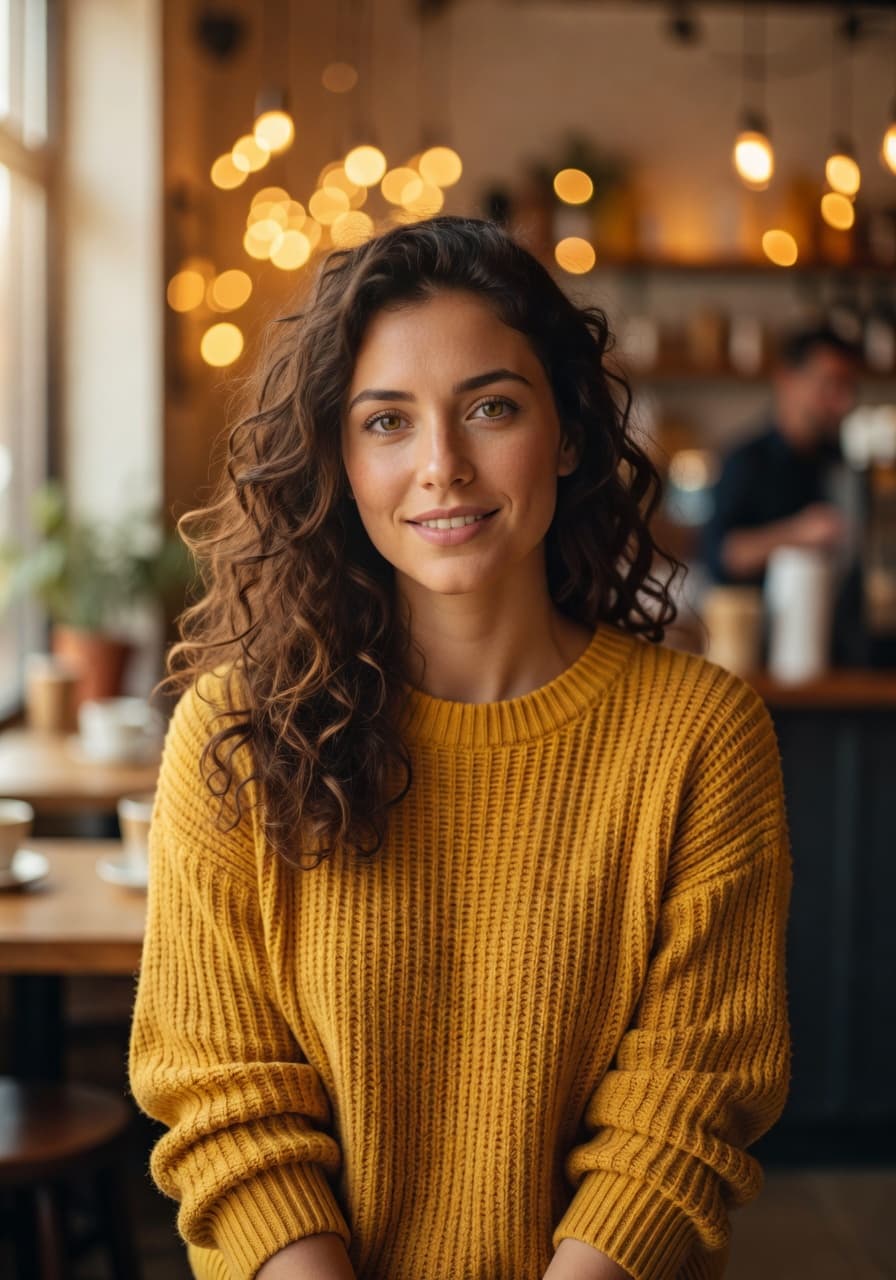
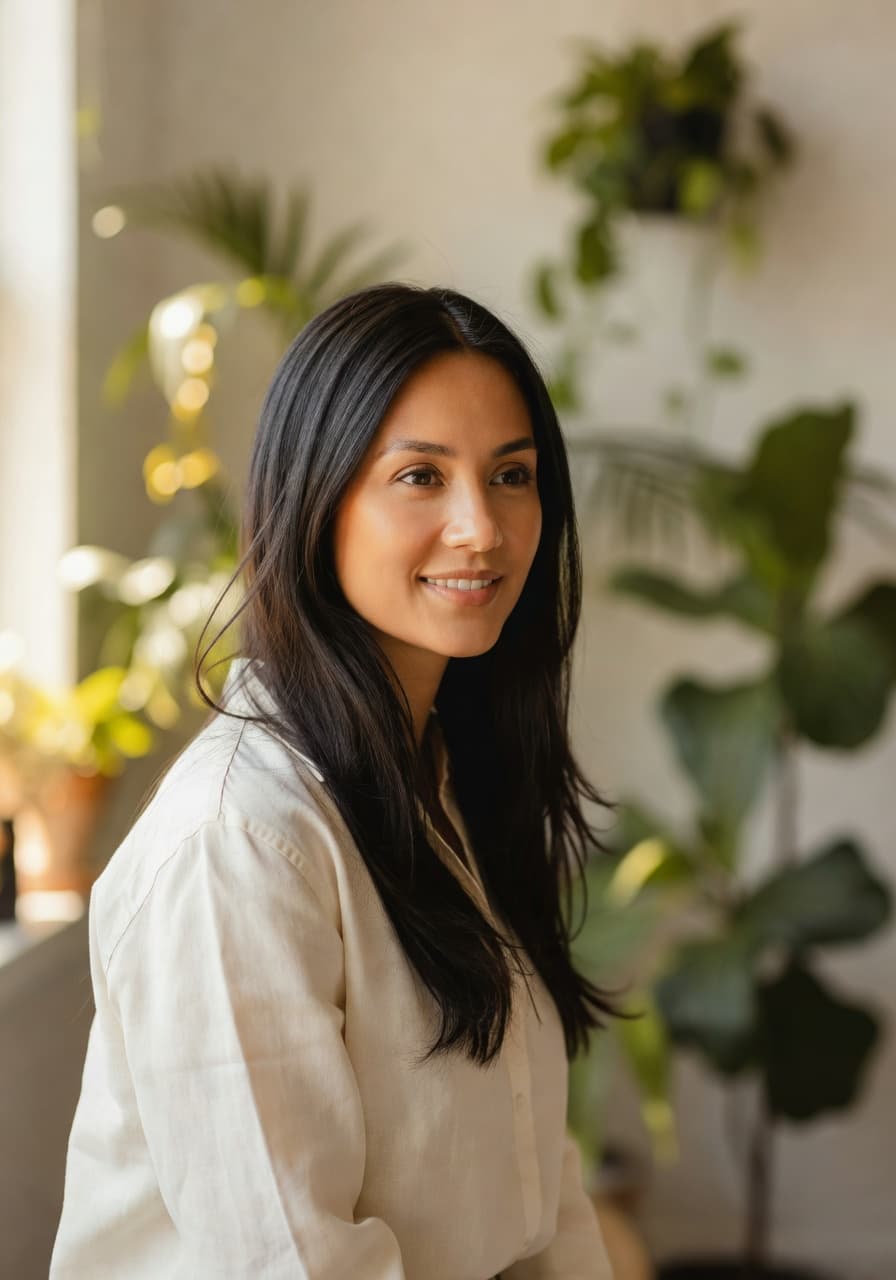
- Natural light portrait. Soft, window-lit results that look like a friend took the photo, which is exactly the tone most dating profiles want.
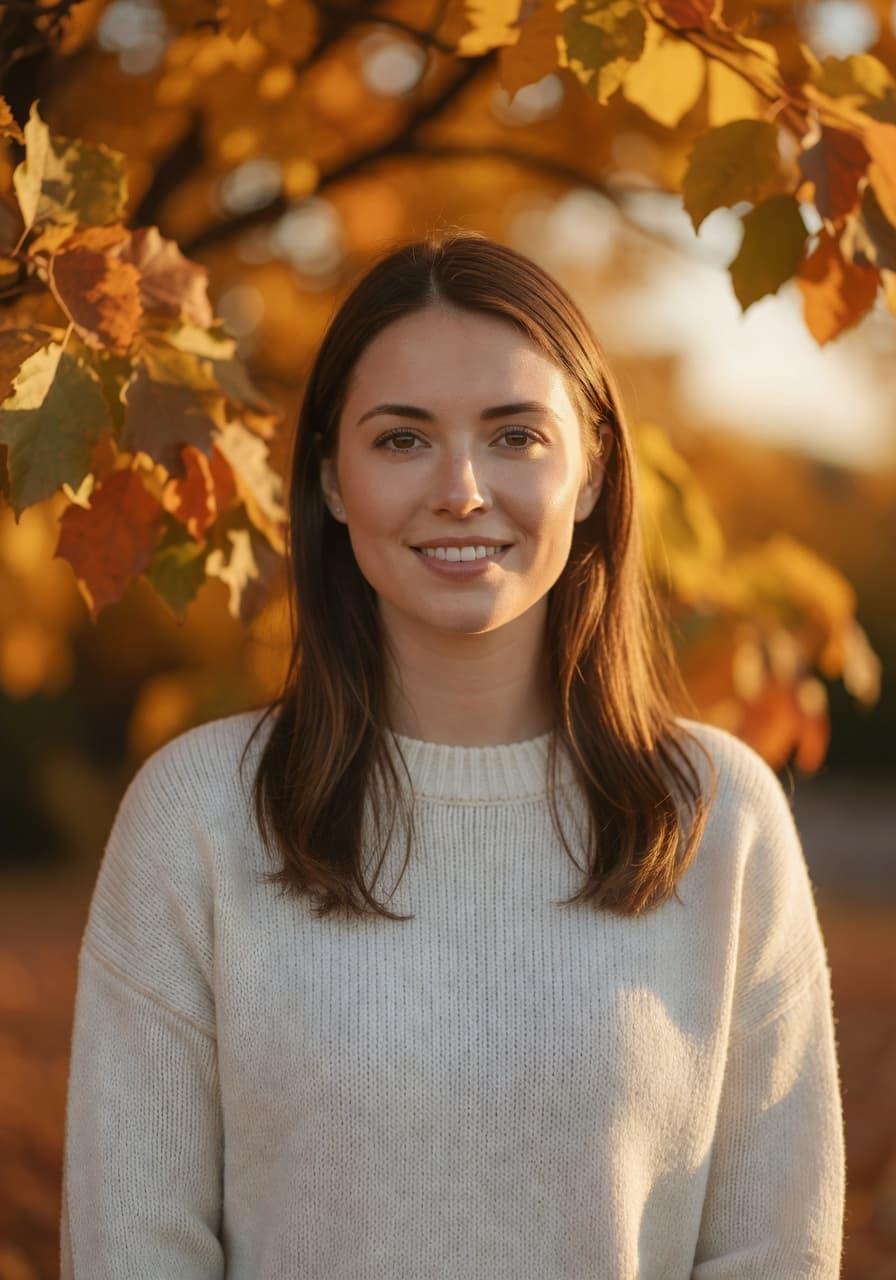
- Travel or lifestyle portrait. A golden-hour, outdoor feel that works well as one of the variety photos in a six-photo set.
- Casual outdoor looks. Relaxed styling that pairs a genuine expression with a background that feels lived-in rather than staged.
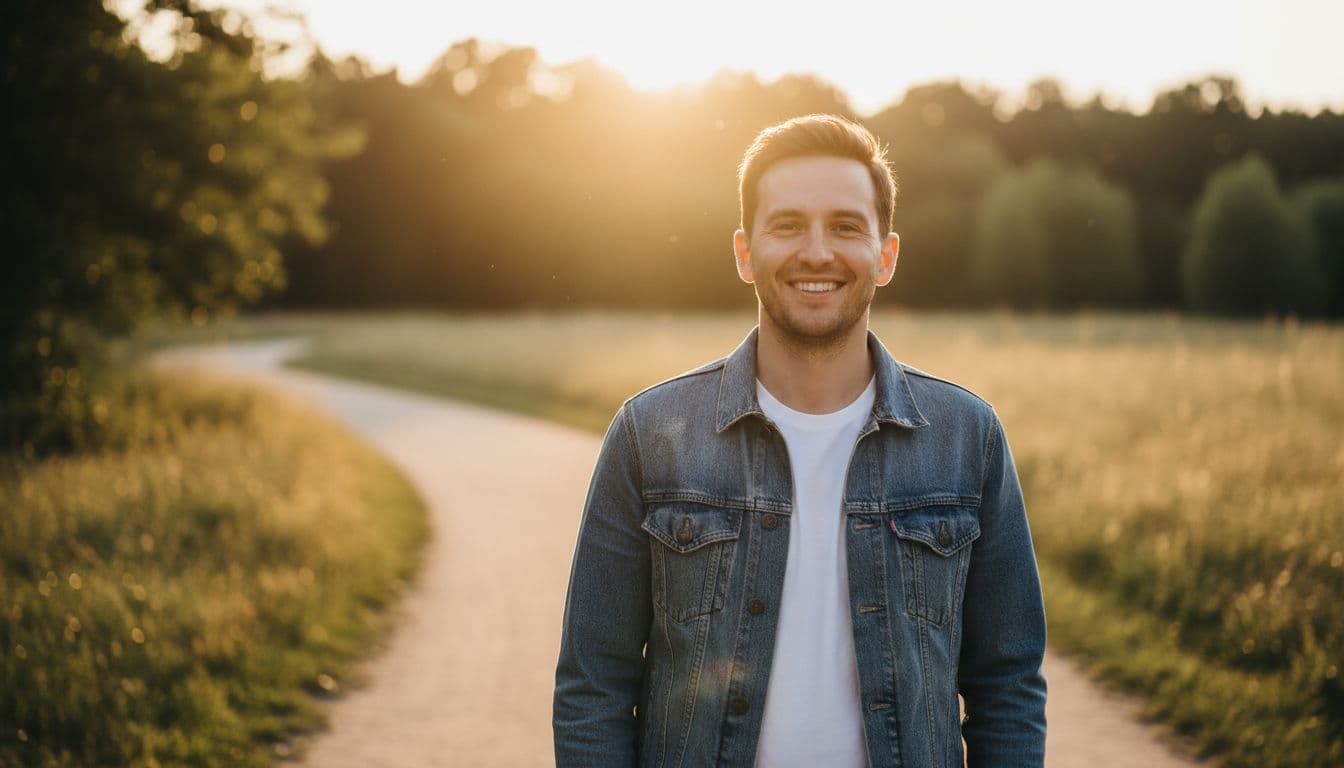
I tested this myself with three ordinary phone selfies, one taken on a hike, one in window light in my kitchen, and one at a friend’s birthday. SelfAI’s natural-light and travel styles kept my face, my slightly messy hair and my actual expression exactly as they were. Only the lighting, background and colour balance improved, which is the point: a better photo of the same person, not a different one.
How to create dating profile photos with SelfAI in three steps
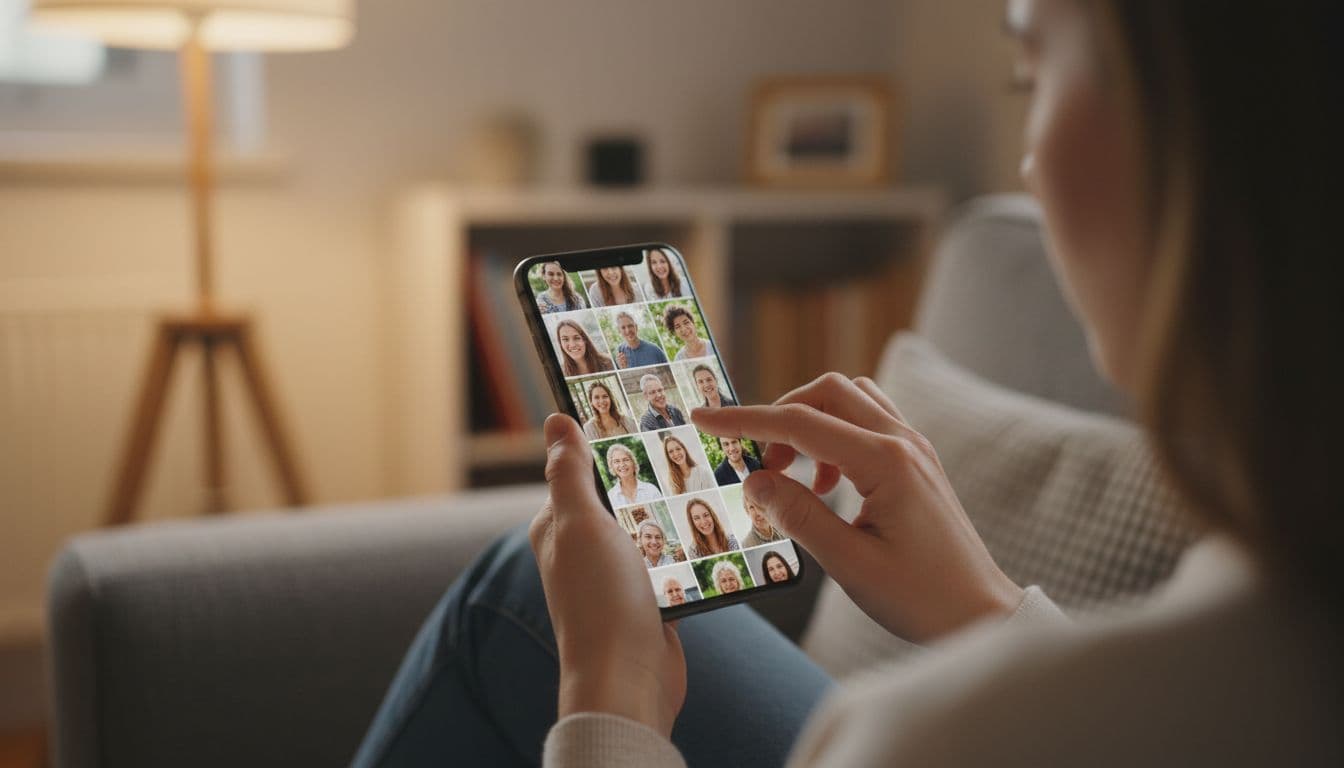
- Upload a few different selfies. Include one clear, well-lit close-up and one or two more casual shots from different settings, since a dating profile needs variety, not one perfect image. Our selfie guide covers light, angle and distance in more detail.
- Choose natural styles. Pick natural-light, travel or casual looks rather than heavy studio styles, and generate more than one so you can compare which still feels most like you.
- Pick the set that looks like you on a good day. Download the photos that a friend would recognise instantly, and build your profile around that mix rather than a single flawless shot.
The same three steps work in the SelfAI web app on a laptop or the iOS app on your phone, and results appear in about two minutes either way.
Tips for photos that actually get more matches
Beyond choosing the right style, a few habits make any dating profile photo stronger, AI-edited or not.
- Update your photos every few months. A profile that reflects how you look right now avoids an awkward surprise on a first date.
- Include one photo with your eyes clearly visible. Sunglasses and low light both make a profile feel harder to trust.
- Show one genuine laugh. A candid, mid-laugh photo often outperforms a posed one, because it reads as more real.
- Avoid leading with a group photo. Matches should not have to guess which person you are in the first photo they see.
- Keep the backdrop simple in at least one shot. A plain wall or open sky makes your face the clear focus, the same way a neutral backdrop works for a headshot.
Common mistakes to avoid with AI-edited dating photos
Most AI photo mistakes on dating profiles come from over-editing rather than the technology itself. Smoothing skin until texture disappears, changing eye colour, or generating a jawline that is not yours all create the same problem: a photo that will not match the person who shows up. A basic edit of a real, recent smartphone photo, the kind you can make in the iPhone editing tools or with an AI photo editor, avoids that trap entirely.
The other common mistake is relying on a single photo. Even a great AI-edited portrait cannot carry a whole profile on its own. Pair it with a couple of ordinary, low-effort photos of you doing normal things, and the AI-enhanced shot will read as a highlight rather than the only version of you that exists.
Frequently asked questions
- Can I use AI-edited photos on my dating profile?
- Yes, as long as the photo still looks like you. Use AI to improve lighting, background and framing rather than to change your face, age or body shape.
- Will my matches think an AI photo is fake?
- Not if it looks like a normal, well-lit photo of you. Overly smoothed skin or a face that looks physically different from your other photos is what raises flags, not AI editing itself.
- What is the best first photo for Tinder, Hinge or Bumble?
- A clear, recent solo photo where your face is well lit and easy to see, with a natural smile, works best as the opening photo on most dating apps.
- Can SelfAI create dating profile photos from a normal selfie?
- Yes. Upload one or two selfies to SelfAI on iPhone or the web app, choose a natural-light or travel style, and get a set of photos in about two minutes.
- Do dating apps ban AI-generated photos?
- Most dating apps do not ban AI-edited photos outright, but many are adding features to catch photos that no longer resemble the person behind them. Keeping edits realistic protects your profile either way.
- How many photos should a dating profile have?
- Around six photos works well for most profiles: one clear solo shot, a few showing different settings or activities, and at least one close-up where your face is easy to see.
Ready to update your dating profile photos?
The goal is not a flawless photo. It is a set of photos that a stranger could recognise you from the moment you walk into a coffee shop. SelfAI can take the phone selfies you already have and turn them into natural-light and travel-style portraits on iOS and web in about two minutes, without turning you into someone else.
Pick two or three selfies from your camera roll, run them through a natural style, and put together a profile that looks like your best, most current self, because that is exactly who your match is expecting to meet. If you want the same natural approach for LinkedIn or a resume photo, see our roundup of the best AI photo app in 2026.

Written by
Taro Nakamura
Editor, AI Photography & Mobile Apps
Taro writes about AI photo editing, headshots and the apps that make them easy. He tests every editor he recommends on a real phone, with real selfies, and only keeps the tools that deliver results in minutes without a manual.
More articles by Taro
 Taro Nakamura