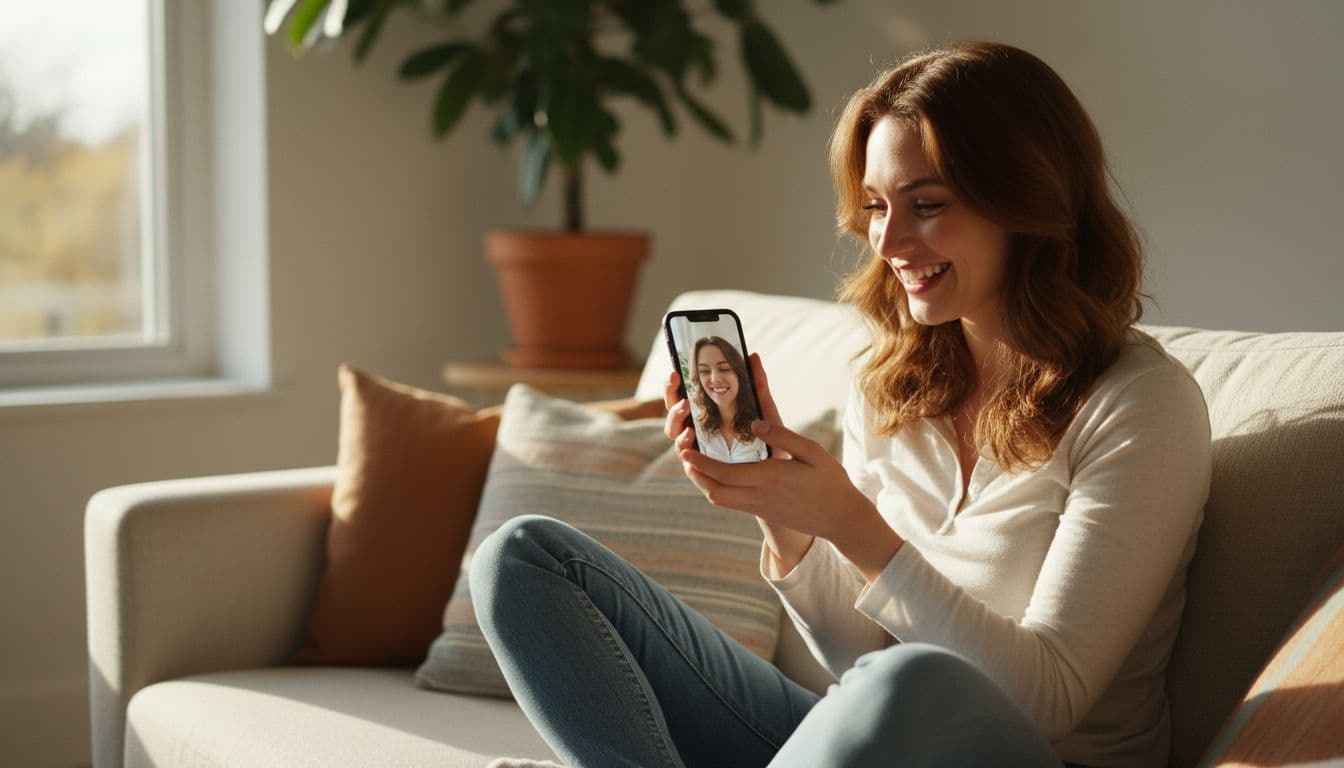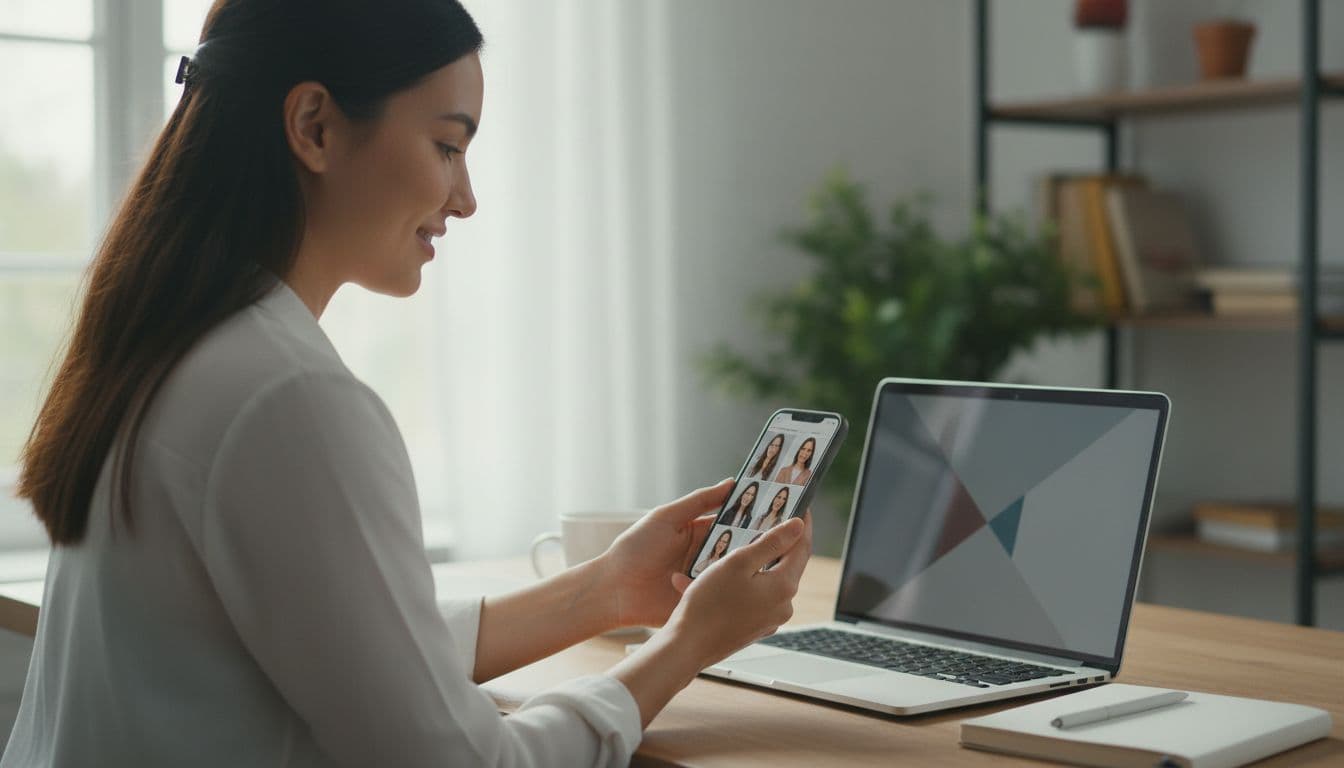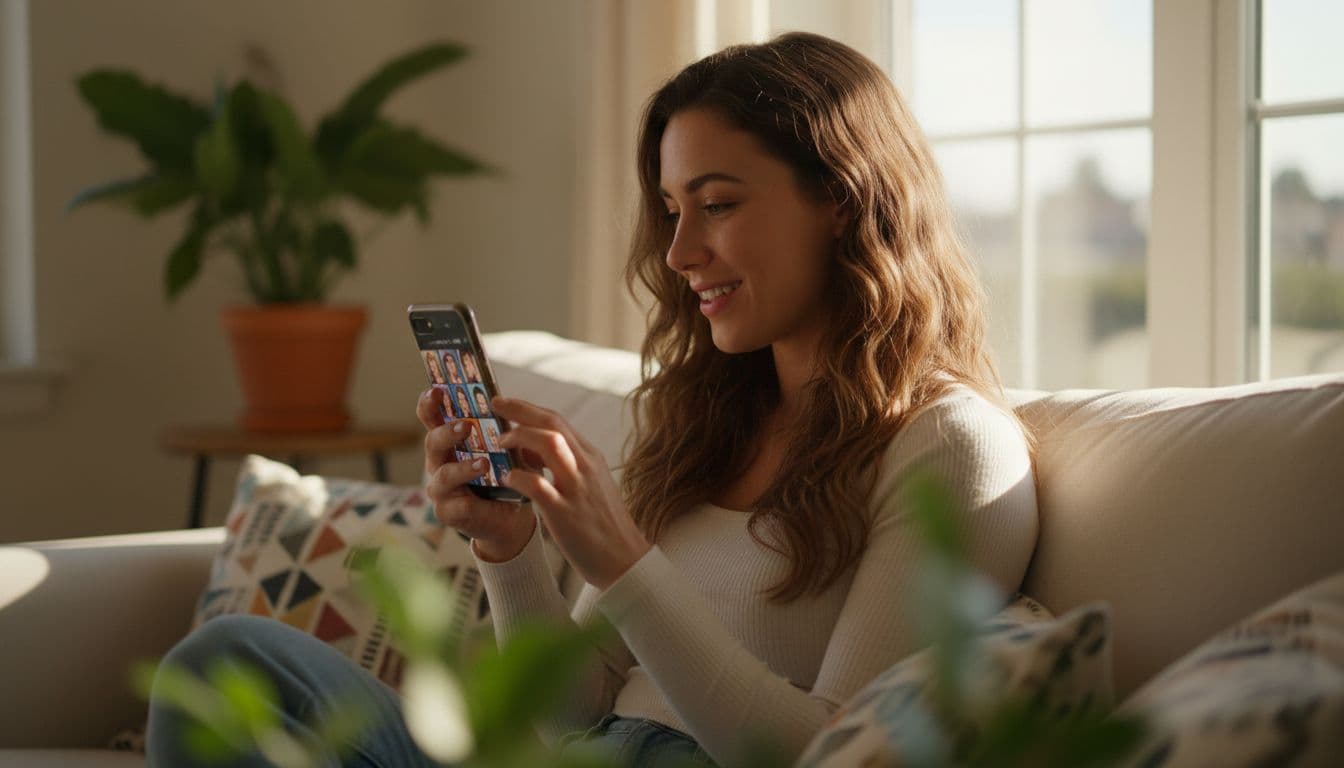
Your Instagram profile picture is the one photo that follows you everywhere on the app: next to every post in the feed, at the top of your Stories, inside every comment you leave and in every DM you send. Getting an Instagram profile picture with AI right means picking a photo that reads clearly at a tiny size, still looks like you, and survives the circular crop Instagram uses everywhere it shows your face.
SelfAI is an AI photo studio and AI photo editor that turns your selfies into professional headshots, portraits and creative photos in minutes, on iOS and in your web browser, including profile pictures cropped and polished for Instagram, LinkedIn and other apps.
- Instagram displays every profile picture as a circle, so keep your face and eyes centered in the middle 80% of the frame.
- Upload at 720×720 pixels or larger so the photo stays sharp at every size Instagram shows it, from a tiny comment icon to your full profile.
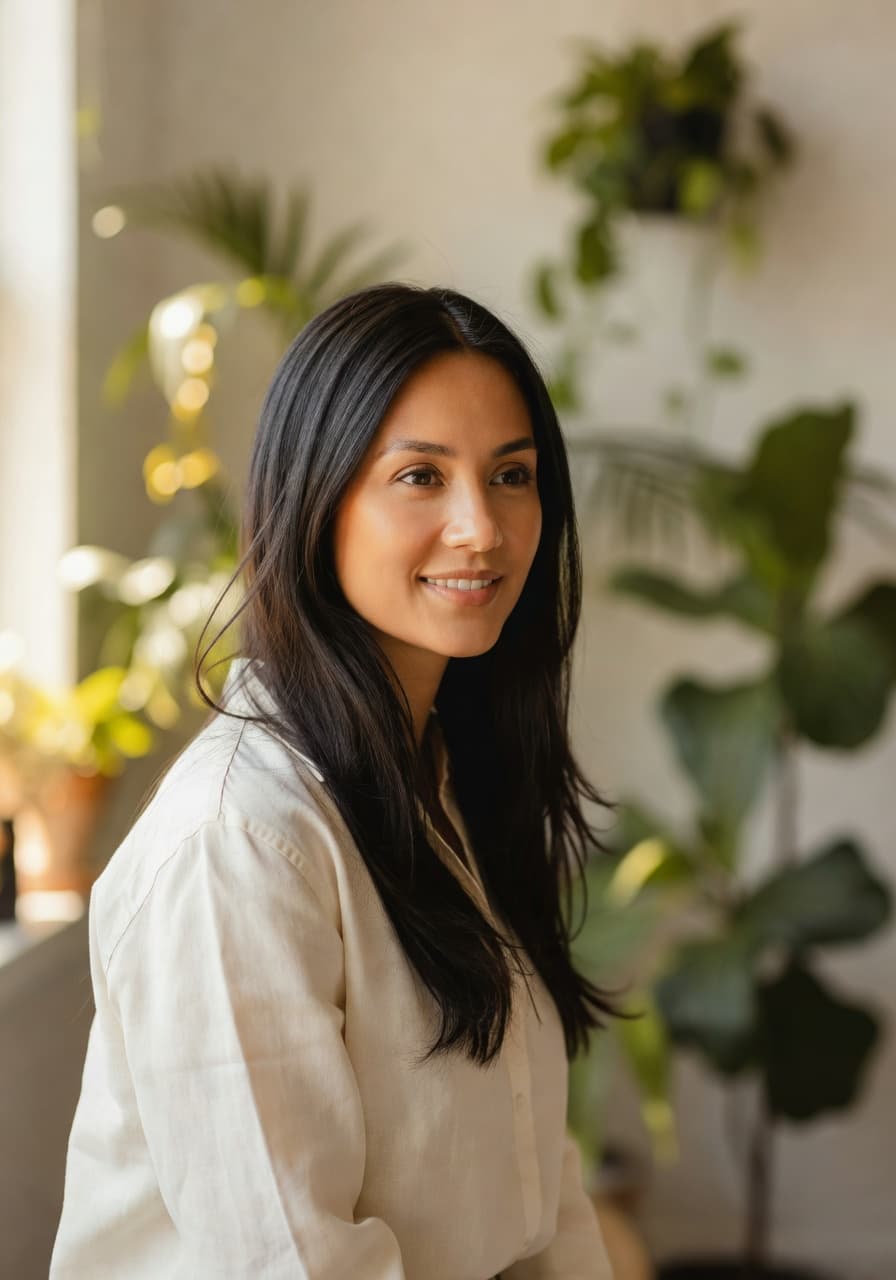
- A profile picture does not have to be a studio headshot: natural light and a relaxed expression often read as more approachable on Instagram than a corporate look.
- AI tools like SelfAI can turn one selfie into several profile picture options in about two minutes, so you can compare before you commit.
- Using one photo, or one consistent style, across Instagram, LinkedIn and other profiles makes you easier to recognize.
What makes a good Instagram profile picture?
The best Instagram profile picture is simple: your face, well lit, filling most of the frame, with nothing distracting behind you. Instagram displays it as a small circle almost everywhere, so detail that works fine in a big square photo can disappear entirely at that size. A busy background, a group shot, or a photo where your face is small in the frame all lose to a plain, centered portrait.
It also has to feel like you. A profile picture is often the first thing someone sees before they read a single post, so an overly dramatic edit or a heavy filter can work against you if it does not match the rest of your grid. The goal is a photo that is sharp, current and recognizably you, not the most striking photo you own.
Instagram profile picture size and shape: what to know before you upload
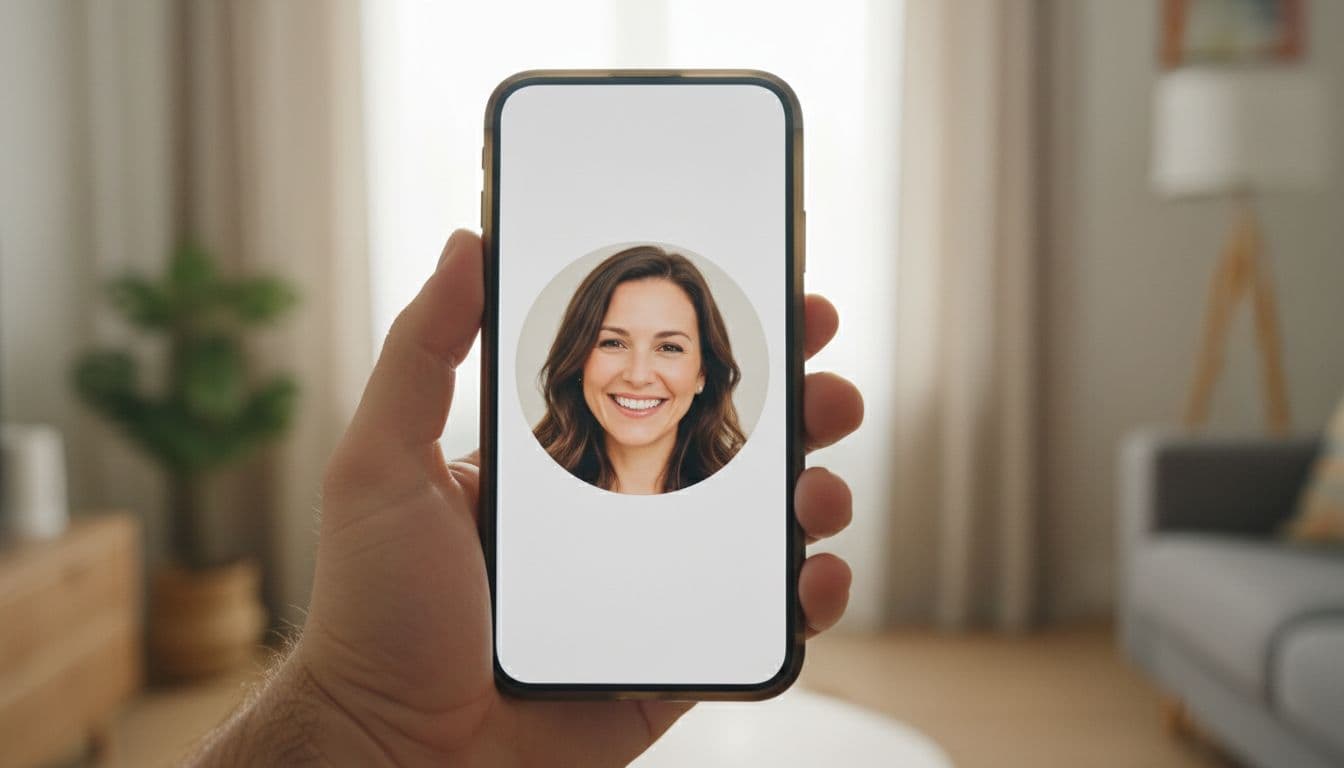
Instagram accepts a square photo and displays it as a circle everywhere: next to your posts, in the Stories bar, in comments and in direct messages. Because the corners of a square photo get cropped away by that circle, the safest approach is to keep your face and eyes inside roughly the middle 80% of the frame, with even space around your head.
For a sharp result, upload a photo at 720×720 pixels or larger. Instagram compresses it down to around 320 pixels for most placements, and to a much smaller icon in comments, so extra resolution gives it room to stay crisp instead of turning soft or blocky. You can read Instagram's own steps for adding or changing a profile picture if you want the exact taps inside the app. The circular crop is the same idea used for the small icons in most apps and messaging platforms, often called an avatar) in software design.
Natural selfie or styled AI portrait: which works better on Instagram?
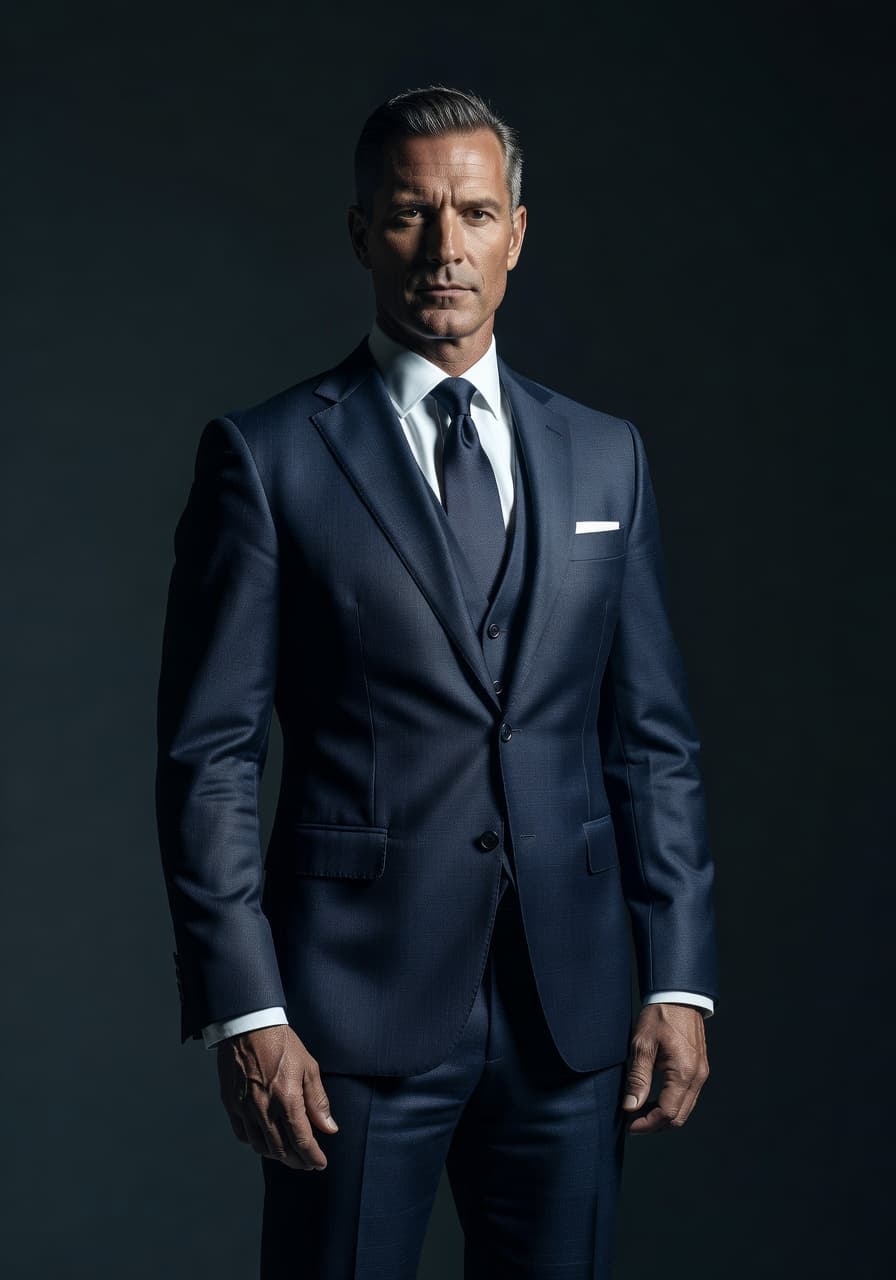
Both work, and the right choice depends on what your account is for. A natural, softly lit selfie reads as approachable and current, which suits personal accounts and creators who post casually. A styled portrait, such as a corporate headshot or an editorial black-and-white look, reads as more polished and suits founders, coaches, consultants and anyone using Instagram as a second LinkedIn.
I tested this with three of my own selfies, taken by a window on an overcast afternoon. The natural-light version looked the most like my everyday Instagram posts; the corporate headshot version looked sharp on its own, but a little out of place next to the rest of my grid. That mismatch is exactly the thing to watch for when you pick a style.
AI photo tools make it easy to try both without booking two different shoots. SelfAI can generate a natural-light version and a more styled version from the same selfie, so you can post whichever one matches your grid instead of guessing in advance. If you want a deeper look at choosing between apps and styles, our review of the best AI headshot generator apps covers the criteria in more detail.
- Personal or lifestyle account: natural light, a relaxed expression, and a plain or softly blurred background.
- Business page or founder profile: a corporate-style headshot with a neutral or blurred office background.
- Creative or fashion account: an editorial black-and-white or high-contrast portrait.
- Community or events account: a warm, golden-hour portrait that still looks candid rather than staged.
How to keep your profile picture consistent with your grid and personal brand
Your profile picture sets expectations for the grid underneath it. If your feed is warm and sunlit but your profile picture is a flat, cold studio shot, the mismatch is small but noticeable. Picking one style and applying it to both your profile picture and a few recent posts makes your whole profile feel like a deliberate choice rather than a set of unrelated photos.
It also helps to use the same photo, or at least a similar style, across the platforms you are active on. If someone meets you on LinkedIn and then finds your Instagram, a completely different face and mood can make them pause before they are sure it is the same person. Matching, or at least clearly related, profile pictures make you easier to recognize wherever people find you.
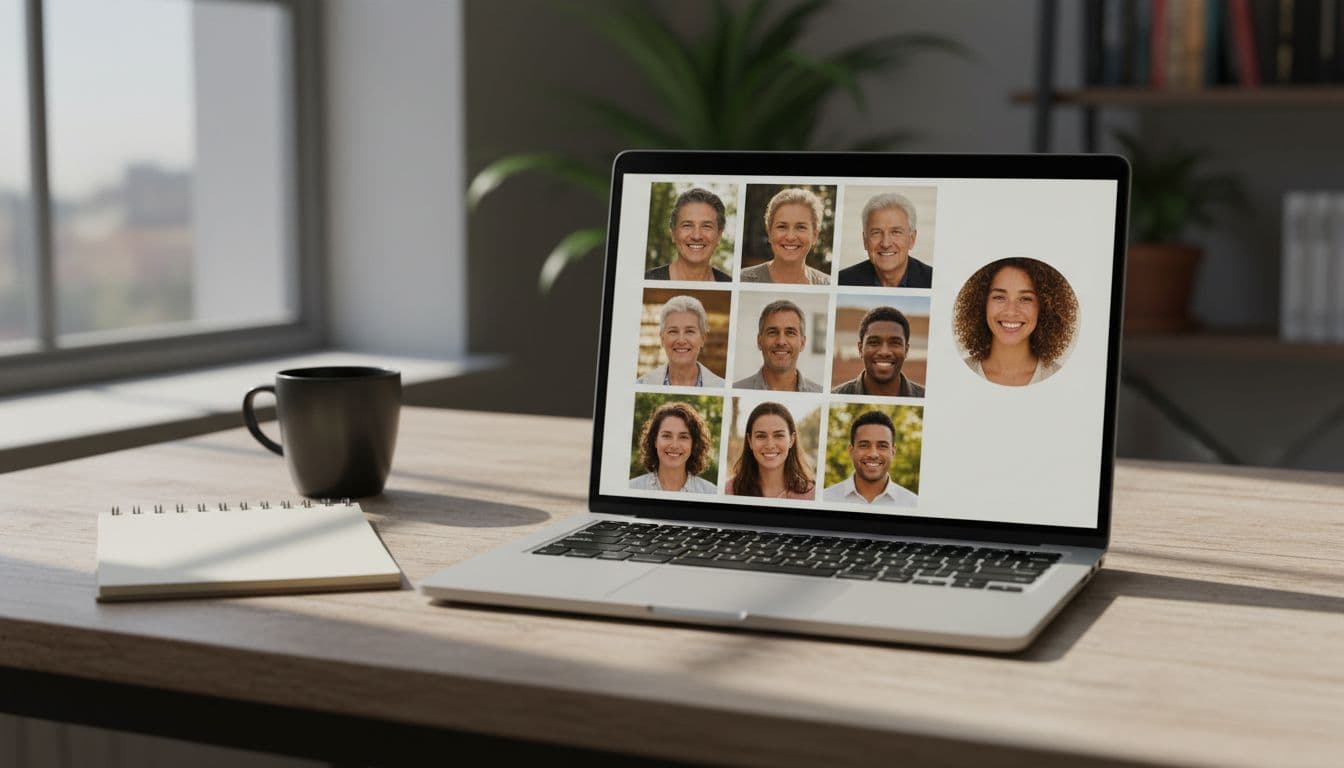
How to create an Instagram profile picture with AI in three steps
Here is the whole process in SelfAI, on iPhone or in the browser.
- Upload one or two selfies. A clear, front-facing photo taken near a window works best; SelfAI does not need a studio, a ring light or professional gear.
- Pick a style. Natural light, corporate, editorial black-and-white and golden hour are common choices for a profile picture. Try more than one and compare them side by side.
- Crop to a square and download. Export a 1:1 crop with your face centered in the frame, then set it as your Instagram profile picture from the app.
One honest limit worth knowing: an AI style preset cannot invent detail your original selfie does not have. If the starting photo is blurry, very dark or heavily backlit, even a good preset will struggle to produce a sharp, well-lit result, so it is worth starting with the clearest, best-lit selfie you can take.
Best AI photo styles for an Instagram profile picture
Not every style holds up at a small, circular size. These tend to read clearly even shrunk down to an icon:
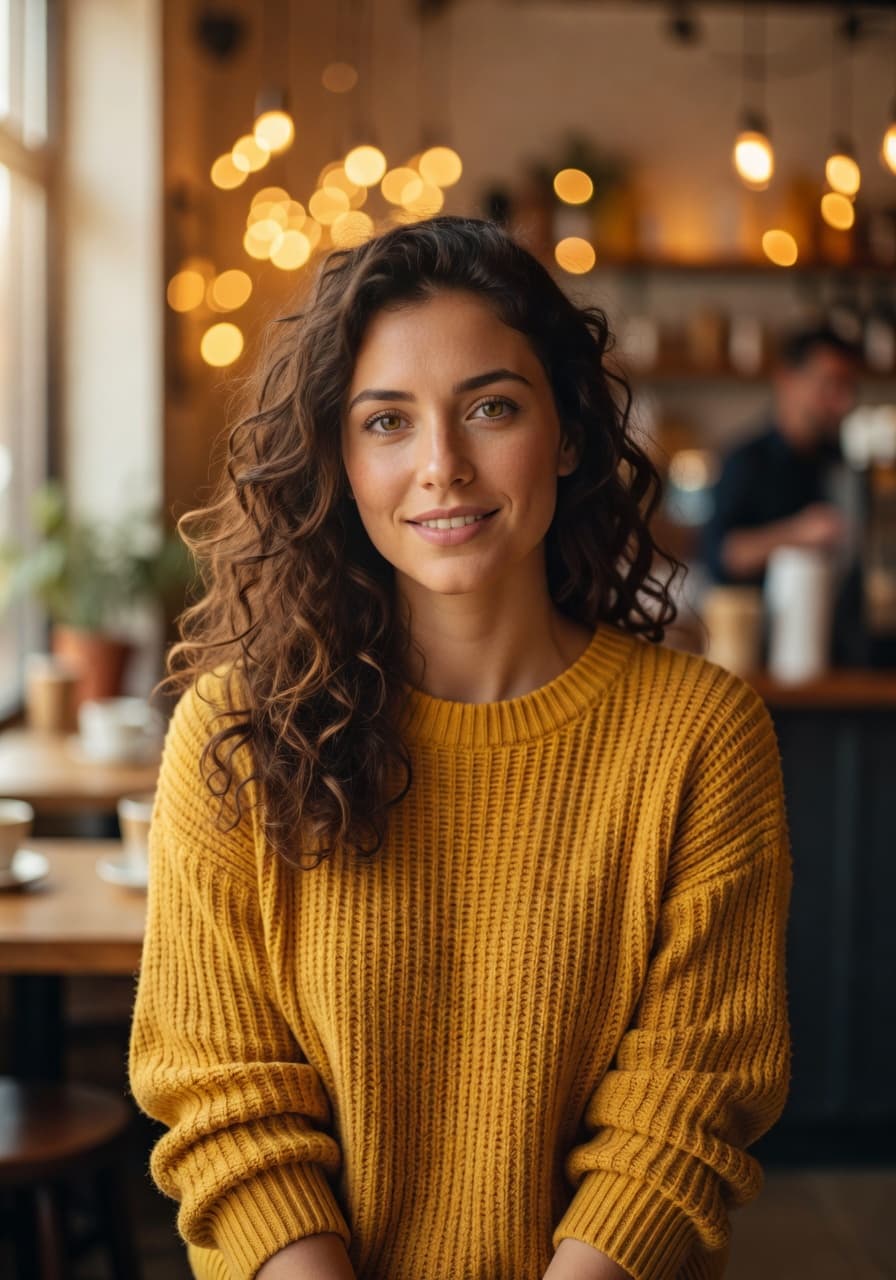
- Natural light portrait: soft, even light and a relaxed expression that still reads well at comment-avatar size.
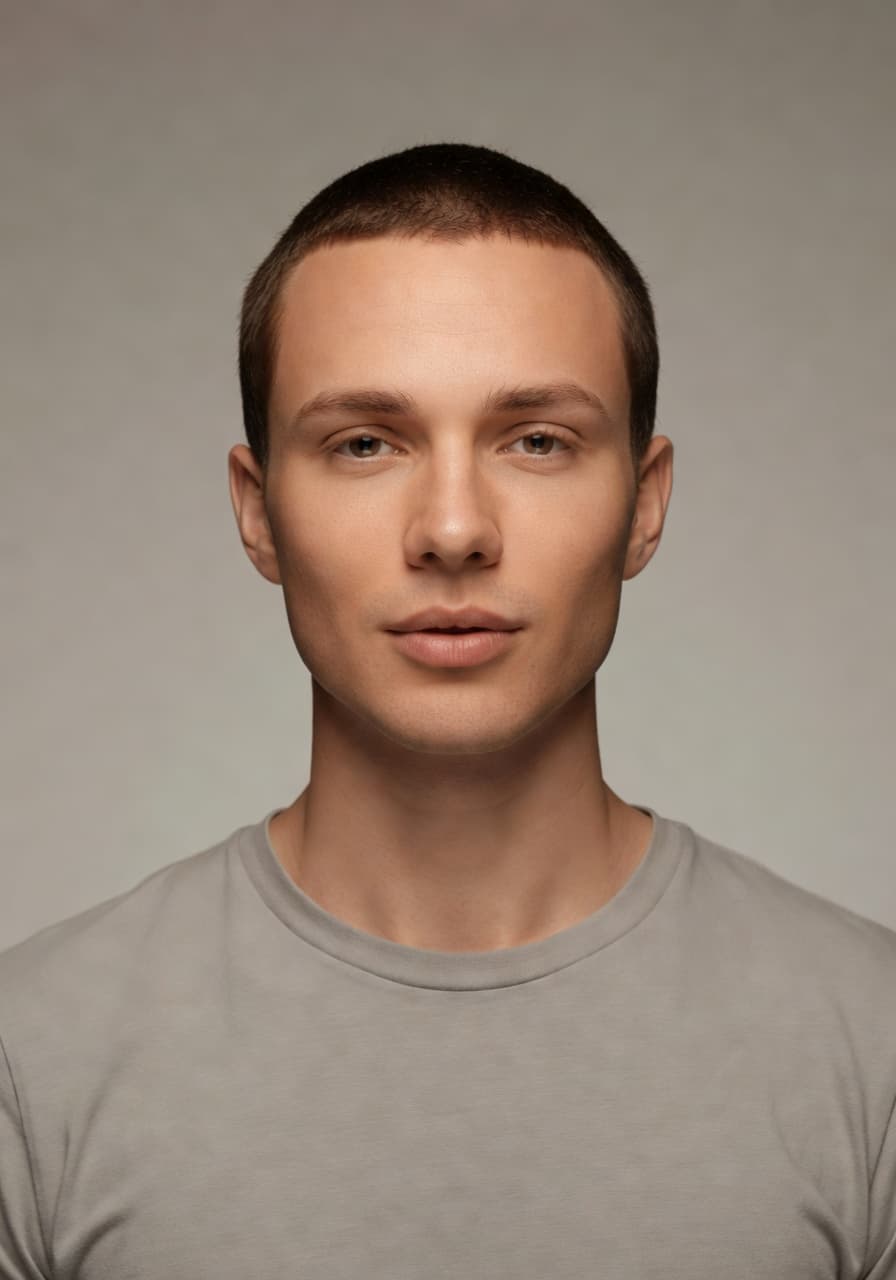
- Corporate or professional headshot: a neutral or blurred background that keeps the focus on your face, useful for founders and consultants.
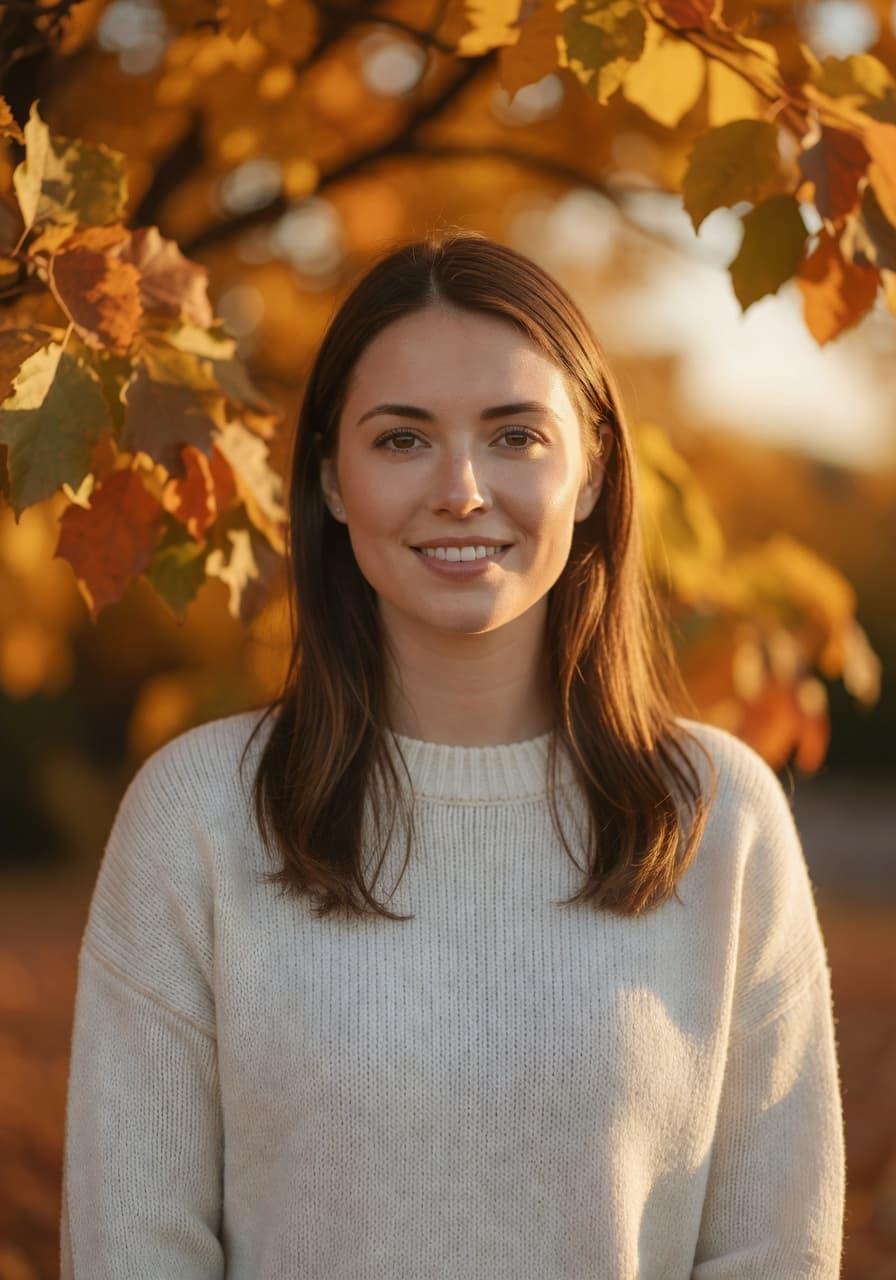
- Golden hour portrait: warm, flattering light that suits a personal or lifestyle account.
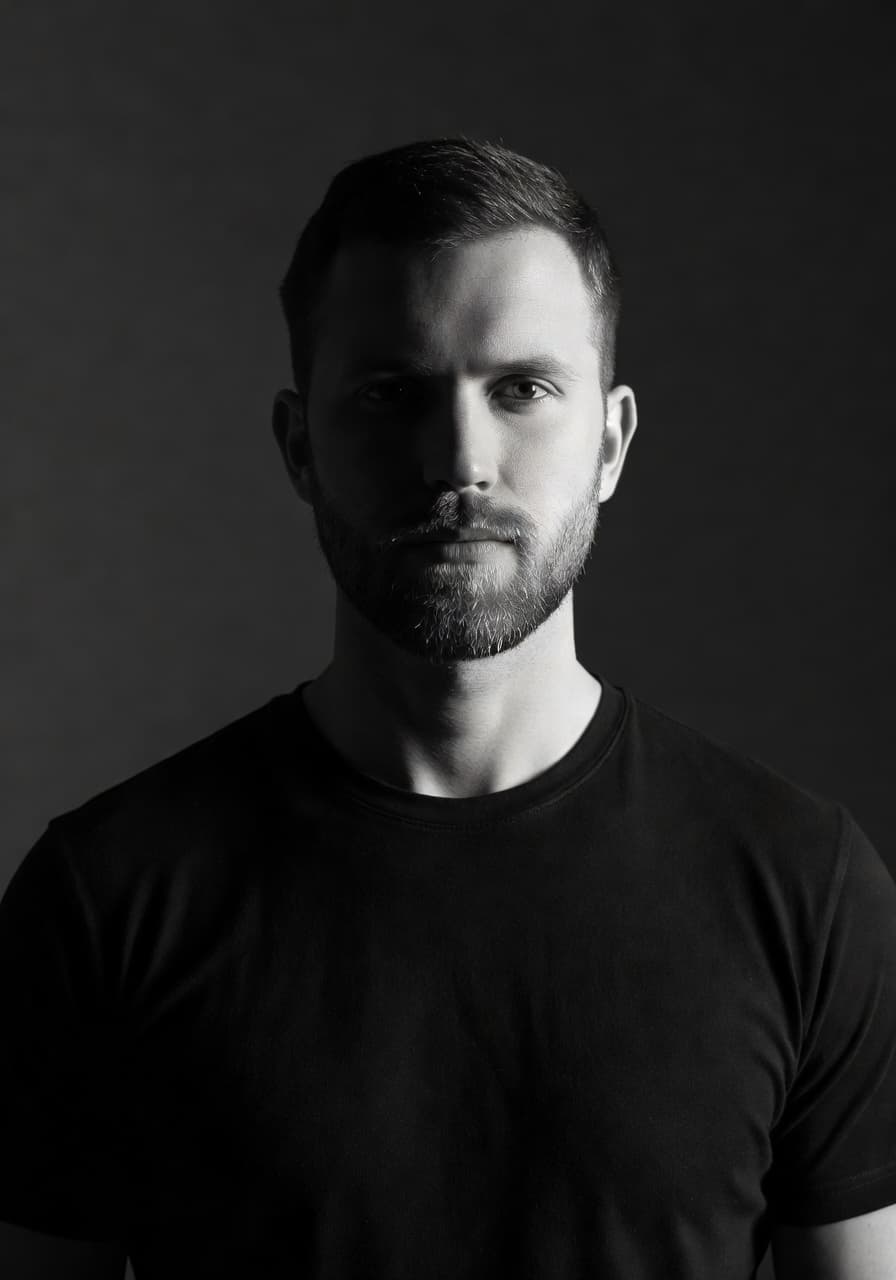
- Black-and-white editorial: high contrast that stays legible at a small size, popular on creative and fashion accounts.
You can preview every option in the SelfAI style gallery before you generate anything, so you know roughly what to expect from your own selfie.
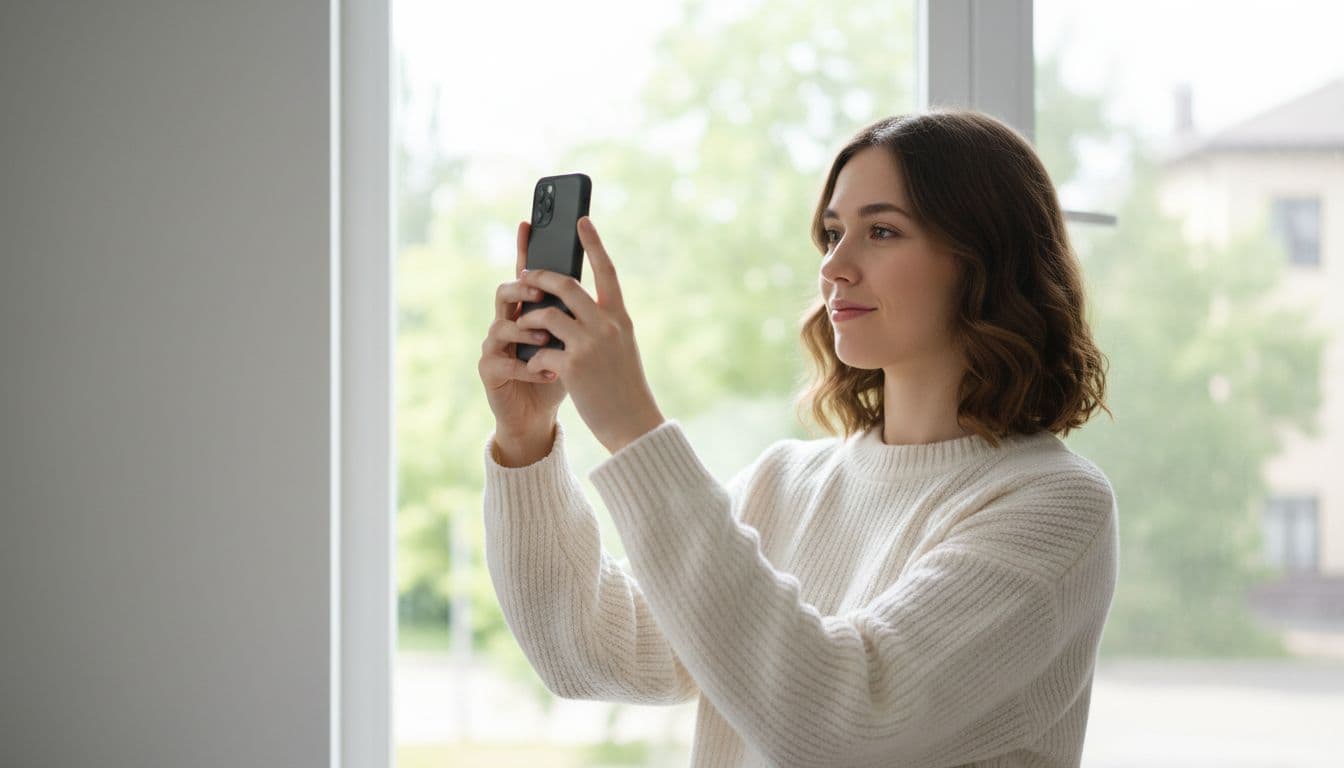
Common Instagram profile picture mistakes to avoid
A few habits quietly undercut an otherwise good photo.
- Using a group photo. The circular crop makes it hard to tell who you are in a photo with other people.
- Leaving your face off-center. Anything near the corners of a square upload disappears in the circular crop.
- Uploading a low-resolution photo. A blurry or pixelated profile picture is one of the first things people notice.
- Keeping a years-old photo. If people who have met you in person do a double take, it is time for an update.
- Picking a style that clashes with your grid. A dramatic edit that does not match the rest of your feed reads as an accident, not a choice.
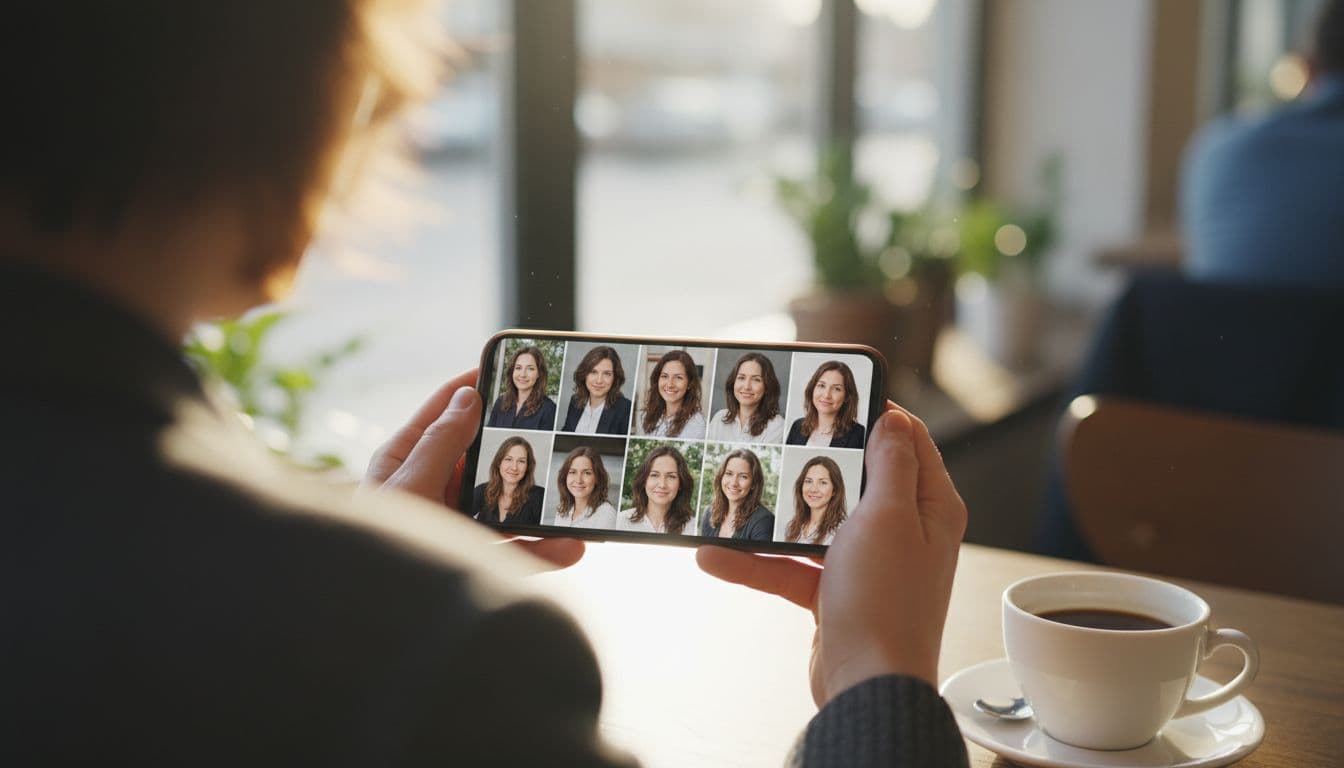
Frequently asked questions
- What size should my Instagram profile picture be?
- Upload a square photo at 720×720 pixels or larger. Instagram displays it as a circle at around 320 pixels in most places, and much smaller in comments, so extra resolution keeps it sharp.
- Does Instagram crop profile pictures into a circle?
- Yes. Every Instagram profile picture is cropped into a circle, even though you upload a square image. Keep your face centered so nothing important falls into the corners that get cut off.
- Can I use an AI-generated photo as my Instagram profile picture?
- Yes. Instagram does not require a specific type of photo, so an AI-edited or AI-generated portrait works the same as any other photo, as long as it still looks like you.
- What is a good AI app for an Instagram profile picture?
- SelfAI turns one selfie into several profile-picture-ready styles, from natural light to corporate and editorial looks, in about two minutes on iOS or in your browser.
- Should my Instagram profile picture match my LinkedIn photo?
- It does not need to be identical, but a similar style and mood make you easier to recognize across platforms, especially if people meet you on one app before finding you on another.
- How often should I update my Instagram profile picture?
- Update it whenever your look changes noticeably or the photo starts to feel dated, generally every year or two. A current photo helps people recognize you in person.
Ready to update your Instagram profile picture?
A good Instagram profile picture does not need a photographer or a studio. It needs a clear, well-lit selfie, a style that matches your grid, and a crop that survives Instagram's circle. SelfAI turns one selfie into several ready-to-crop options on iOS and in your browser, so you can pick the one that actually looks like you.
Open SelfAI, upload a recent selfie, and see your options in about two minutes. Your profile picture is worth the two minutes.
Written by
Taro Nakamura
Editor, AI Photography & Mobile Apps
Taro writes about AI photo editing, headshots and the apps that make them easy. He tests every editor he recommends on a real phone, with real selfies, and only keeps the tools that deliver results in minutes without a manual.
More articles by Taro
 Taro Nakamura