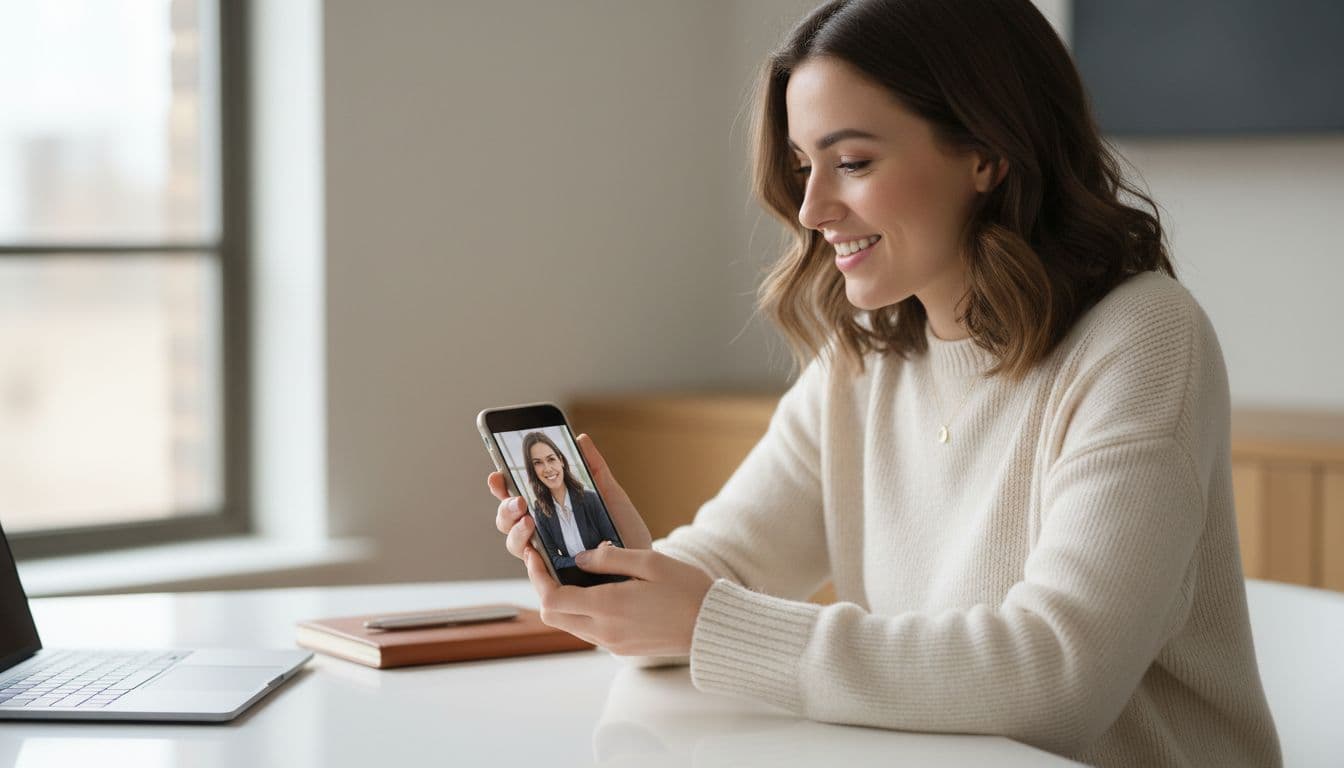
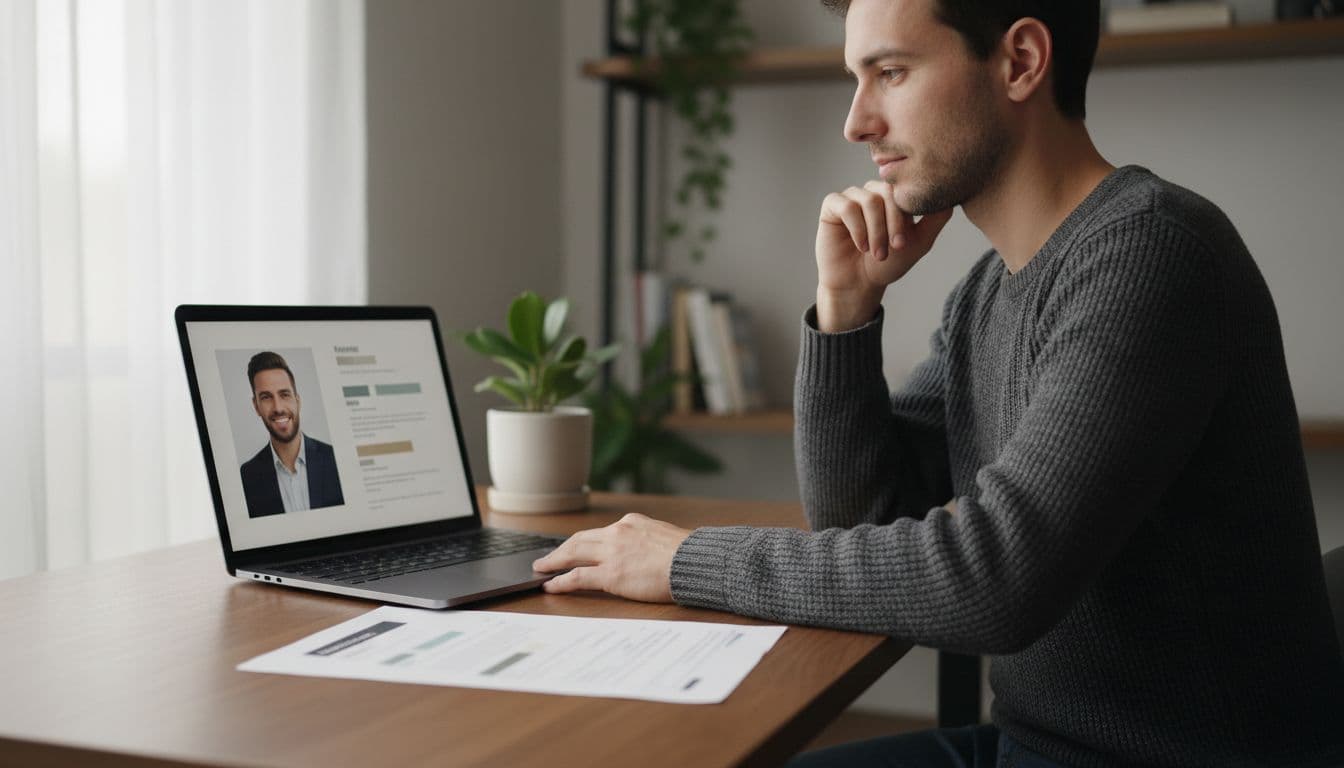
If you are trying to line up founder headshots and startup team headshots that actually look like they belong together, the fastest fix usually is not a group photographer session. It is giving every founder and every teammate the same tool, the same handful of styles and the same backdrop, whenever it suits their own calendar.
SelfAI is an AI photo studio and AI photo editor that turns your selfies into professional headshots, portraits and creative photos in minutes, on iOS and in your web browser, including a matching set of founder and team headshots for a whole company at once. In this guide we explain what actually makes headshots look like a matching set, how to run the process across a remote team, and how to brief everyone so the results line up.
- A matching set of founder headshots does not require booking one photographer for the whole team on the same day.
- Consistency comes from using the same style, backdrop and crop for every person, not from using the same camera or room.
- SelfAI lets each founder or teammate generate their own headshot from a selfie, on their own schedule, in about two minutes.
- These photos get reused everywhere: the About page, the press kit, LinkedIn, pitch decks and investor profiles.
Why founder headshots need to match across the whole team
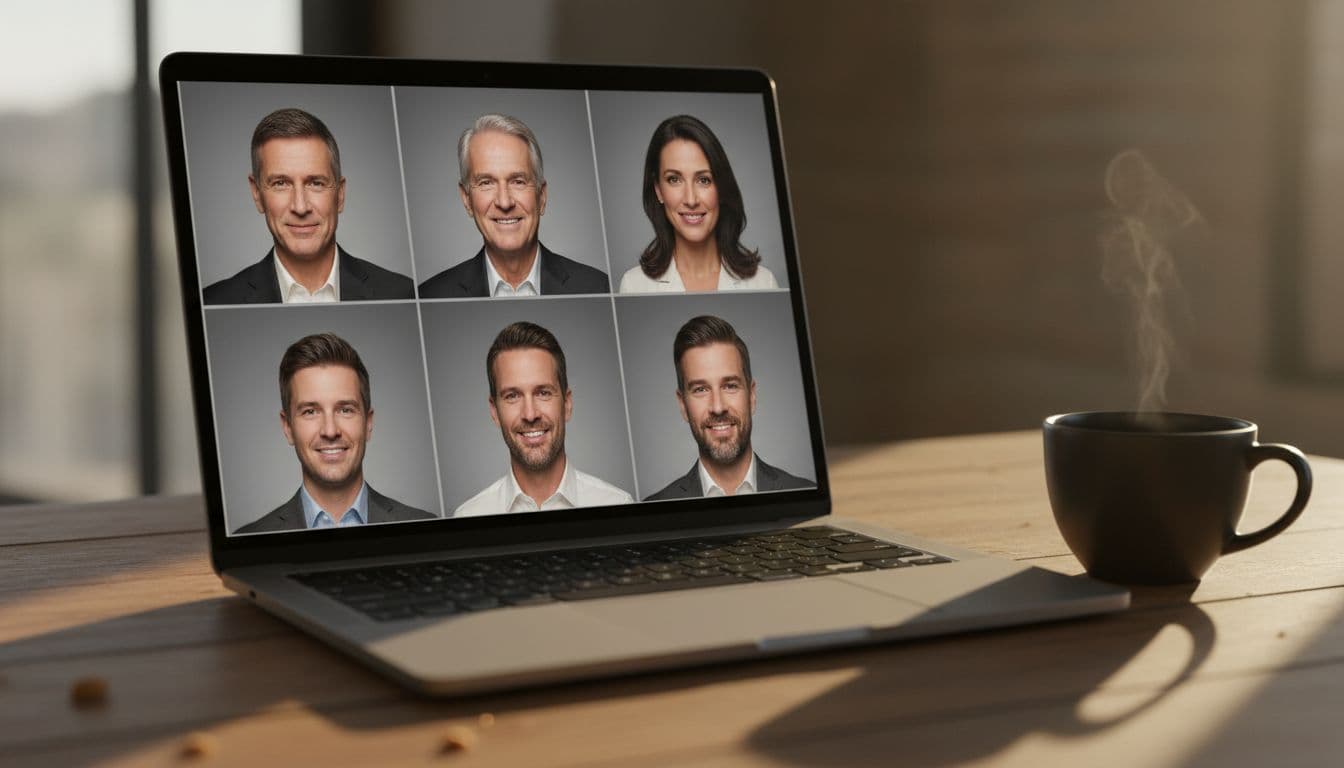
A startup's About page is often the first place a journalist, investor or candidate actually looks at the people behind the company. When one founder's headshot is a crisp studio portrait and the co-founder next to them is a cropped vacation photo, the page reads as unfinished, even if the product is not. The same problem shows up in a press kit: an editor who receives five different photo styles from five different founders either picks one and drops the rest, or runs a visibly mismatched lineup.
None of this is really about vanity. A consistent set of founder headshots and team headshots signals that the company pays attention to detail in small, unglamorous ways, the same instinct that shows up later in a broader corporate identity, a pitch deck or a product screenshot. Matching photos are a cheap, fast way to look like a team that already has its act together.
The trouble with booking one big photographer session
The traditional fix is a single group session: rent a studio or a meeting room, hire a photographer for the day, and run every founder and employee through the same setup, lighting and backdrop. It works, but it assumes something that is rarely true for a modern startup: that everyone is in the same city on the same day.
Distributed teams, advisors who join calls from another time zone, and founders who are mid-fundraise and permanently on a plane all make that single-day session hard to schedule. And it has to be repeated. Every new hire, every founder who changes their hairstyle, and every brand refresh means booking the photographer again, and paying for the session again.
What actually makes headshots look like a matching set
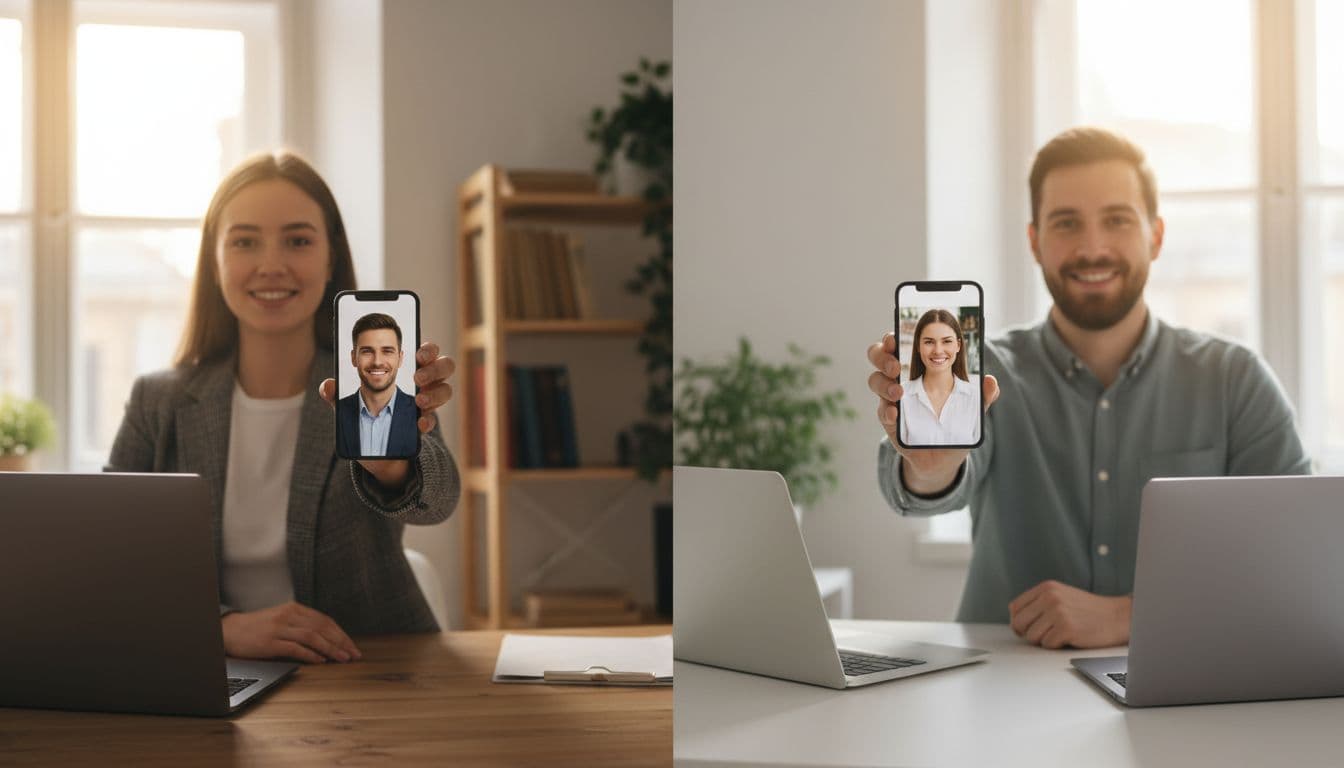
It helps to separate two things people often confuse: using the same camera, and using the same style. A matching set of headshots does not need the same lens, the same studio or even the same country. It needs the same visual decisions repeated for every person.
- The same backdrop. A plain studio grey, a soft neutral tone or a specific brand color, used behind every single photo in the set.
- The same crop and framing. Head and shoulders, centered the same way, at roughly the same distance from the camera for everyone.
- The same lighting mood. Soft and even, or warm and directional, whichever the brand prefers, applied consistently across the whole team.
- The same level of polish. If one founder's photo looks retouched and another's looks like a phone snapshot, the set will never feel unified, no matter how similar the poses are.
Getting everyone photographed when your team is remote
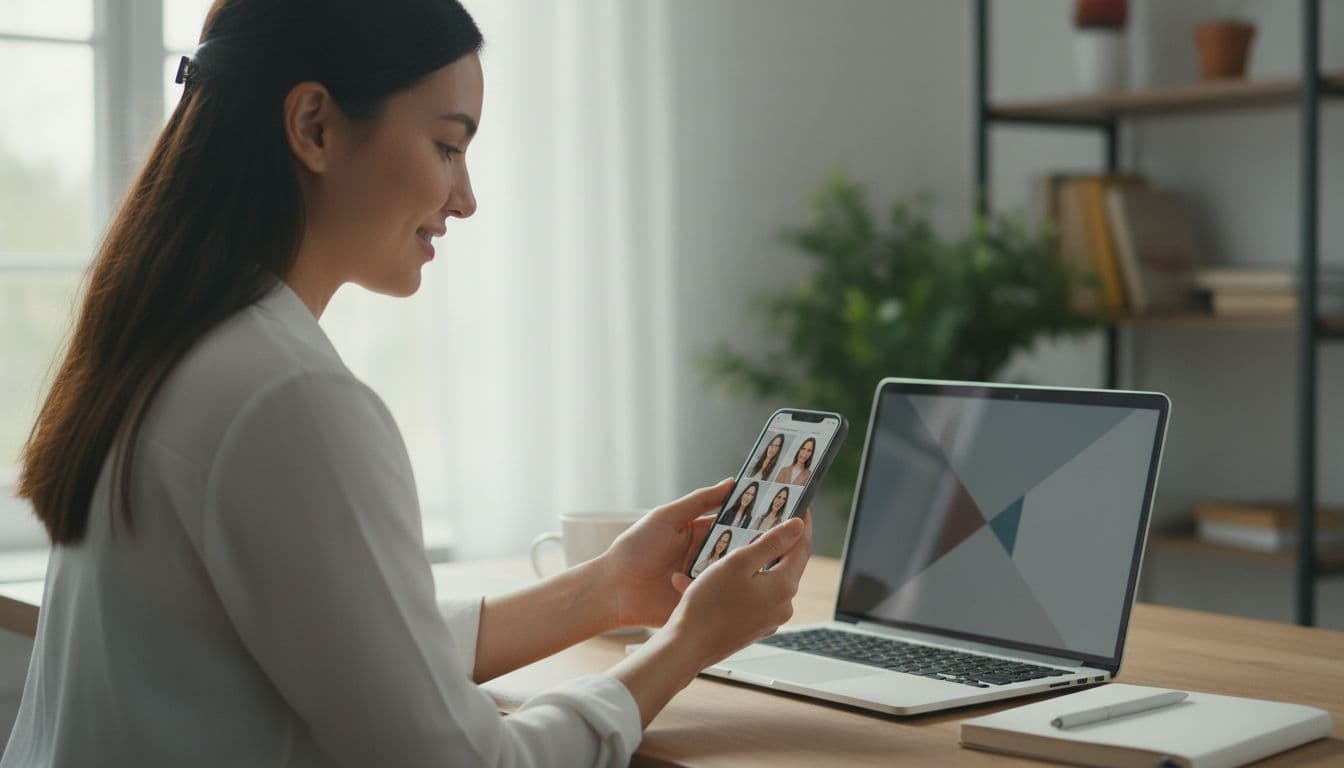
This is where an AI photo editor changes the logistics completely. Instead of flying a photographer around, or flying the team to a photographer, each founder or teammate uploads one or two selfies from wherever they already are and picks the same style from the SelfAI style gallery. Everyone lands on the same look without being in the same room, or even the same week.
A practical way to run this across a team: designate one style, say a specific corporate headshot preset, as the official look for the About page and press kit, share the name of that exact style with everyone, and ask each person to generate their headshot from it. The SelfAI web app works well for this because there is nothing to install and no approval needed on a work device, though anyone with an iPhone can also use the SelfAI app directly.
Where these photos actually get used
Founder and team headshots get reused far more than most startups plan for, which is exactly why mismatched ones turn into a recurring annoyance rather than a one-time problem.
- The company About or Team page, where a visitor forms a first impression of who is actually running the business.
- The [press kit](https://en.wikipedia.org/wiki/Press_kit), sent to journalists covering a launch, a funding round or an acquisition.
- LinkedIn and other professional profiles, where a consistent headshot across founders reinforces that they work at the same company; LinkedIn's own profile photo guidelines ask for a clear, recent, front-facing photo.
- Pitch decks and investor updates, where a founder slide with matching photos looks considerably more prepared than one stitched together from old conference badges.
- Directory and cohort pages, such as an accelerator program page or an investor's portfolio listing, which often pull whichever photo a founder last uploaded.
How to brief every founder and teammate so the results match
The biggest risk with a distributed, self-serve process is drift: the third person picks a slightly different style than the first, and by the eighth person the set no longer matches. A short brief fixes this before it becomes a problem.
- Pick one style and name it. Screenshot the exact style from the photo styles gallery and share that screenshot, not just a description.
- Set one input rule. Ask everyone for a similar kind of selfie: front-facing, good daylight, no sunglasses or hats, taken near a window.
- Give a deadline, not a schedule. Since nobody needs to be in the same room, a shared deadline works better than trying to book calendars.
- Collect results in one place. Have everyone drop their finished headshot into a shared folder or channel, named consistently, so whoever builds the About page or press kit can grab them without chasing anyone.
- Spot-check before publishing. Look at every photo side by side once, the same way you would proof a photographer's contact sheet, before any of them go live.
Getting a matching founder and team headshot set with SelfAI
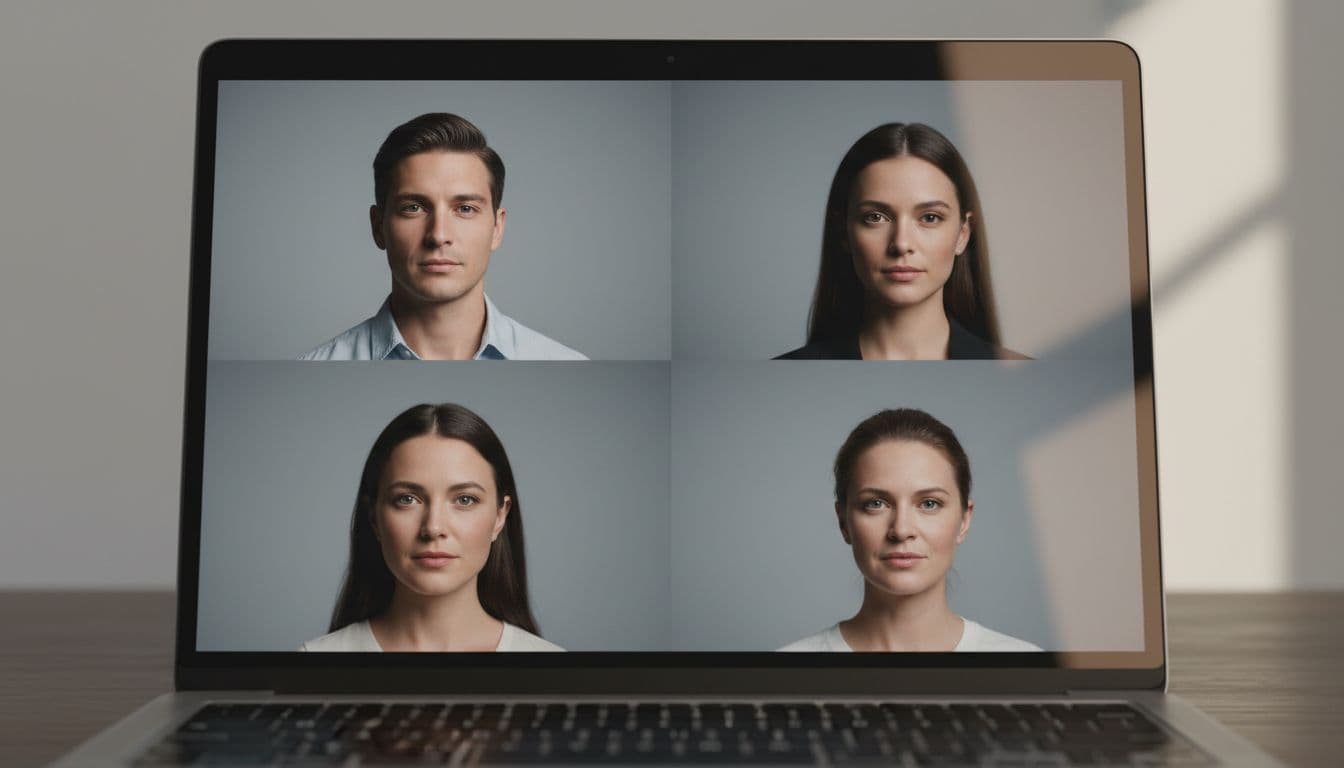
SelfAI is built for exactly this kind of self-serve, distributed workflow. Each person uploads their own selfie, on their own device, and picks from more than 30 styles that range from a plain corporate headshot to a warmer natural-light portrait. The AI keeps each person's face, skin tone and hair recognizable while standardizing the lighting, backdrop and framing, which is the part that actually makes a set of photos look matching.
There is no studio to book and no travel involved. A founder juggling a fundraise can generate their headshot from a hotel room between meetings, while a teammate does the same from a kitchen table, and both photos still belong to the same set. Compare a few results against the checklist above in our best AI headshot generator app roundup before you commit the whole team to one style, and see how a single SelfAI headshot compares with the advice in our LinkedIn headshot guide and our resume photo guide.
Frequently asked questions
- How do I get matching headshots for my whole startup team?
- Pick one style in an AI photo editor like SelfAI, share that exact style with every founder and teammate, and have each person generate their own headshot from a similar selfie. The shared style is what makes the set match, not a shared photographer.
- Do we need a photographer for founder headshots?
- No. A photographer is still a fine option for a team that is all in one office, but it is not required. Many startups now generate founder and team headshots with an AI photo editor and skip the studio booking entirely.
- How do we keep headshots consistent when the team is remote?
- Agree on one style before anyone starts, share a screenshot of that exact style, and ask everyone to use similar lighting in their input selfie. Consistency comes from the shared style choice, not from being photographed in the same room.
- What crop should a founder headshot use for a press kit?
- Most press kits and About pages use a head-and-shoulders crop, so ask everyone to keep their selfie centered and reasonably close before generating, then crop every finished photo the same way.
- Can we update team headshots later without redoing the whole shoot?
- Yes. Since each headshot is generated individually from a selfie, a new hire or a founder who wants an updated photo can generate one in the same style at any time, without rebooking a group session.
- Is SelfAI free to use for a startup team?
- SelfAI has a free tier that lets each person try the AI photo studio and see a real result before paying anything. Premium plans add more styles, higher resolution and more generations for teams that want to standardize further.
Get your whole team looking like one team
A matching set of founder and team headshots is one of the smallest details on a startup's About page, and one of the easiest to get visibly wrong. It rarely needs a bigger budget or a harder-to-schedule photographer. It needs one agreed style, shared clearly, and a tool every person on the team can use on their own.
Pick the style you want as your team's official look, generate your own headshot first as the reference photo, and send the rest of the team the same instructions. Two minutes per person, and the whole company starts looking like it is actually one team.
Written by
Taro Nakamura
Editor, AI Photography & Mobile Apps
Taro writes about AI photo editing, headshots and the apps that make them easy. He tests every editor he recommends on a real phone, with real selfies, and only keeps the tools that deliver results in minutes without a manual.
More articles by Taro
 Taro Nakamura