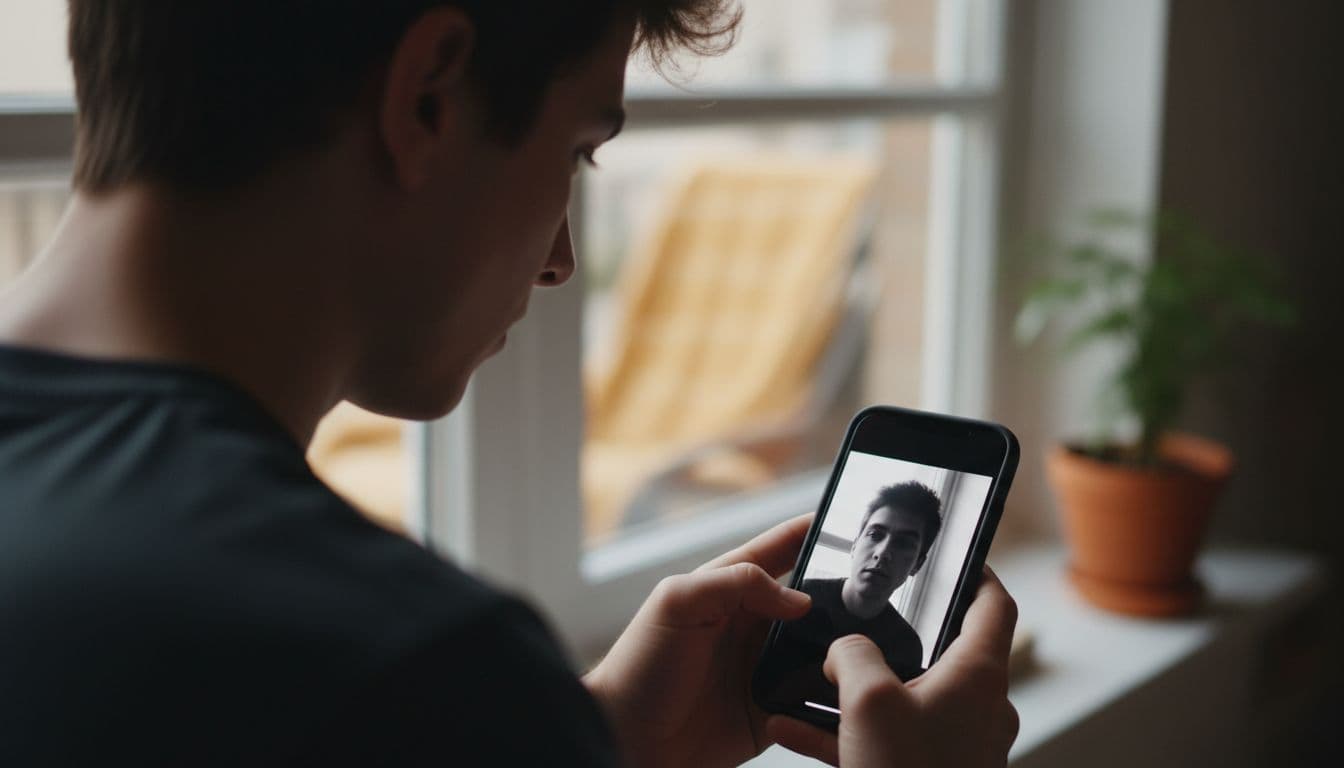
A black and white portrait strips a photo down to light, shadow and expression, and for the right face and the right use, that is exactly what makes it work. Monochrome removes the distraction of color: an odd-toned wall, a mismatched shirt, a background that pulls focus. What is left is bone structure, contrast and mood, which is why editorial photographers, creators and job seekers who want a memorable headshot keep coming back to it. This guide covers when a black and white portrait beats a color one, the technical basics behind a good conversion, and how to get one from an ordinary selfie without hiring a photographer.
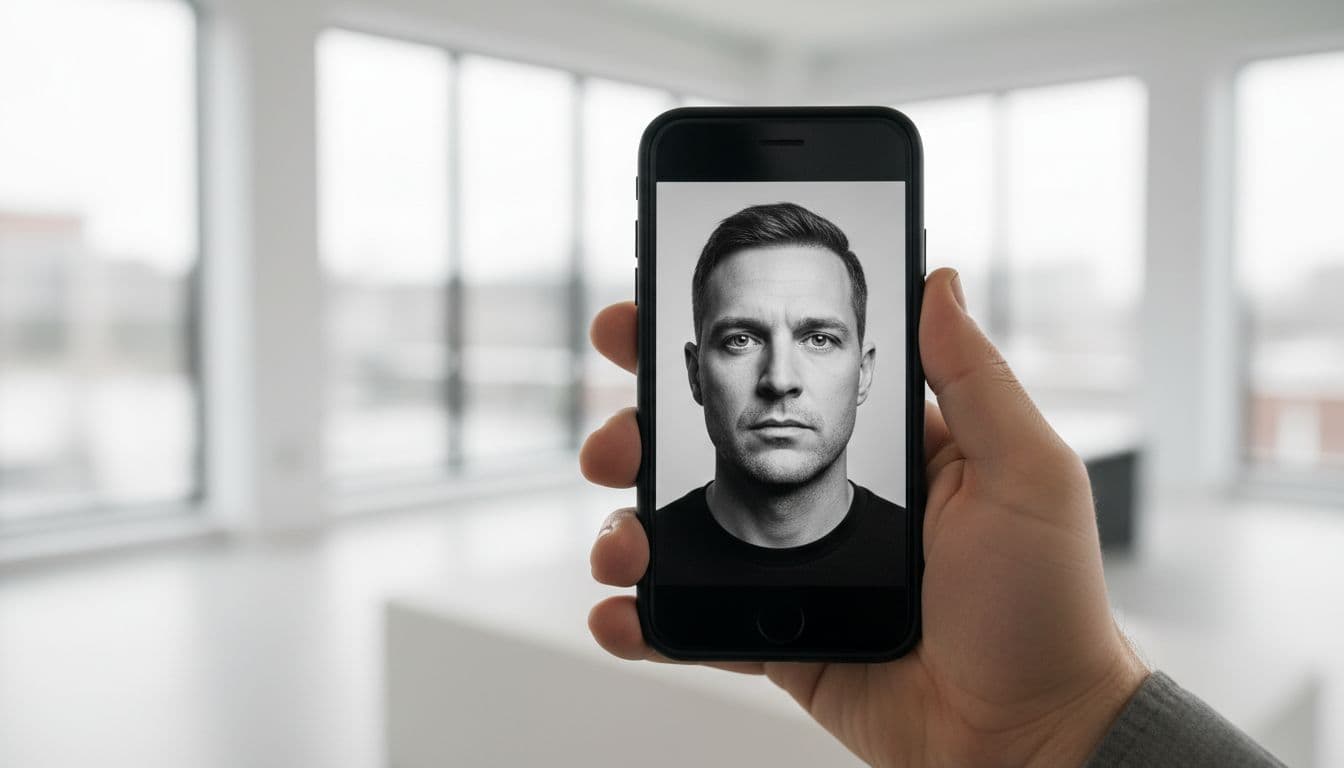
SelfAI is an AI photo studio and AI photo editor that turns your selfies into professional headshots, portraits and creative photos in minutes, on iOS and in your web browser, including a high-contrast black and white portrait style built for editorial and creator profiles.
- Black and white works best on strong contrast and a clear expression — busy or pastel-colored scenes usually still look better in color.
- A true black and white portrait is more than a desaturation filter — tonal range and contrast matter more than simply removing color.
- It suits editorial, creator and personal-branding profiles better than most corporate LinkedIn photos, where color tends to read as more approachable.
- A well-lit selfie converts far better than a dim one — monochrome punishes flat, low-contrast lighting.
- SelfAI’s monochrome preset builds a black and white portrait from a single selfie in about two minutes, alongside 30+ other styles.
What Makes a Black and White Portrait Different From a Filter
A real black and white portrait is a tonal conversion, not just a color drain. Dragging a saturation slider to zero leaves you with a flat gray photo, because it maps every color to roughly the same brightness. A proper conversion looks at how each color channel translates to gray and adjusts the contrast curve so skin, hair, fabric and background separate into distinct tones again.
That is why two black and white versions of the same photo can look completely different. One looks like a phone filter, flat and a little muddy. The other looks like it came out of a proper studio, with a face that has real depth, catchlights in the eyes, and shadows that shape the jaw instead of hiding it. If you want the background on how that tonal-conversion approach developed, Wikipedia’s overview of monochrome photography is a good non-technical starting point.
When a Black and White Portrait Works Better Than Color
Monochrome earns its place when color would otherwise be doing the wrong kind of work. A few situations where it consistently wins:
- Strong, directional light. Window light or a single soft source that carves visible shadow across the face reads as more dramatic in black and white than in color.
- A busy or mismatched background. Removing color takes a cluttered or oddly-colored backdrop out of competition with the face.
- Editorial or creative use. Author photos, press kits, portfolio sites and album art have used monochrome for decades because it signals seriousness and craft.
- Strong facial structure or expression. Sharp jawlines, deep-set eyes and confident, direct gazes tend to hold up especially well once color is removed.
When Color Is Still the Better Choice
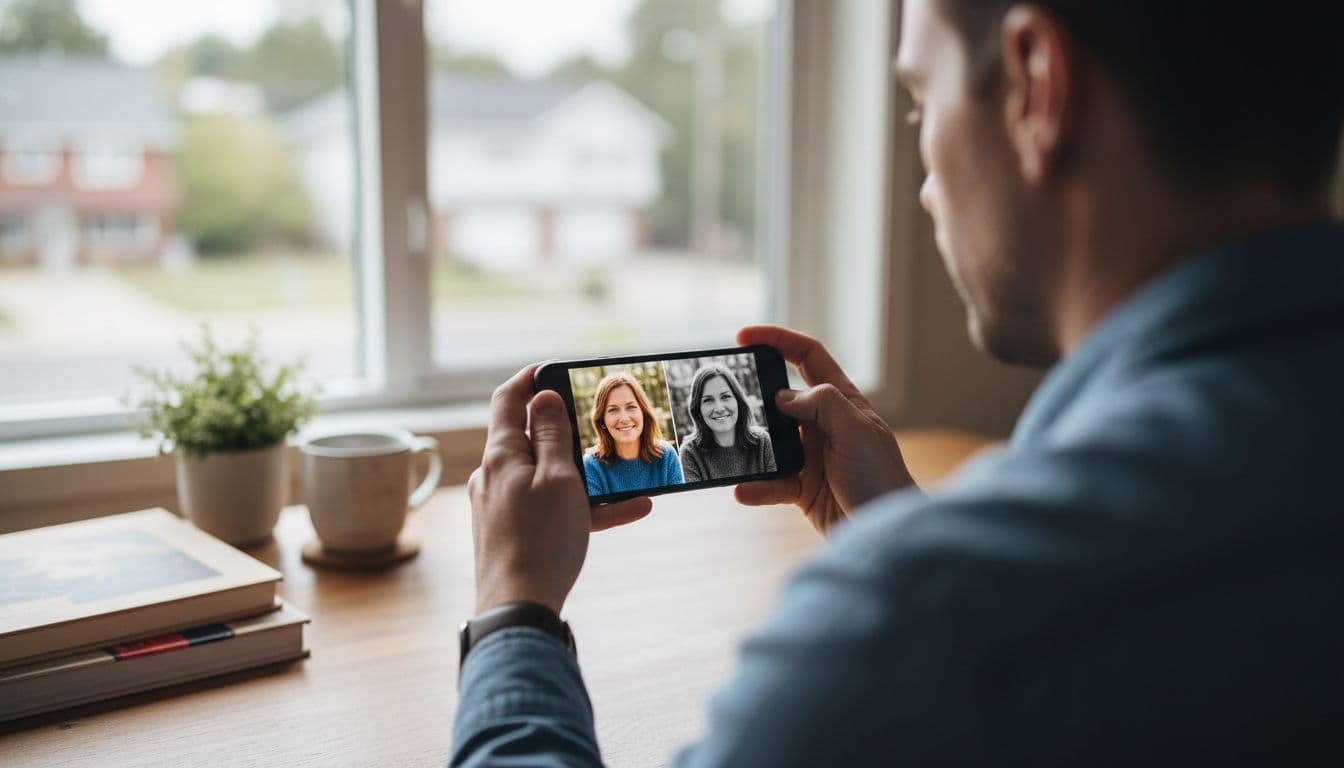
Black and white is a tool, not an upgrade, and it is worth being honest about where it falls short. Most corporate LinkedIn headshots still perform better in color, because warm skin tone reads as more approachable and color photos are simply what recruiters expect to see in a feed of otherwise-color thumbnails. Dating profiles almost always do better in color too, since a warm, natural skin tone is part of what a match is judging.
Brand or company photography that needs to show a specific wardrobe color, a logo, or a consistent color palette across a team page is another case where monochrome works against the goal. If in doubt, generate both and compare them side by side before you decide, rather than committing to one style up front.
The Technical Basics: Contrast, Tonal Range and Grain
A good black and white portrait uses the full tonal range, from a true black somewhere in the shadows to a near-white highlight, with a smooth spread of grays in between. If every tone in the photo sits in the middle of that range, the result looks flat and hazy. If shadows are crushed to pure black with no detail, or highlights are blown out with no texture, the photo loses information you cannot get back.
A touch of fine grain also helps. It is a small, subtle texture, not visible noise, and it keeps a monochrome portrait from looking artificially smooth or plastic, which is a common giveaway of a lazy conversion. Contrast, tonal range and grain are the three things worth checking before you decide a black and white result is finished. Apple’s own guide to editing photos on iPhone covers the basic crop and exposure tools worth using before any AI conversion.
How to Take (or Choose) a Selfie That Converts Well
The best starting photo for a black and white portrait is not necessarily the one that looks best in color. A few adjustments make a real difference once color is removed:
- Look for directional light. Stand beside a window rather than facing it head-on. Light from the side creates the shadow shape that gives a monochrome portrait depth.
- Skip the flat, front-facing flash or ring light. Even, shadowless lighting is great for a bright color selfie, but it leaves a black and white version looking two-dimensional.
- Choose fabric with texture. Knitwear, linen and textured collars pick up tonal detail that a smooth t-shirt does not.
- Keep makeup and retouching light. Heavy foundation flattens the small tonal shifts in skin that make a monochrome portrait feel real.
- Hold a natural, direct expression. A slight, closed-mouth expression or a confident direct gaze tends to carry more weight once color is gone.
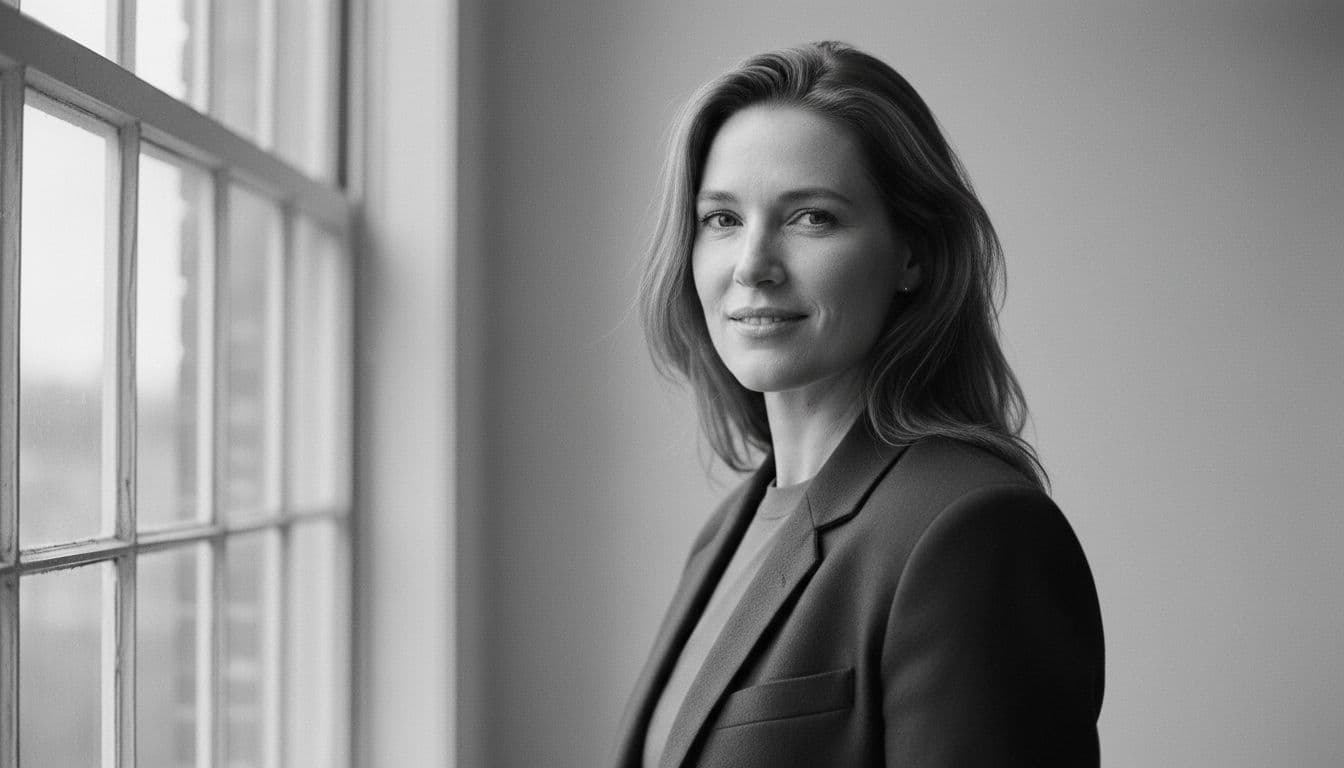
Editorial Monochrome vs. Classic Portrait: Two Different Looks
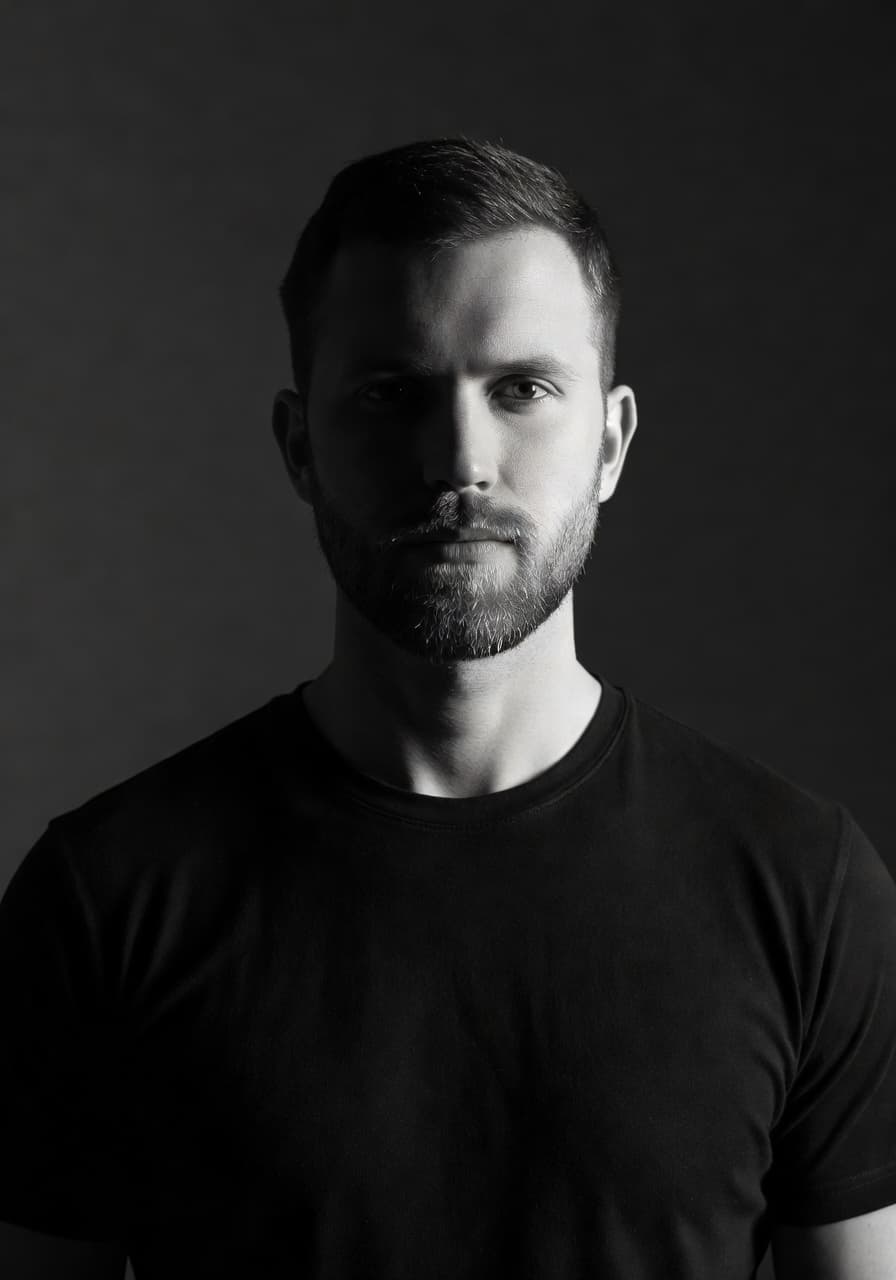
Not every black and white portrait aims for the same mood. An editorial monochrome look pushes contrast hard: deep blacks, bright highlights, and a dramatic shadow across part of the face. It borrows from fashion and magazine photography and suits creators, actors and anyone who wants their photo to feel a little bolder than average.
A classic portrait conversion is gentler. Midtones stay soft, shadows keep visible detail, and a light film-style grain replaces the crisp digital sharpness of the original. That version tends to suit author photos, About pages and anyone who wants monochrome without it feeling like a statement.
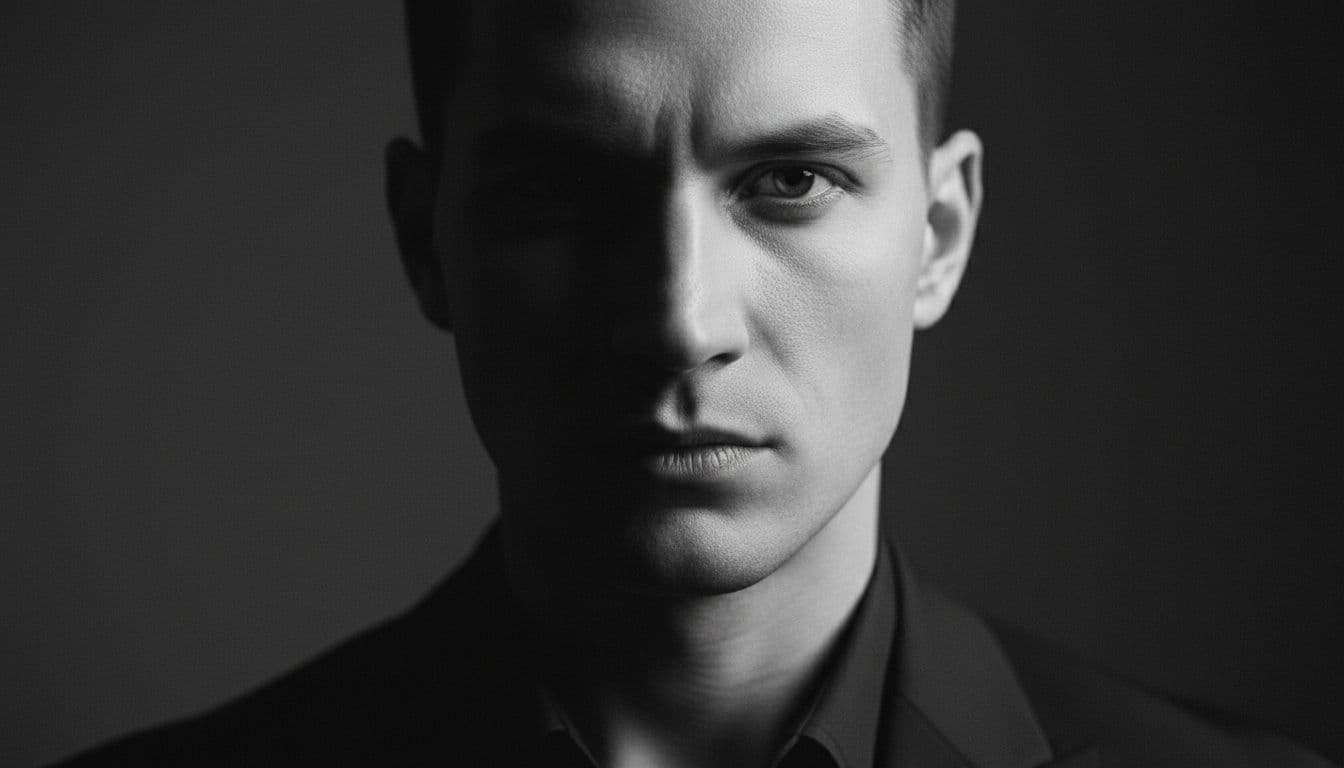
Where a Black and White Portrait Photo Works Best
The most common places we see people use a finished black and white portrait are a creator bio photo, a personal website or portfolio, an author photo for a book or newsletter, a press kit, and one deliberately different photo inside an otherwise-color Instagram grid, where the contrast makes it stand out rather than blend in.
I tested the monochrome style on three selfies taken by my own apartment window on an overcast afternoon, the kind of soft, directional light this style rewards. The two with visible shadow on one side of the face held up well once converted; the one taken facing the window head-on looked noticeably flatter, which matches exactly what the lighting advice above predicts.
How SelfAI Turns a Selfie Into a Black and White Portrait
SelfAI is an AI photo studio, AI headshot generator and AI photo editor built around one selfie at a time. Upload one or two clear photos, choose the monochrome style alongside any of the other 30+ looks, and the AI renders a full set of black and white portraits in about two minutes, on iPhone or in the SelfAI web app. It keeps your face, bone structure and hair recognizable while handling the tonal conversion, contrast and grain for you.
A fair limit worth naming: the AI is working from the light in your original selfie, so a genuinely flat, overexposed source photo will produce a flatter black and white result too. It is a strong finishing tool, not a substitute for the five minutes it takes to find better light. You can compare the monochrome style against every other option in the photo styles gallery before you commit to one for your profile. If a fully color-preserving style suits the moment better, our guides to dating profile photos with AI and the best AI headshot generator app cover when color still wins.
Frequently Asked Questions
- Is a black and white portrait more flattering than a color one?
- It depends on the light and the use. Strong directional light and a distracting background favor black and white; warm, approachable contexts like LinkedIn or dating profiles usually favor color.
- Can I turn a normal selfie into a black and white portrait with SelfAI?
- Yes. Upload one or two selfies, choose the monochrome style, and SelfAI renders a set of black and white portraits in about two minutes on iOS or the web.
- What is the difference between a black and white filter and a real monochrome portrait?
- A filter just removes color and often looks flat. A proper conversion adjusts contrast and tonal range so the face keeps depth and shape once color is gone.
- Is a black and white photo good for a LinkedIn profile picture?
- It can work for a creator or editorial-style profile, but most corporate LinkedIn headshots still perform better in color, since warm skin tone reads as approachable.
- Does the black and white style work on iPhone and in the browser?
- Yes. SelfAI’s monochrome style is available in the iOS app and in the web app, and results sync across both.
- Will a black and white portrait still look like me?
- Yes. SelfAI keeps your face, bone structure and hair recognizable and only changes the tonal conversion, contrast and grain.
Ready to Try the Black and White Portrait Style?
A black and white portrait is not a filter you apply and forget, it is a deliberate choice that rewards good light and a clear expression. Start from a selfie taken beside a window rather than facing it, and you are already most of the way to a result worth using.
SelfAI’s monochrome style turns that selfie into a finished portrait in about two minutes, so you can see exactly how it looks before deciding whether black and white or color is the better fit for your profile.

Written by
Taro Nakamura
Editor, AI Photography & Mobile Apps
Taro writes about AI photo editing, headshots and the apps that make them easy. He tests every editor he recommends on a real phone, with real selfies, and only keeps the tools that deliver results in minutes without a manual.
More articles by Taro



 Taro Nakamura