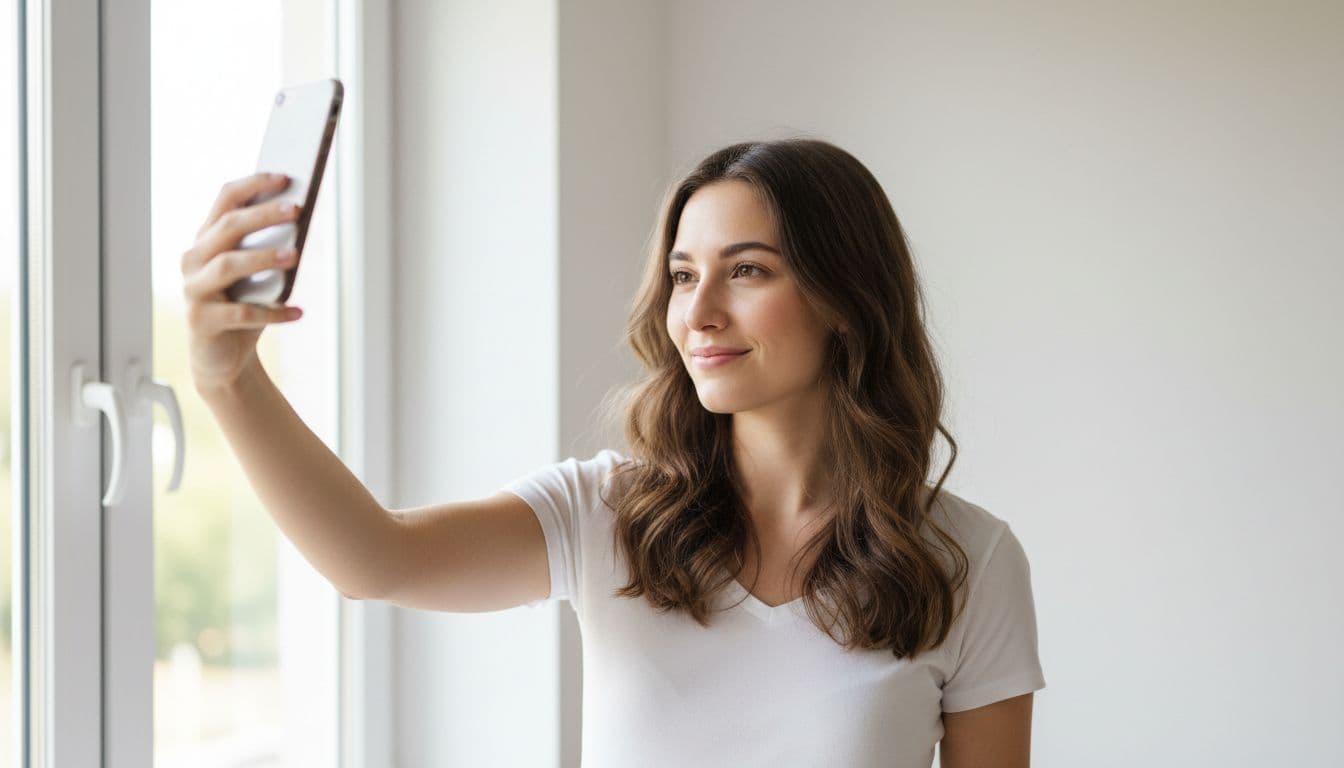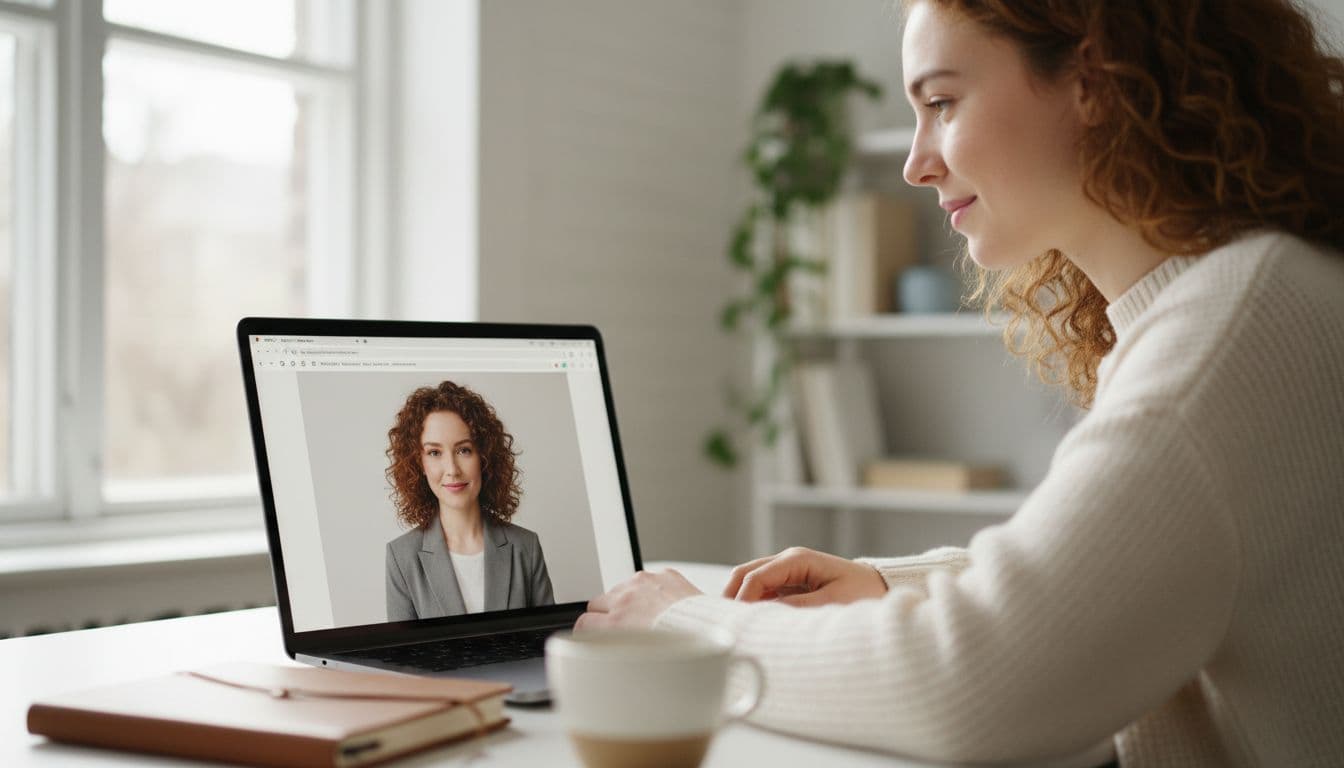
An AI headshot generator app is a piece of software that takes one or more selfies and produces polished, professional-looking portraits without a camera crew, a studio or a photographer in the room. Instead of nudging sliders for brightness or contrast, it generates a new image that keeps your face but changes the lighting, the background and often the outfit. If you have ever wondered how a five-minute phone selfie turns into something that looks like it was shot in a studio, this is the plain-language answer.
SelfAI is an AI photo studio and AI photo editor that turns your selfies into professional headshots, portraits and creative photos in minutes, on iOS and in your web browser. The rest of this guide explains the technology behind that kind of app, walks through what happens to your photo step by step, and covers what to check before you hand your face to any AI headshot generator app.
- An AI headshot generator app generates a brand-new portrait from your selfie instead of just editing the original file.
- It runs on a generative image model that has learned what faces, lighting and clothing look like from a very large number of photographs.
- Your identity, meaning your face shape, skin tone and hair, is preserved while the lighting, background and wardrobe are restyled around it.
- A good app produces a finished result in about two minutes from one or two clear selfies, with no studio visit needed.
- A trustworthy app tells you plainly what happens to your photo after you upload it, including how and when it is deleted.
What is an AI headshot generator app, exactly?
It helps to separate two very different kinds of "photo editor." A classic editor, the kind built into your phone or a desktop app, works on the pixels you already have. It can crop the photo, brighten it, smooth a blemish or blur a background, but it cannot invent anything that was not in the original shot.
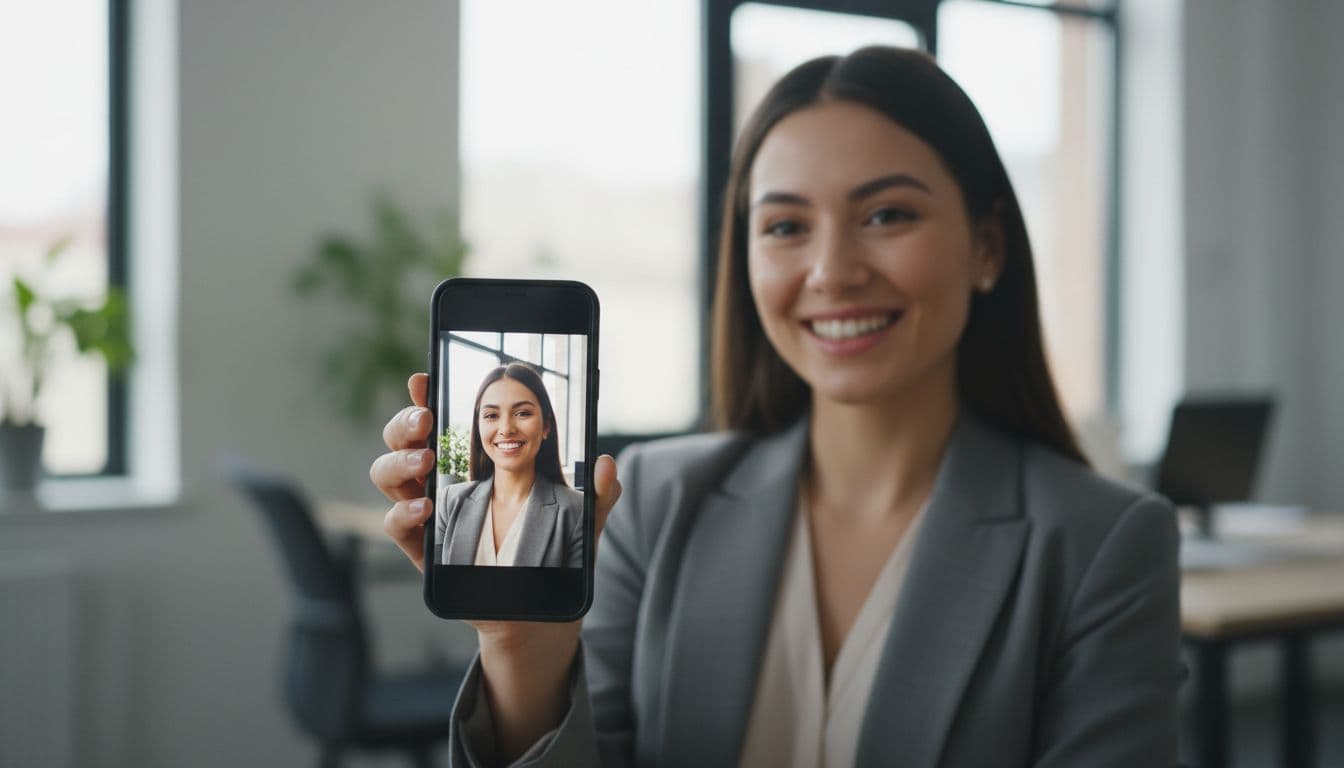
An AI headshot generator app is different. It uses a generative model, meaning a model that has been trained to create new images rather than just adjust existing ones. You give it a reference, your selfie, and it produces a new photograph of you wearing different lighting, a different backdrop and sometimes different clothing, while trying to keep the parts that make the photo recognisably you.
That is the whole trick, and also the whole risk: the app has to change enough to look professional, while changing little enough that your coworkers still recognise you on LinkedIn.
How an AI headshot generator app actually works, in plain language
Most modern AI headshot generator apps are built on a type of generative model called a diffusion model. During training, the model is shown millions of real photographs with random noise added to them, and it learns to reverse that process, step by step, until a clear image appears. Once trained, the same model can start from noise and "denoise" its way toward an entirely new photograph.
The part that matters for a headshot generator is conditioning: instead of denoising toward a random picture, the model is guided toward a picture that matches your uploaded selfie and the style you picked, such as a corporate headshot or a natural-light portrait. Your reference photo, and sometimes a short text description of the style, steer every step of that process. If you want the more technical version, Wikipedia has a solid explainer on how diffusion models work.
Two approaches are common across the category. Some apps briefly fine-tune a small, personal version of the model on your specific selfies before generating anything, which usually takes longer but can lock onto your features more tightly. Others use one general model and simply feed it your reference photo at generation time, which is faster and is why a good app can hand back finished portraits in about two minutes instead of hours.
What happens to your selfie, step by step
- You upload one or two clear selfies. Front-facing, well lit, no sunglasses or hats. This is the only raw material the model gets.
- The app reads your face as a reference. It is not "looking you up" anywhere; it is using the pixels you just gave it to understand your features for this one generation.
- You pick a style. Corporate headshot, natural light, editorial black-and-white, golden hour and so on. Each style tells the model what kind of lighting, backdrop and wardrobe to generate.
- The model generates new images. It builds a fresh photograph around your reference, aiming to keep your identity while changing everything else about the scene.
- You review and download. A responsible app shows you the real result before asking for payment, and lets you pick which versions to keep.
When I tested this with three of my own selfies taken by a window on an ordinary afternoon, the part that stood out was how little I had to do. I picked a style, waited about two minutes, and the results kept my actual hairline, my glasses and my slightly asymmetric smile, which is exactly what you want from this kind of app and exactly what a filter or a template editor cannot do, because a template editor is not generating anything new, it is just laying a graphic on top of your face.
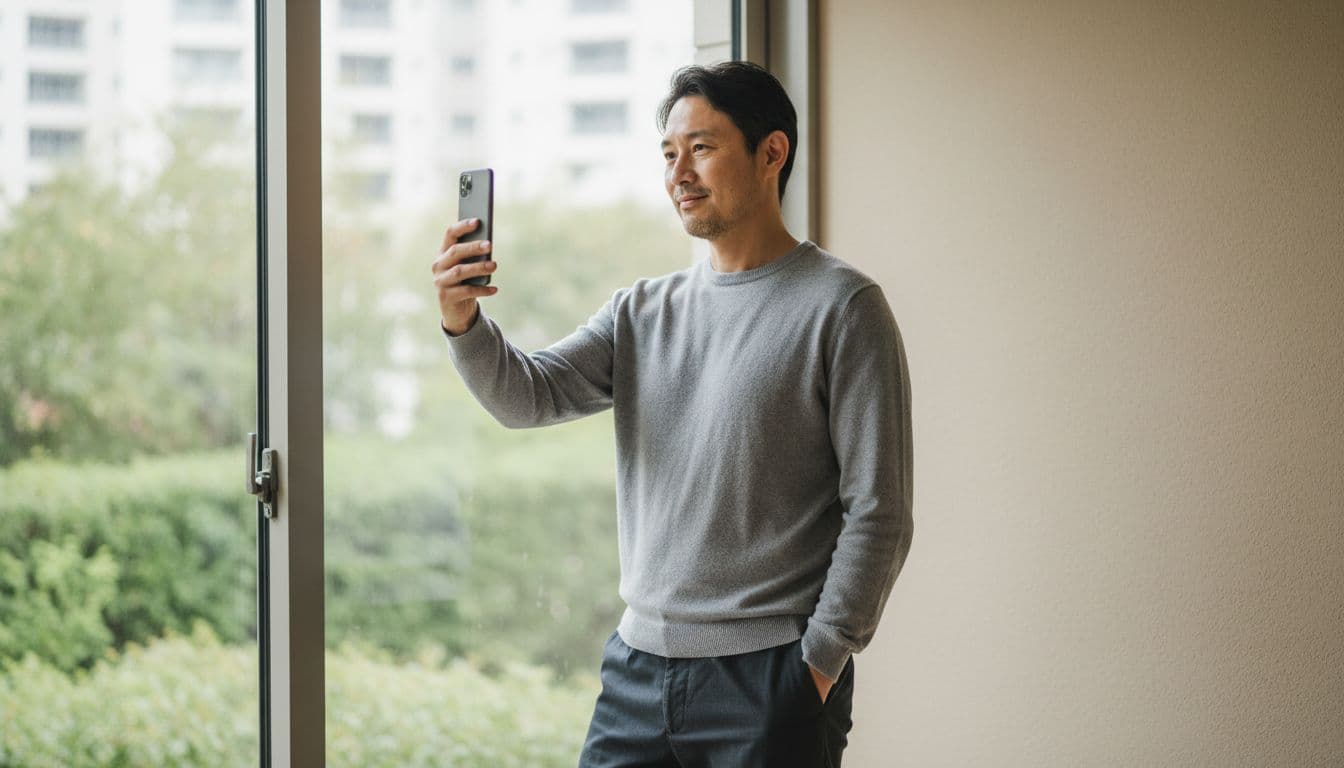
What makes an AI headshot look realistic
Realism in this context means two things at once: the photo has to look like a real photograph, and it has to look like a real photograph of you specifically. The first part is mostly a solved problem for well-built models; lighting, skin texture and fabric can look convincingly photographic. The second part, identity preservation, is where apps genuinely differ.
The models behind these apps have historically struggled with small, detailed things that sit at the edge of a photo, such as ears, hands and the exact shape of teeth, because those details vary enormously and are easy to get subtly wrong. That is improving quickly, but it is also why testing an app on your own face, rather than trusting a polished example on a landing page, is worth the two minutes it takes.

What an AI headshot generator app can't do
It is worth being honest about the edges of this technology, because the marketing rarely is. An AI headshot generator app cannot fix a selfie that is badly out of focus, taken in near darkness, or so distant that your face is a handful of pixels; the model needs real detail to work from and cannot invent features it never saw.
It also is not a substitute for an official document photo. A passport, visa or national ID photo has exact rules about background colour, expression and framing set by a government agency, and an AI-styled portrait is the wrong tool for that job; use your government's own passport-photo guidance for those. And no app, however good, can make wardrobe changes feel like trying on real fabric, or replace a photographer's ability to direct you in person during a long shoot with many outfit changes.
Privacy: what to check before you upload a selfie
Your face is personal data, and handing it to an app deserves a moment of scepticism, whichever app you choose. Before you upload anything, look for a few specific things rather than a vague promise of "we care about privacy."
- Encryption in transit. Your photo should be protected while it travels from your device to the app's servers, not just once it arrives.
- A clear retention policy. The app should say how long it keeps your photos and what "deleted" actually means.
- No surprise sharing. Your selfie should not be used to train unrelated products or handed to advertisers without you being told plainly.
- Control over exports. You decide what leaves the app and where it gets posted, not the other way around.
SelfAI publishes its own approach in the SelfAI privacy policy: uploads are encrypted in transit and kept only as long as needed to deliver your results. If you want a broader look at how platforms are expected to handle personal data like photographs, Apple's own platform security guide is a useful, non-marketing reference point.
AI headshot generator app vs. a photographer vs. a plain photo editor
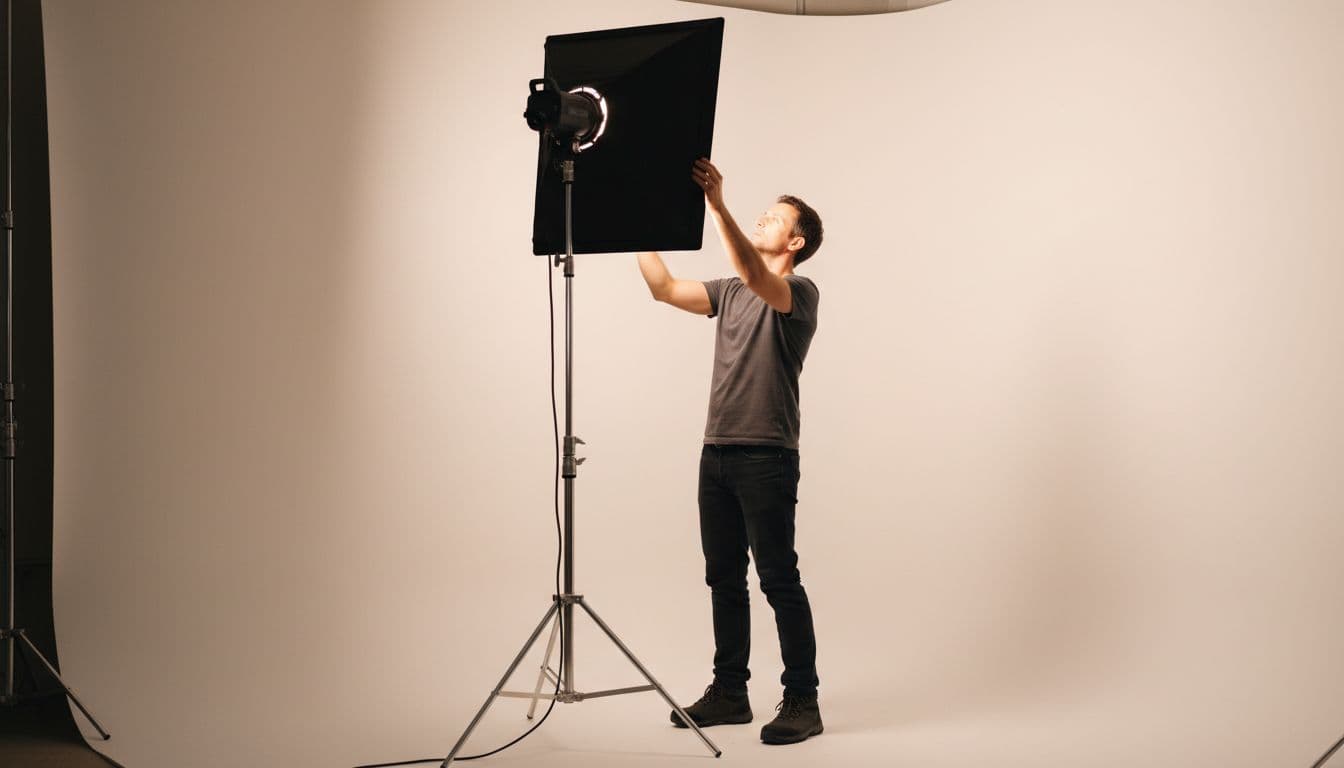
Three tools solve overlapping but different problems. A professional photographer gives you full control: you can direct the pose, change outfits between shots and get feedback in real time, but you pay for their time, usually book in advance, and travel to a studio.
A plain photo editor is fast and cheap but limited to what is already in your photo. It can crop and brighten a mediocre selfie, but it cannot add studio lighting or a new backdrop that was never there.
An AI headshot generator app sits between the two: it needs no booking, no travel and no waiting room, and it can generate lighting, backdrops and styles a plain editor never could. What it trades away, compared with a photographer, is real-time direction and the ability to try on physical wardrobe. For a LinkedIn refresh, a resume photo or a founder bio, that trade usually favours the app; for a printed campaign shoot, it usually does not.
How SelfAI approaches AI headshot generation
SelfAI is built specifically around the workflow described above, tuned for speed and for keeping your identity intact. You upload one or two selfies, choose from more than 30 photo styles in the style gallery, from corporate headshots to golden-hour portraits, and the AI photo studio renders a full set of options in about two minutes on iOS or in the web app.
The free tier lets you see a real result before you are asked to pay for anything, which matters given everything above about testing an app on your own face first. If you want to see the whole workflow in more detail, including how to pick a good input selfie, our guide on how to take a selfie for AI headshots walks through it, and our best AI headshot generator app roundup covers how SelfAI compares against the checklist in this article.
Frequently asked questions
- What is an AI headshot generator app?
- It is an app that turns a selfie into a new, professional-looking portrait using a generative image model, rather than just editing your original photo. SelfAI is one example, available on iOS and the web.
- How does an AI headshot generator app work?
- It uses a generative model, usually a diffusion model, trained on many photographs. It is guided by your uploaded selfie and chosen style to generate a new image that keeps your identity while changing the lighting, background and wardrobe.
- Is it safe to upload my selfie to an AI headshot generator app?
- It can be, if the app is clear about encryption, retention and deletion. Check the privacy policy before uploading, and prefer apps that show real results before asking for payment.
- Do I need a professional camera or studio lighting?
- No. A normal smartphone selfie taken in soft daylight is enough. The app generates the studio lighting, backdrop and styling around your existing photo.
- How long does it take to get results?
- Well-built apps, including SelfAI, typically return a full set of styled portraits in about two minutes from one or two selfies.
- Can I use the results for a passport or ID photo?
- No. Official documents have strict government rules on background, framing and expression. Use an AI headshot generator app for LinkedIn, resumes and profile pictures, and your government's own guidance for passport or ID photos.
Try it on your own selfie
The clearest way to understand an AI headshot generator app is to see what it does with a photo of your own face, not a stranger's example on a landing page. Pick a selfie taken in decent light, choose a style you would actually use, and judge the result the way you would judge any photographer: does it look professional, and does it still look like you?
SelfAI lets you do exactly that in about two minutes, on iPhone or in your browser, with a free tier that shows you a real result before anything else is asked of you.

Written by
Taro Nakamura
Editor, AI Photography & Mobile Apps
Taro writes about AI photo editing, headshots and the apps that make them easy. He tests every editor he recommends on a real phone, with real selfies, and only keeps the tools that deliver results in minutes without a manual.
More articles by Taro
 Taro Nakamura